ValueJet 1304 Service manual
5-15 AP-74109 Rev 1.1
5.5.4 Sensor Menu
This menu displays the sensor status on the operation panel.
If the displayed sensor status does not match the actual machine status, replace or adjust the relevant sensor
referring to the table below.
• For the following sensors, the sensor sensitivity is displayed in decimal number.
• P_EDGE sensor
• P_REAR sensor
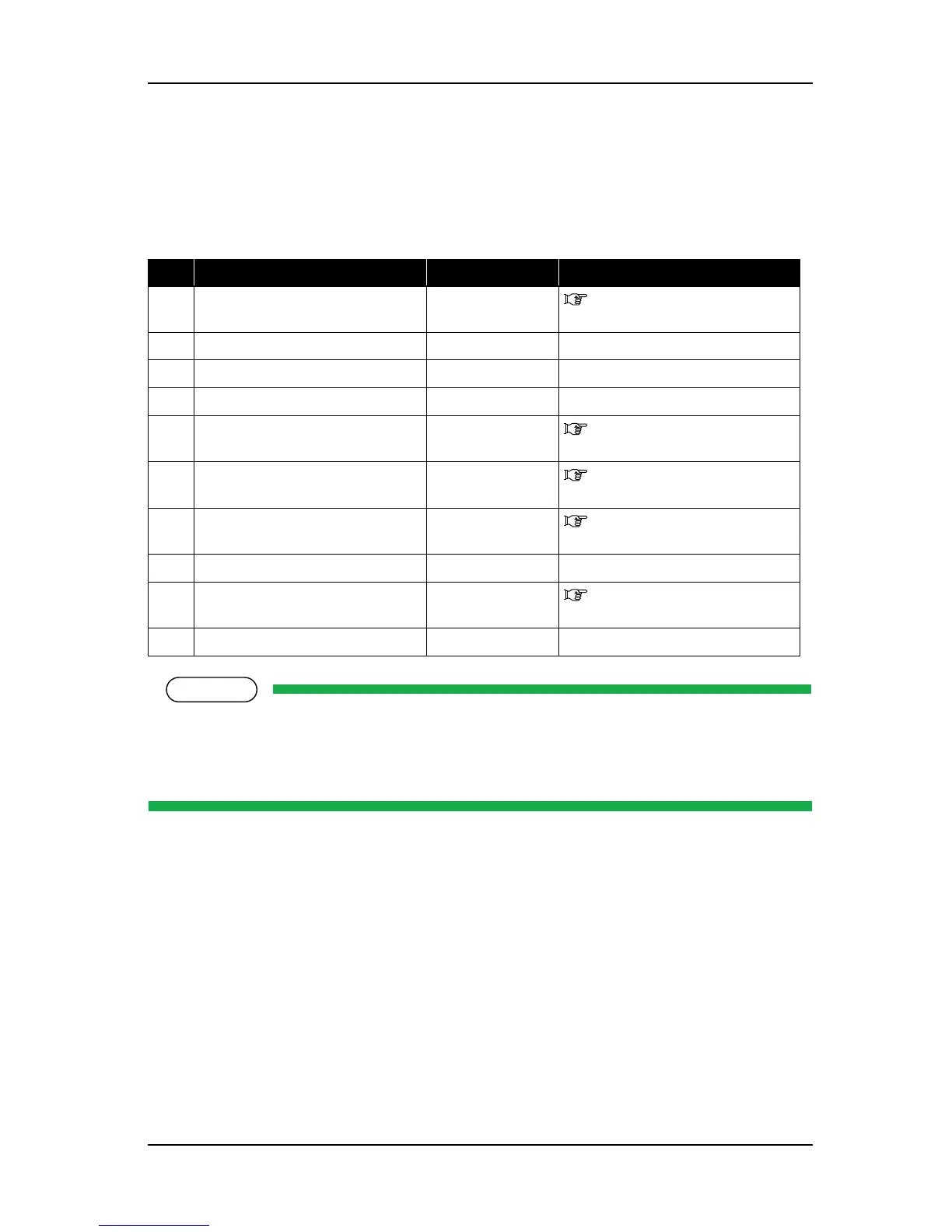
Table 5-2 Inspection Items in Sensor Menu
No. Sensor name Status in display Reference
1 CR_HP sensor ON / OFF "4.5.2 Replacing CR Origin
Point Sensor" p.4-52
2 Waste fluid tank sensor ON / OFF
-
3 Wiper sensor ON / OFF
4 Cover sensor Open / Close
-
5 Lever sensor Up / Down "4.5.3 Replacing Lever Sensor"
p.4-54
6 P_EDGE sensor 0 to 255 "7.11.1 P_EDGE Sensor
Sensitivity Adjustment" p.7-45
7 P_REAR sensor 0 to 255 "7.11.2 P_REAR Sensor
Adjustment" p.7-48
8 Headgap Low / High
-
9 Head ** ºC "4.6.1 Replacing Print Head"
p.4-61
10 Transistor1, 2 ** ºC
-















 To Next Page