3.8.12 Replacing Mini Latch 128
3.8 Replacing Cursor section VJ628XE-M-00
3.8.12 Replacing Mini Latch
● Tools & Jigs & Maintenance part
This section describes the procedure to replace the maintenance part, Mini Latch S
Assy.In this section, it is reffered to as Mini Latch.
Name No. Remarks
Mini Latch S Assy DG-44689 Exploded View Cursor
Phillips screwdriver No.2 Generic
products
-
1 Removing R Side Cover.
3.2.2 Removing Side Cover
2 Release the Carriage Lock.
3.8.1 Releasing Carriage Lock
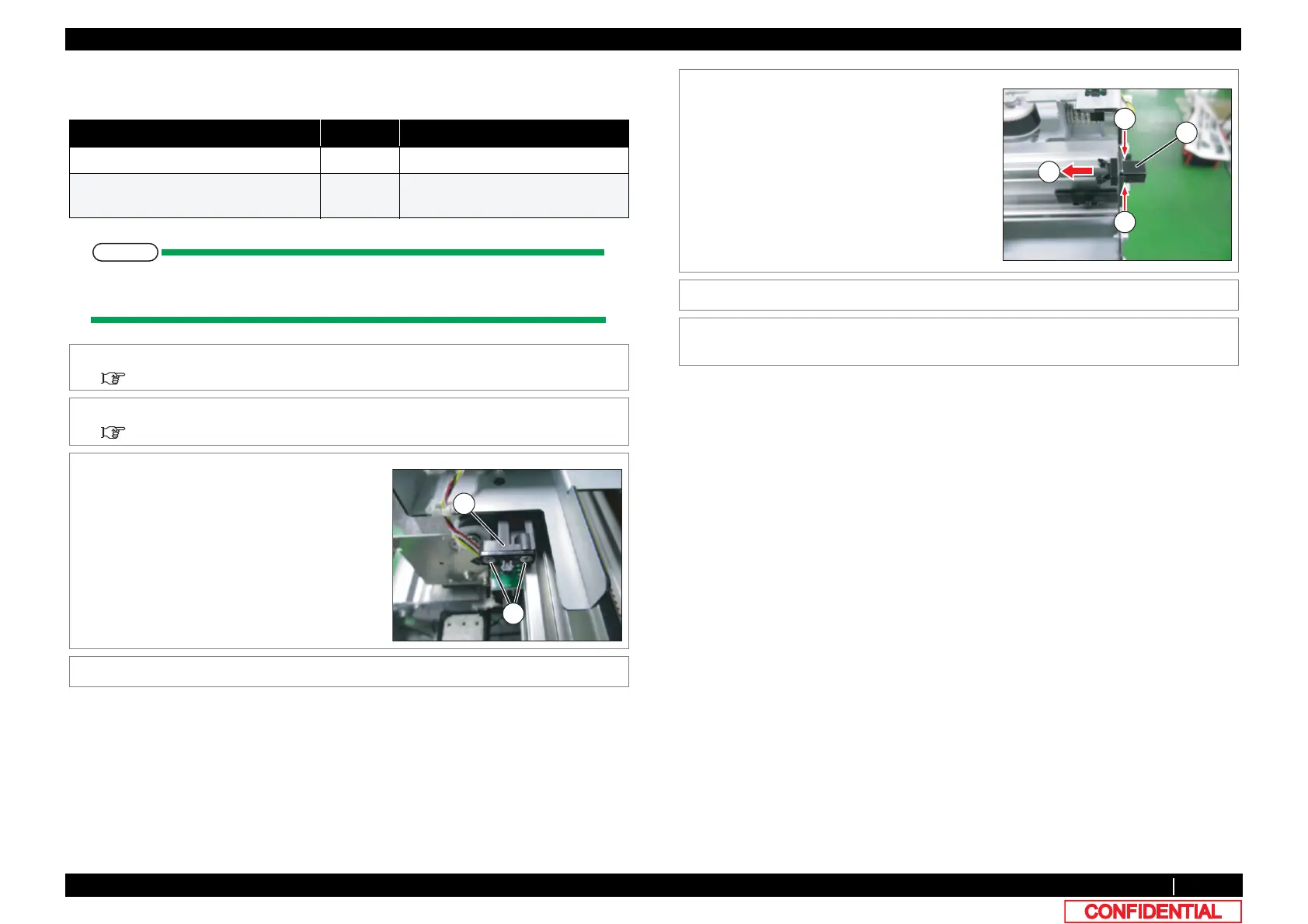
3 Remove the screws (2 pieces) retaining Mini
Latch.
A : Countersunk head screw M2.5x4
B : Mini Latch
4 Remove Mini Latch.
5 Remove Mini Latch from sheet metal, pushing
the tab of Mini Latch.
A : Mini Latch(receiver)
B : tab
C : removing direction
6 Replace Mini Latch.
7 To reassemble unit, reverse the removal
procedure.







 To Next Page