3.10.5 Replacing Wiper Solenoid 161
3.10 Replacing Maintenance VJ628XE-M-00
3.10.5 Replacing Wiper Solenoid
● Tools & Jigs & Maintenance part
Since ink may drip, work covering with a waste clothes etc. downward.
This section describes the procedure to replace the maintenance part, Wiper
Solenoid SDC630KG.
In this section, it is referred to as Wiper Solenoid.
Name No. Remarks
Wiper Solenoid SDC630KG DG-41090 Exploded View Maintenance
Phillips screwdriver No.2 Generic
products
-
longnose pliers for removing a spring pin
1 Removing R Side Cover.
3.2.2 Removing Side Cover
2 Remove Top Cover.
3.2.1 Removing Top Cover
3 Move Carriage to the left side of Origin.
3.8.1 Releasing Carriage Lock
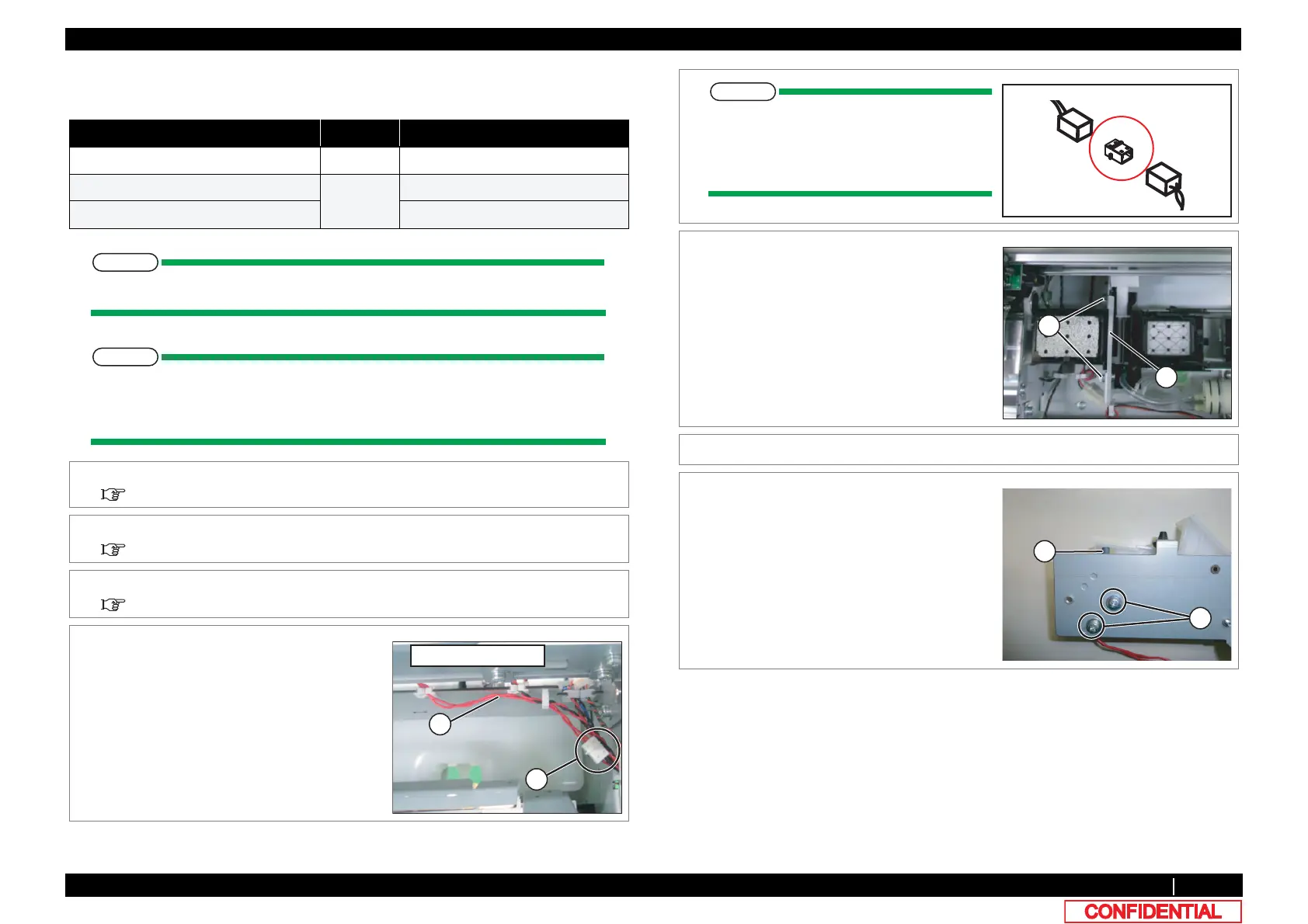
4 Remove Wiper Solenoid Relay Cable from
Wiper Solenoid.
A : the cable of Wiper Solenoid
B : Connecting point
B
A
DCEMUKFGQH/CKPVGPCPEG
Solenoid and Media thickness detection
sensor relay cable are connected in the
post header assembly. Please do not lose
the post header assembly
5 Remove the screws (2 pieces) retaining Wiper
holding plate.
A : Wiper holding plate
B : Tapping screw M3 x 6 S tight cup
6 Remove Wiper holder plate (Wiper Assy).
7 Remove the screws(2 pieces) retaining Wiper
Solenoid.
A : Pan-head screw with spring washer and
flat washer M3x5
B : Wiper Solenoid
B
A
A
B















 To Next Page