4.3.20 Terminating Application 228
4.3 Working with MUTOH Service Assistance Software VJ628XE-M-00
4.3.20 Terminating Application
This section describes the procedure to terminate this application.
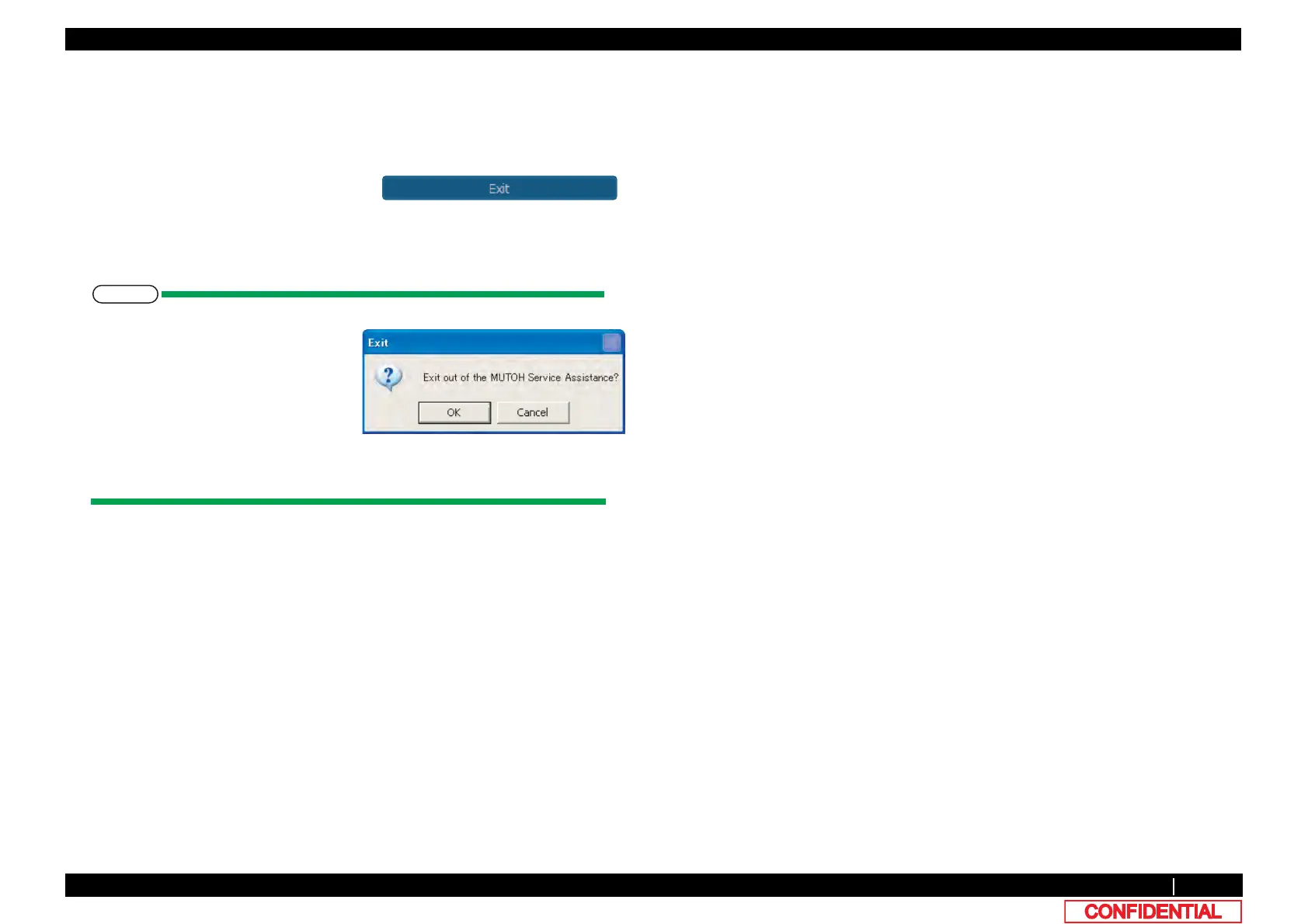
1 Click [Exit] on the main window or Click [×]
on the right top corner of the window to
terminate this application.
*Detail in [Setup] - [Option] shall be saved
and shall be effected when the application
starts next time.
• Only when [Exit] is clicked, [Exit]
message box appeared.
• When MSA starts next time, user mode shall be on. To switch the mode to
Technician mode, proceed log in operation again.















 To Next Page