4.7.1 Head Alignment (Horizontal Slant) 232
4.7 Head Adjustment VJ628XE-M-00
4.7 Head Adjustment
4.7.1 Head Alignment (Horizontal Slant)
This section describes the procedure to adjust the head slant in the horizontal direction.
When you have removed and installed the print head, such as for print head replacement,
always adjust the head slant following the steps below.
● Tools & Jigs
• Using the adjustment pattern when setting 8 colors.
• Adjustment procedure is the same as 4 color setting, 6 color setting and 8 color
setting.
• Adjust the horizontal height of the head alignment before adjusting the vertical
alignment slant of head alignment.
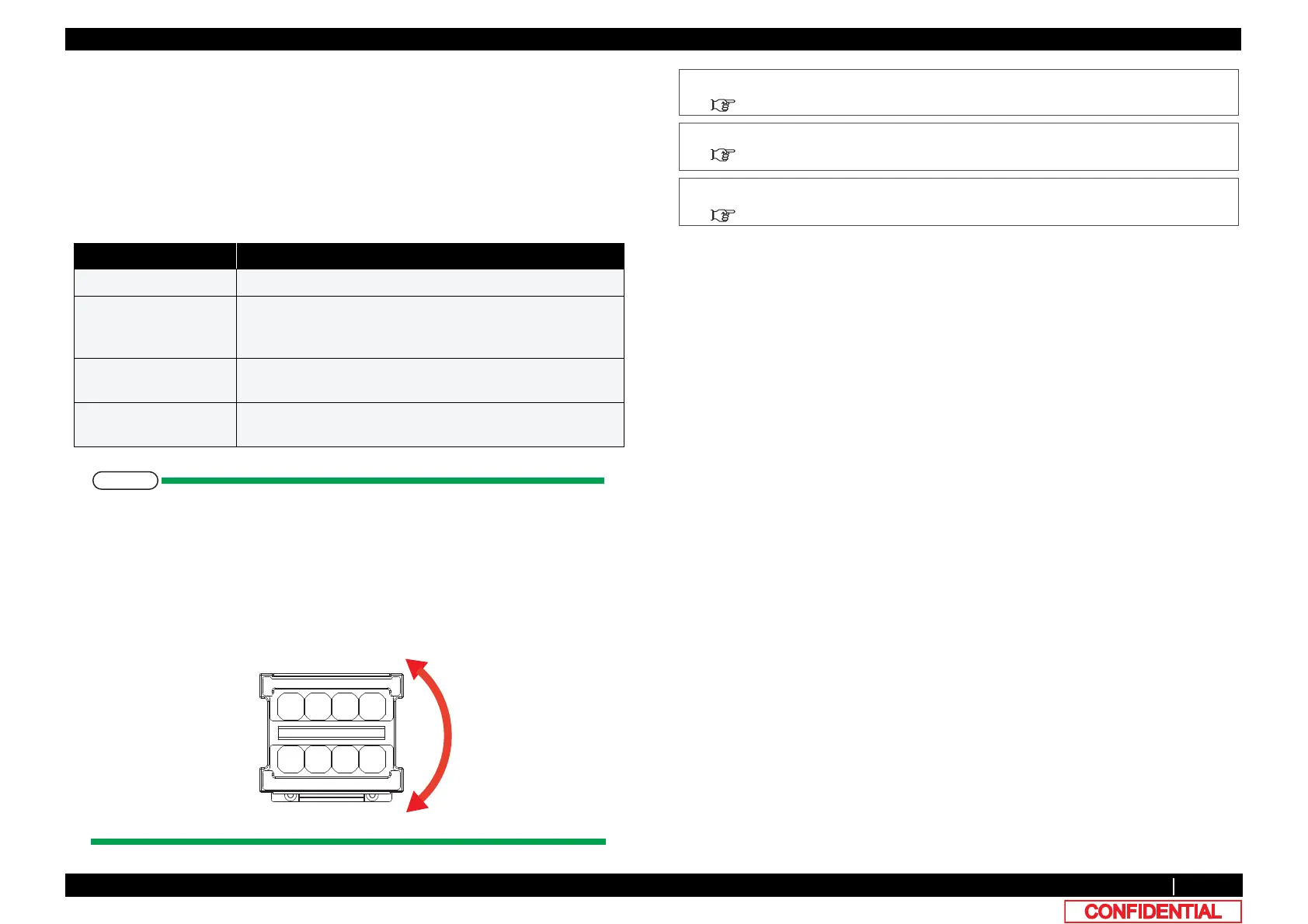
• In this procedure, the print head will be aligned in the directions (horizontal slant)
shown below.
• Designation of the head nozzles are as follows.
Name Remark
Phillips screwdriver No.2 generic product
hex wrench
(2.5mm)
generic product
For screws retaining Head base, with shaft length of 150mm
or longer and not L-shaped
Loupe generic product
For confirming Adjust pattern
Penlight generic product
For confirming Adjust pattern
1 Remove R Side Cover.
"3.2.2Removing Side Cover
2 Release Carriage lock.
"3.8.1Releasing Carriage Lock
3 Remove Carriage cover.
"3.8.2Removing Carriage Cover















 To Next Page