3.5.12 Replacing JUNC_ID Cable 88
3.5 Replacing Board Base section VJ628XE-M-00
3.5.12 Replacing JUNC_ID Cable
● Tools & Jigs & Maintenance part
Unplug Power cable set before replacing parts. There may be a risk of electric shock
by standby electricity.
This section describes the procedure to replace the maintenance
part,JUNC_IDCable Assy and JUNC_ID Cable 2 Assy. In this section, it is referred
to as JUNC_ID Cable
Name No. Remarks
JUNC_ID Cable Assy DG-44717 Exploded View Board Box
(for R)
JUNC_ID Cable 2Assy DG-44718 Exploded View Board Box
(for L)
Phillips screwdriver No.2 Generic
products
-
1 Remove Top Cover.
3.2.1 Removing Top Cover
2 Replace R Side Cover or L Side Cover.
3.2.2 Removing Side Cover
3 Removing Pump Stay.
3.11.1 Removing Pump stay
This procedure is needed for replacing R-
side.
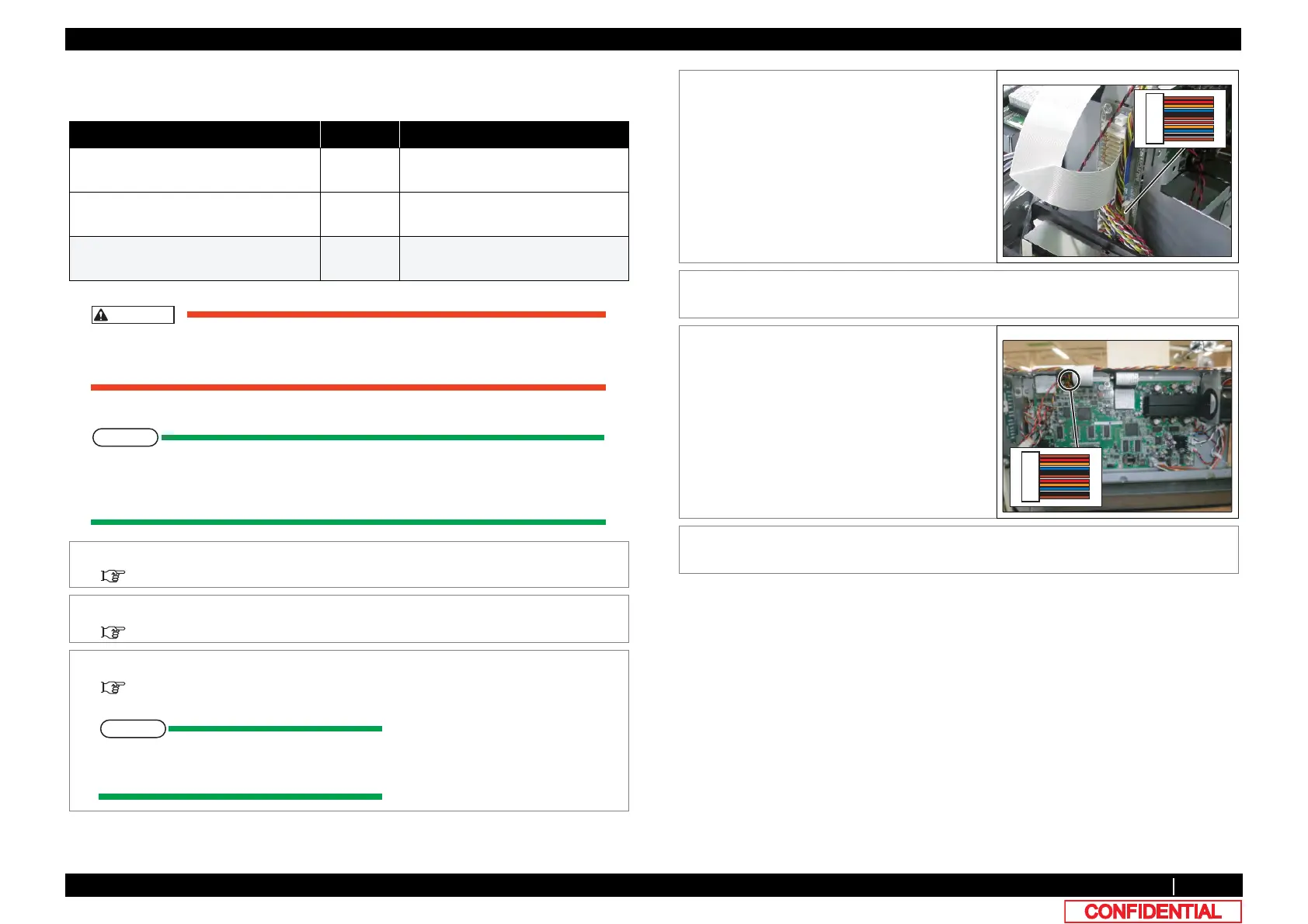
4 Remove JUNC_IDCable from JUNCTION
board.
5 Remove JUNC_ID Cable from clamps on the
path.
6 Remove JUNC_IDCable from MAIN board.
R side: J21
L side: J22
7 To reassemble unit, reverse the removal
procedure.
,





 To Next Page