5.3.1 Operating Self-Diagnosis Mode 248
5.3 Operations in Self-Diagnosis Mode VJ628XE-M-00
5.3 Operations in Self-Diagnosis Mode
This section explains how to operate in the self-diagnosis mode as well as providing the list
of available diagnosis items.
5.3.1 Operating Self-Diagnosis Mode
Follow the flow shown below to operate the self-diagnosis mode.
For more detailed operation procedure, refer to the flow chart of the applicable
diagnosis items.
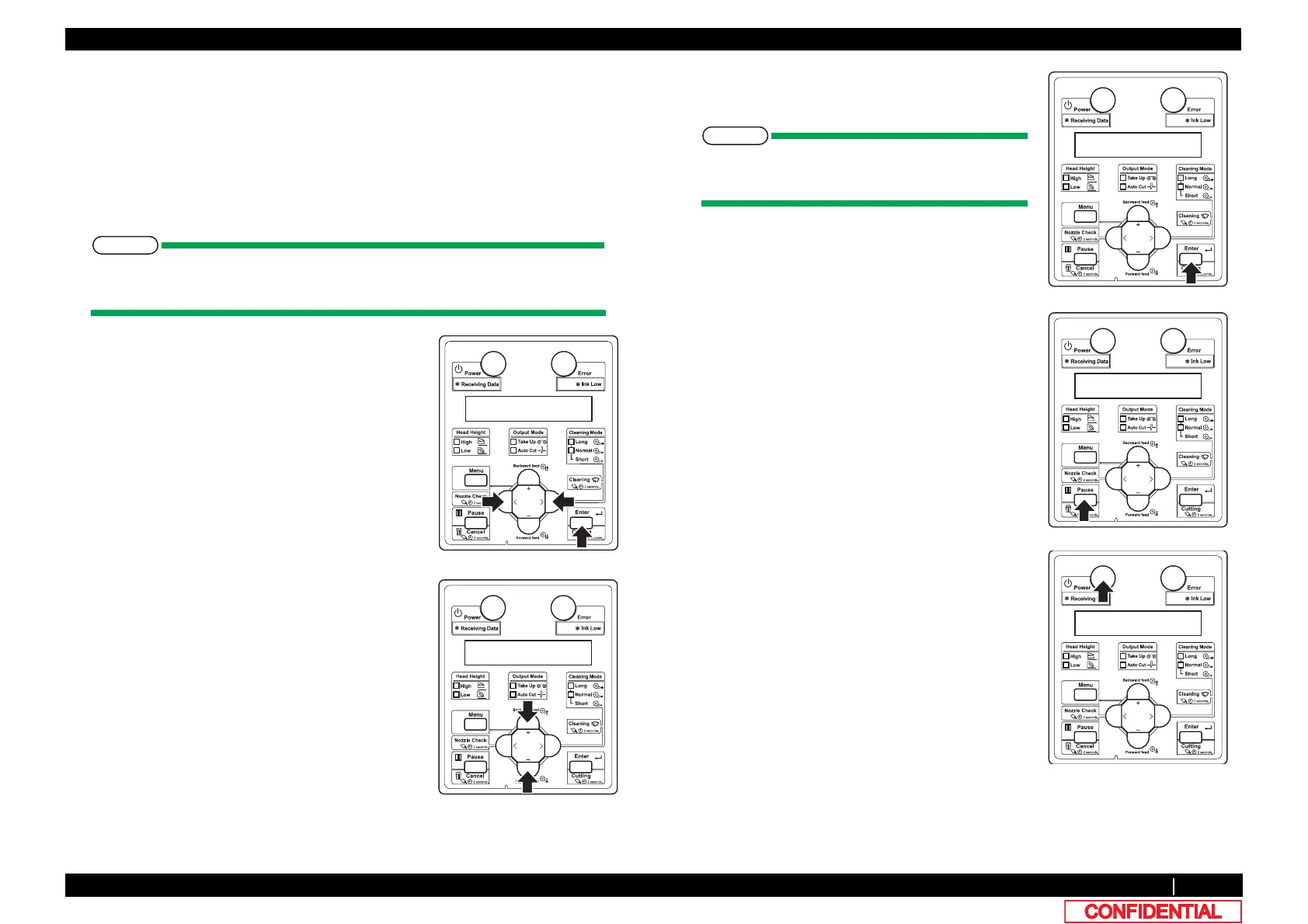
1 Press [<] key or [>] key on Operation panel to select
the item to be diagnosed, and press [Enter] key.
• The selected item is accepted.
• If the item has a sub menu, the sub menu is
displayed.
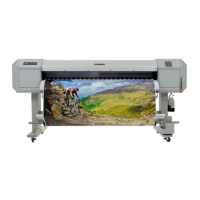
2 When the LCD monitor on Operation panel indicates
a setting value, the value can be modified.
Press [+] key or [-] key on Operation panel to modify
the value.
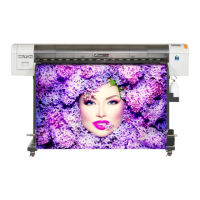
3 To save the modified value, press [Enter] key on
Operation panel.
If you press [Cancel] key, instead of [Enter] key,
the modification is not stored.
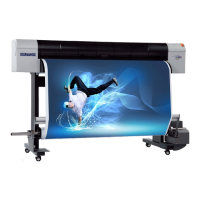
4 To quit the diagnosis, press [Cancel] key on
Operation panel.
*The system returns to an upper hierarchy of the
diagnosis menu.
5 To exit the self-diagnosis menu, press [Power] key.





 To Next Page