3.5.3 Replacing IL Dummy Cable Assy 78
3.5 Replacing Board Base section VJ628XE-M-00
3.5.3 Replacing IL Dummy Cable Assy
● Tools & Jigs & Maintenance part
• Before replacing Board Assy and pulling or pushing cables, unplug Power cable
and leave it for a while.
If operating with Power cable still plugged, Board may be damaged or operators
may get an electric shock by residual electric charge.
• When you handle Circuit board, do not touch any elements on it with bare hands.
Doing so may cause electrostatic discharge and damage the elements.
Name No. Remarks
IL Dummy Cable Assy DG-44713 Exploded View Board Box
Phillips screwdriver No.2 Generic
products
-
1 Remove Top Cover.
3.2.1 Removing Top Cover
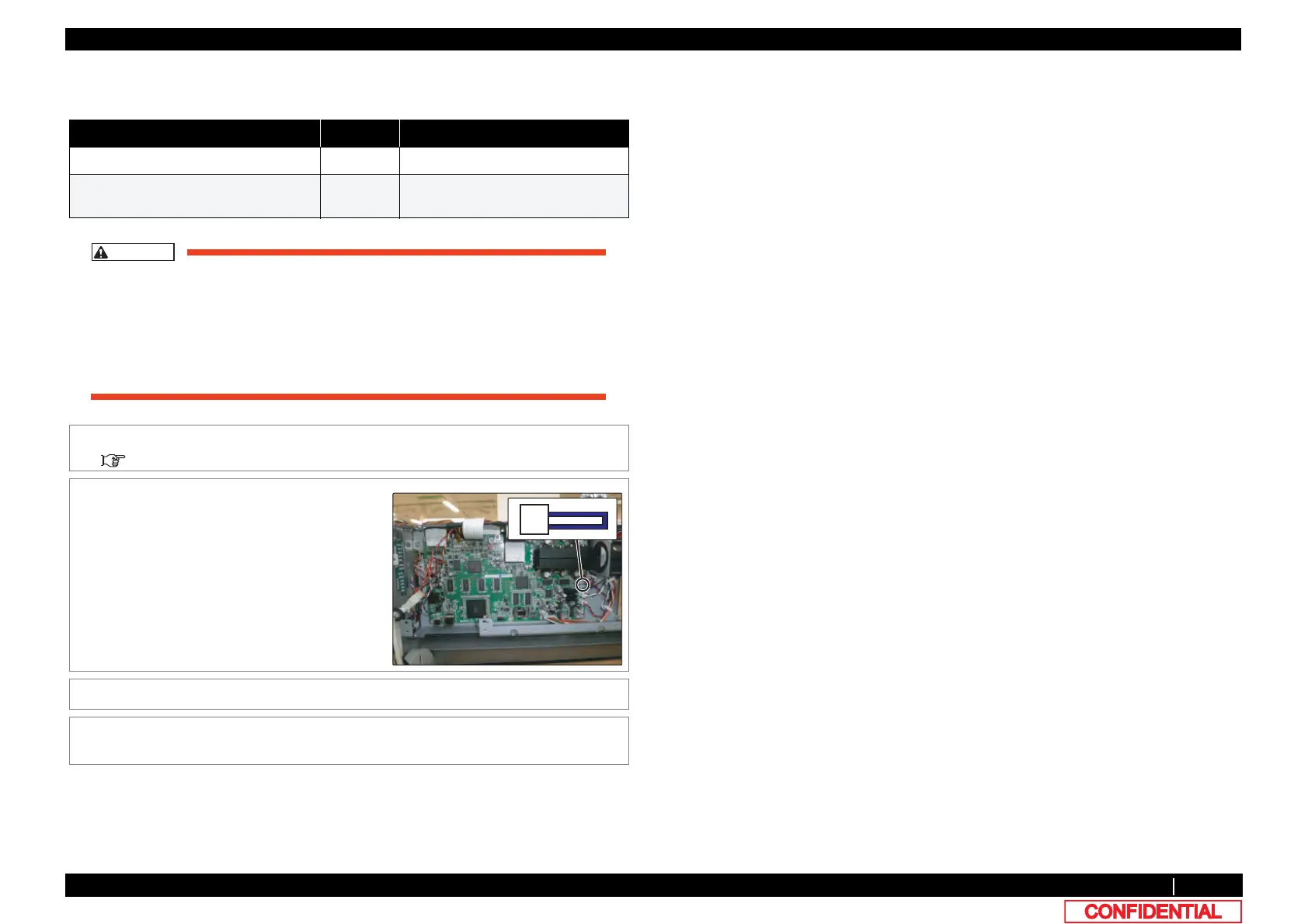
2 Remove IL Dummy Cable Assy from MAIN
Board.
3 Replace IL Dummy Cable.
4 To reassemble unit, reverse the removal
procedure.















 To Next Page