3.3.1 Replacing Panel Board 67
3.3 Replacing Cover section VJ628XE-M-00
3.3 Replacing Cover section
3.3.1 Replacing Panel Board
● Tools & Jigs & Maintenance part
Before replacing Panel Board Assy, unplug Power cable and leave it for a while.If
operating with Power cable still plugged, Board may be damaged. or operators may
get an electric shock by residual electric charge.
Name No. Remarks
Panel Board Assy DG-44726 Exploded View Cover
Phillips screwdriver No.2
Generic
products
-
Phillips screwdriverNo.1 -
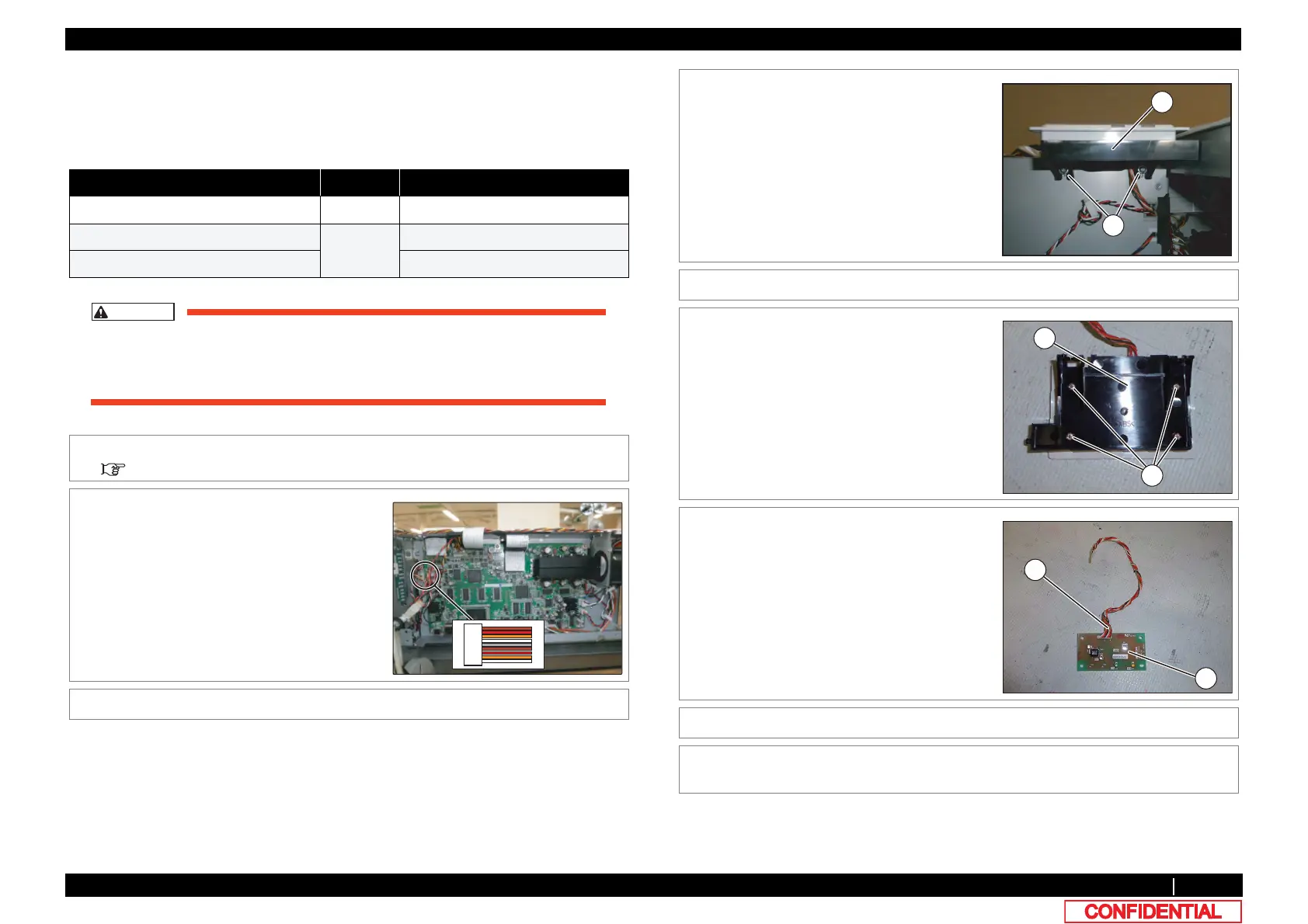
1 Remove Top Cover.
3.2.1 Removing Top Cover
2 Remove Switch Panel Cable Assy from MAIN
Board.
3 Remove the cable from the claps on the path.
4 Remove the screws (2 pieces) retaining SW
Panel Bottom.
A : SW Panel Bottom
B : Tapping screw M3x8 S Tight cup
5 Remove SW Panel Bottom.
6 Remove the screws retaining Panel Board
Assy.
A : Switch Panel Bottom
B : P tight pan M3x12
7 Remove Switch Panel Cable Assy from MAIN
PANEL Board Assy.
A : Switch Panel Cable Assy
B : PANEL Board Assy
8 Replace Panel Board Assy.
9 To reassemble unit, reverse the removal
procedure.















 To Next Page