5.6.12 Solid Print Menu 313
5.8 Sample printing Menu VJ628XE-M-00
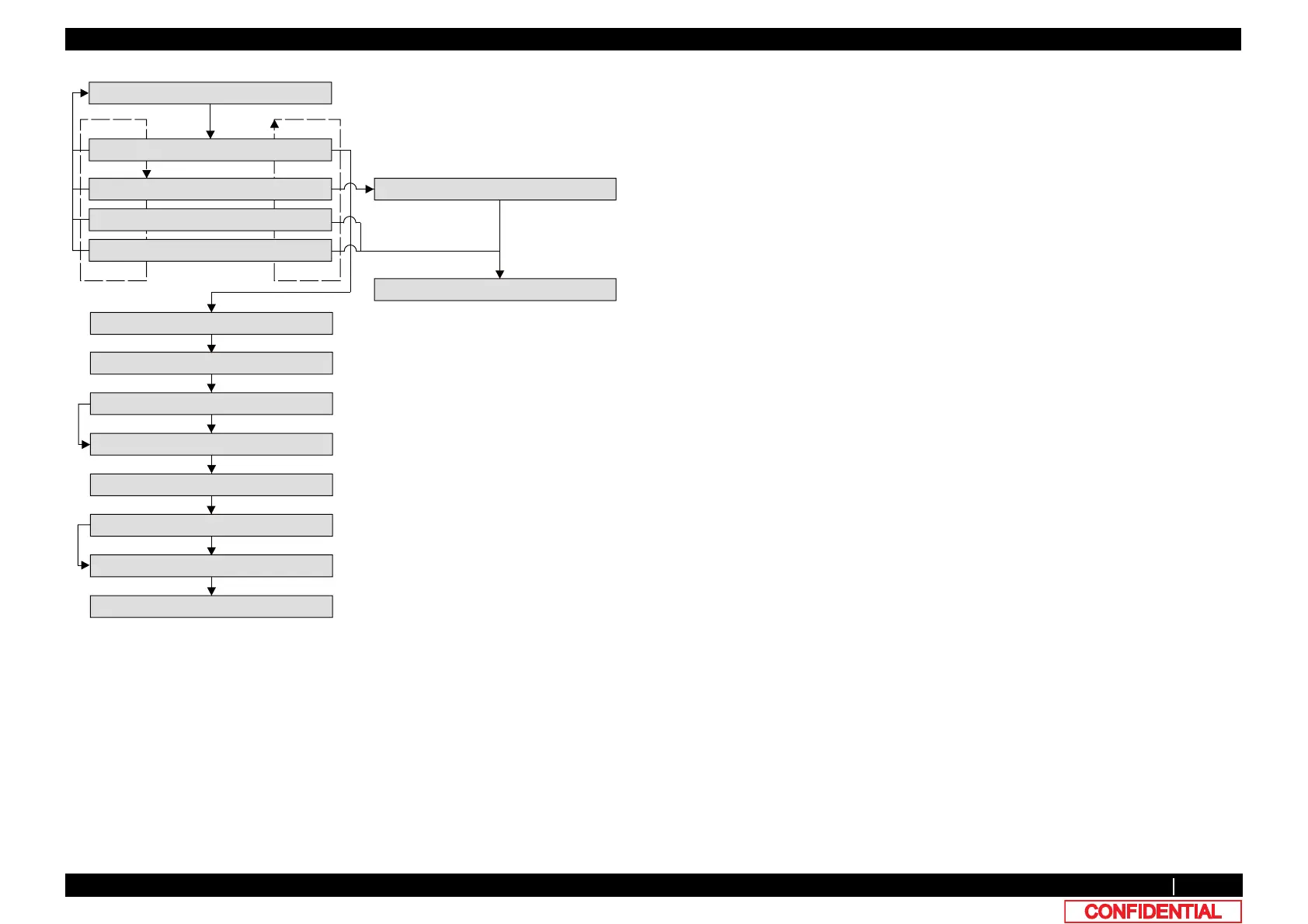
[Cancel]
㹁㹦㹣㹡㹩ࠉ㸳㸸㹎㹰㹧㹬㹲
㹎㹰㹧㹬㹲㸯㸸㸿㹢㹨㹳㹱㹲ࠉ㸿㹊㹊
㹎㹰㹧㹬㹲㸰㸸㹎㹟㹰㹟㹫㹣㹲㹣㹰㸿㹊㹊
㹎㹰㹧㹬㹲㸱㸸㹊㹭㹤ࠉ㹇㹬㹤㹭㸬
㹎㹰㹧㹬㹲㸲㸸㹑㸭㹁ࠉ㹊㹭㹥ࠉ㹇㹬㹤㹭㸬
[>]
[<]
[Enter]
㸿㹢㹨㹳㹱㹲㹫㹣㹬㹲ࠉ㹎㹰㹧㹬㹲
[Cancel]
Head height in the case of High
Head height in the case of Low
[Cancel]
㹑㹣㹲ࠉ㹋㹣㹟㹢㹧㹟
㸿㹢㹨㹳㹱㹲㹆㹣㹟㹢ࠉ㹅㹟㹮
㹕㹟㹰㹫㹧㹬㹥ࠉ㹓㹮㸸㹎㹰㹣ࠉ㸱㸶ࢎ㹁
㸿㹢㹨㹳㹱㹲㹫㹣㹬㹲ࠉ㹎㹰㹧㹬㹲
㸿㹢㹨㹳㹱㹲㹆㹣㹟㹢ࠉ㹅㹟㹮
㸿㹢㹨㹳㹱㹲㹫㹣㹬㹲ࠉ㹎㹰㹧㹬㹲
㹕㹟㹰㹫㹧㹬㹥ࠉ㹓㹮㸸㹎㹰㹣ࠉ㸲㸯ࢎ㹁
㹎㹰㹧㹬㹲㸯㸸㸿㹢㹨㹳㹱㹲ࠉ㸿㹊㹊
㸿㹢㹨㹳㹱㹲㹎㹟㹰㹟㹫㹎㹰㹧㹬㹲
[Enter]
[Enter]
㸦After warming up is complete㸧
㸦After warming up is complete㸧
㸦After Printing㸧
㸦After Printing㸧
㸦Set Head height to Low㸧
㸦Set Head height to high㸧
When the temperature is below the temperature
set in user mode.
Press [Cancel] to cancel the wait control for
warming up and start printing.
When the temperature is below the temperature
set in user mode.
Press [Cancel] to cancel the wait control for
warming up and start printing.
[Enter]







 To Next Page