Interrupt a job
Introduction
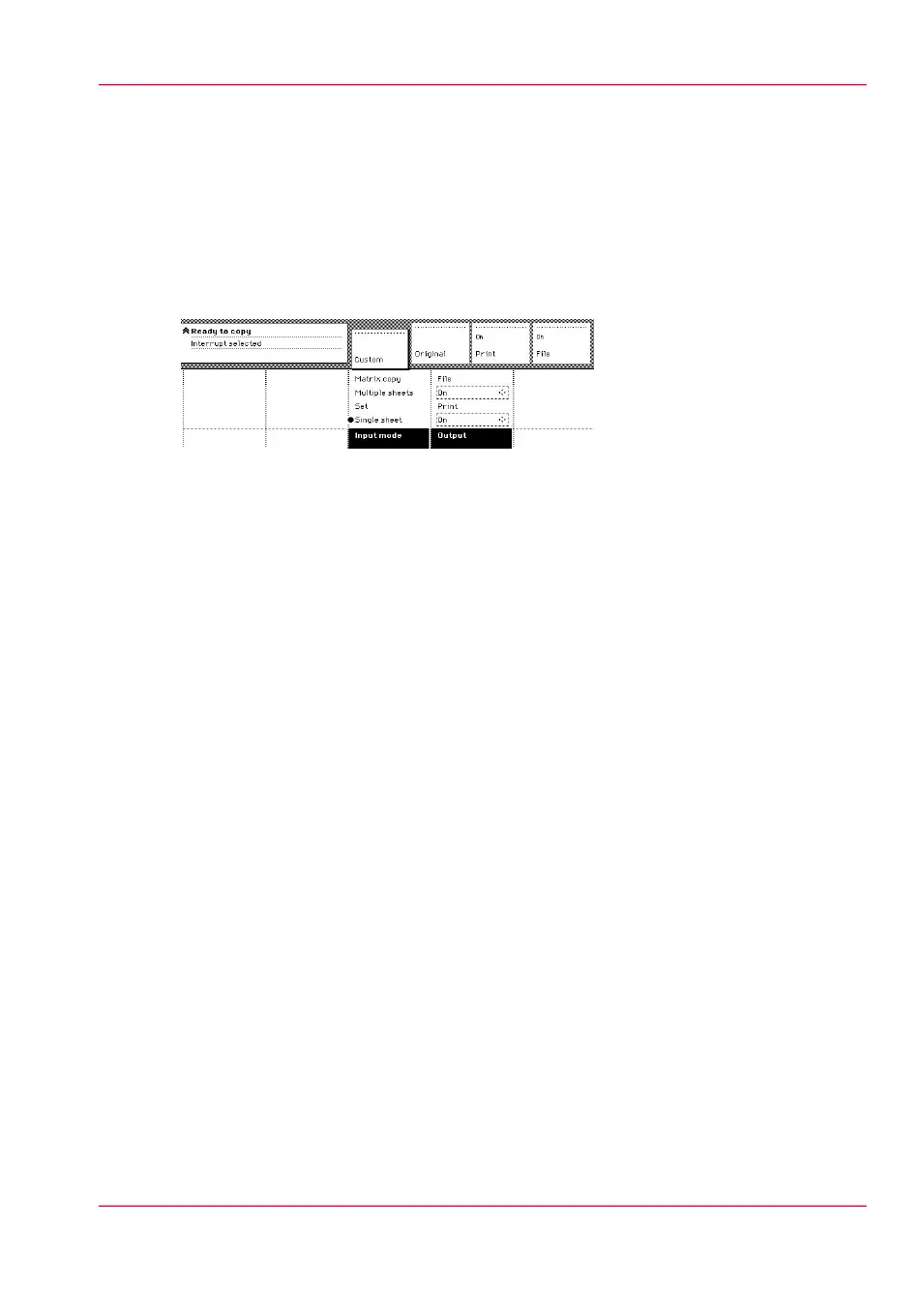
Press the Job interrupt key on the scanner operator panel to give extra priority to a copy
job. When you press the Job interrupt key, your copy job will be placed at the top of the
printing queue. When you select Job interrupt, a message appears on the scanner panel
display.
The print process will be interrupted after the current page is printed. The transport of
originals on the scanner will not be interrupted.
How to interrupt a job
1.
Press the Job interrupt key on the Scanner operator panel. The printer interrupts the active
job and stops after the current page is printed.
The Jobs - Queue displays the interrupt job in the print queue at the active job position.
2.
Make copies (see ‘Make copies’ on page 158).
3.
Press the Job interrupt key again to do another interrupt job.
Collect the output and press the Exit interrupt button at the Jobs - Queue to continue
with the interrupted job.
Chapter 5 - Use the Océ PlotWave 900 scanner to copy 167
Interrupt a job



 To Next Page