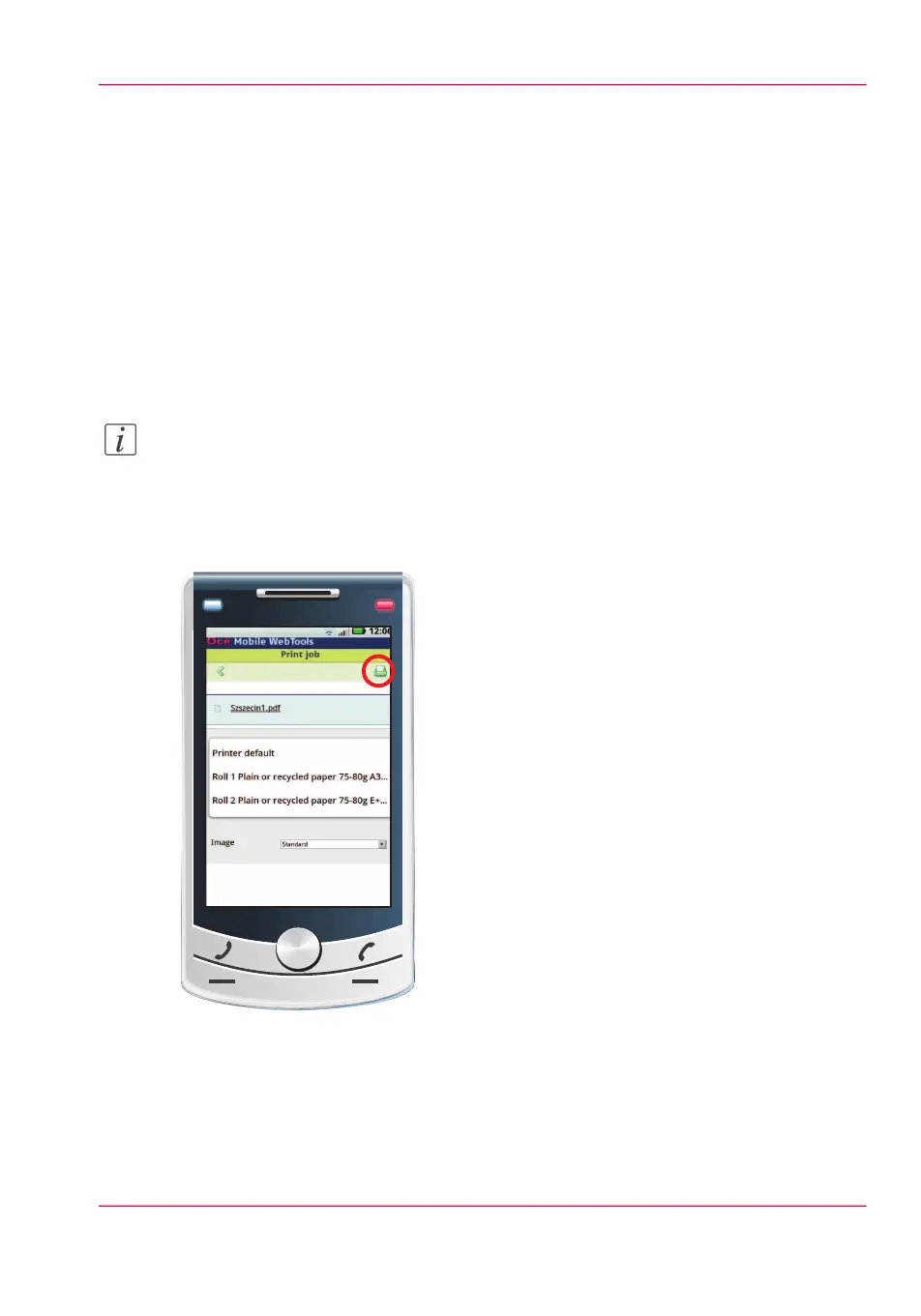
Print from your mobile device
Introduction
If you have access to Océ Mobile WebTools you can print a file from your mobile device
on the Océ PlotWave 900 .
Before you begin
Make sure you have a working connection. For more information, see ‘Connect your mobile
device to Océ Mobile WebTools’ on page 205.
Note:
You can navigate in a file repository on your mobile device. If needed, install a file ex-
plorer application. For more details, refer to the Océ website.
Illustration
[135] Print from your mobile device
Select and print a file
1.
Open Océ Mobile WebTools on your mobile device.
2.
Go to the 'Print' section and select 'New job'.
Chapter 7 - Use Océ Mobile Printing and Scanning 207
Print from your mobile device



 To Next Page