How to clear a media jam in the folder
Remove a media jam in the first fold section of the folder
1.
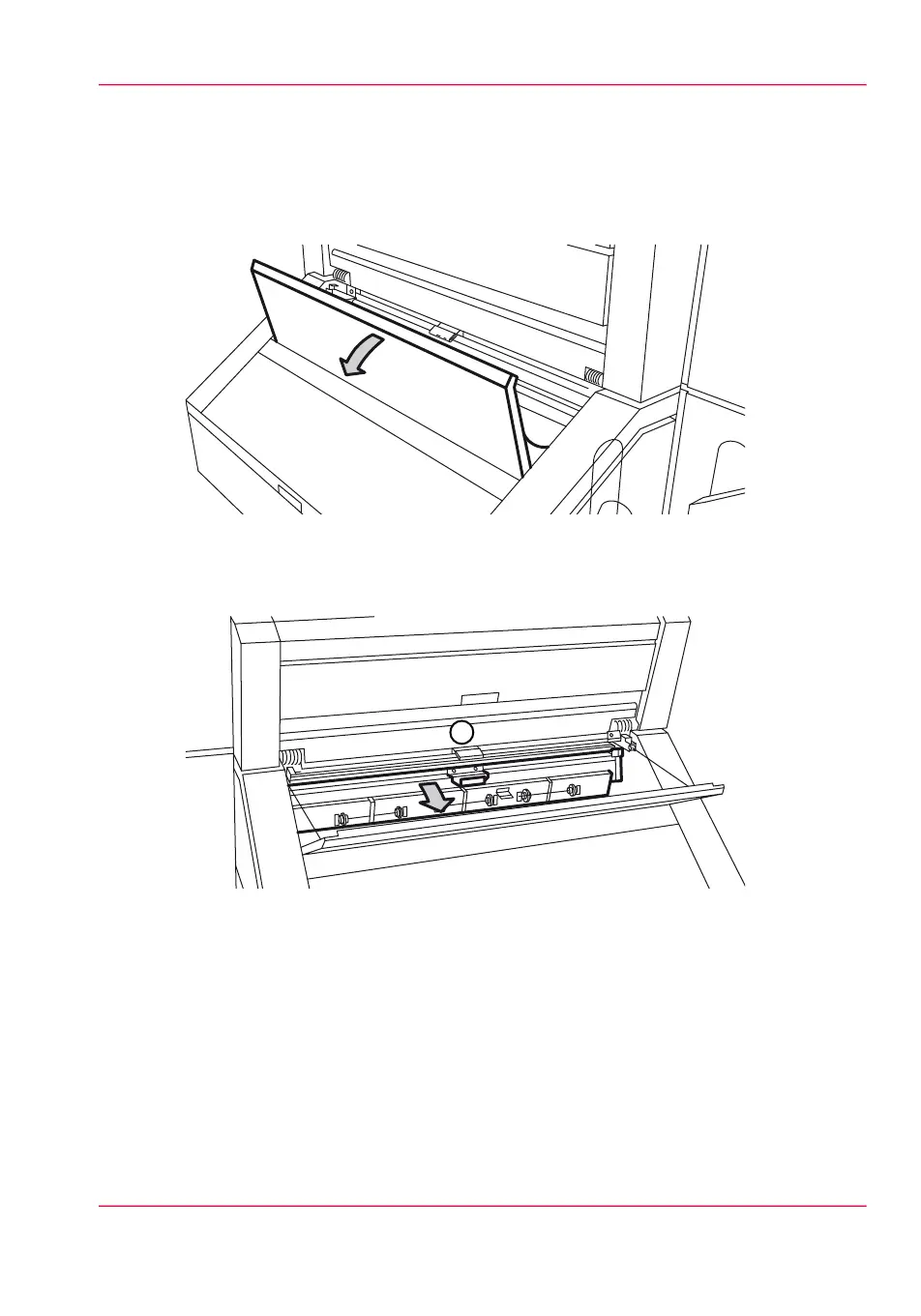
Open the cover of the first fold section.
[232] The cover of the first fold section
2.
Pull the green lever of the guide plate (A) to the first fold section to open the first fold
section.
[233] The guide plate A of the first fold section
3.
Remove all the pieces of material.
Chapter 12 - Solve problems 313
How to clear a media jam in the folder



 To Next Page