The copy size
Introduction
The copy width depends on the selected roll and the custom-defined scan width. The
copy length depends on the selected cut option.
Copy non-standard size originals
1.
Select 'auto roll' on the printer operator panel. The scanner scans wider than the original.
No information is lost.
2.
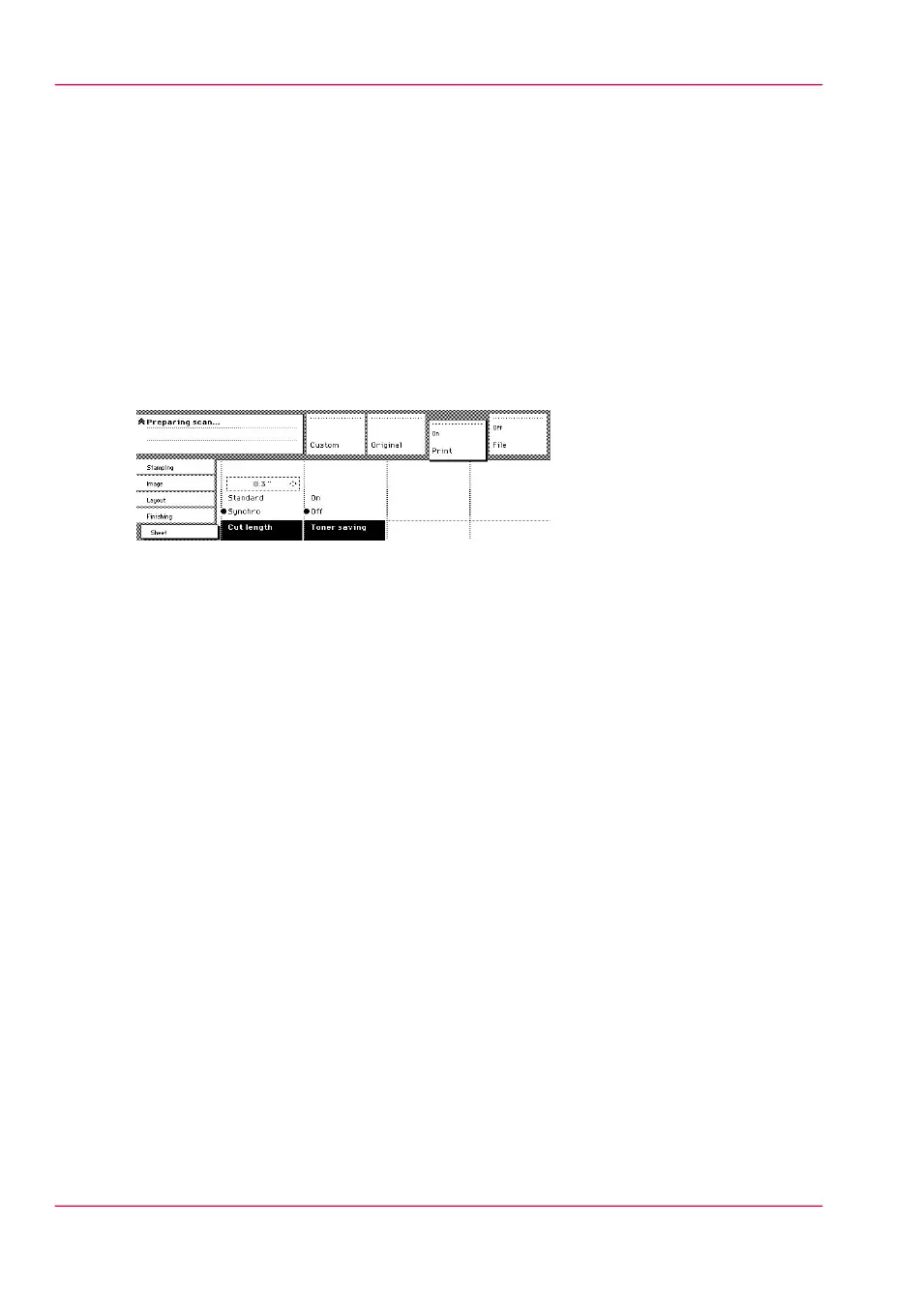
Open the 'Sheet' card in the 'Print' section on the scanner operator panel.
3.
Press the 'Cut length' function key to select the required cut option:
•
Standard, the print length corresponds to a standard format, depending on the media
width. Information loss may occur when 'Standard cut' is used.
•
Synchro, the system cuts at the measured length of the original times the zoom factor.
The minimum length is 279 mm or 11 inches. No information loss occurs when
'Synchro cut' is used.
•
Custom (numeric), which cuts copies at a specified length. You can define the copy
length yourself using the arrow keys or the numeric keys.
4.
Feed the original.
5.
Press 'Start'.
Chapter 8 - Special copy and scan jobs214
The copy size



 To Next Page