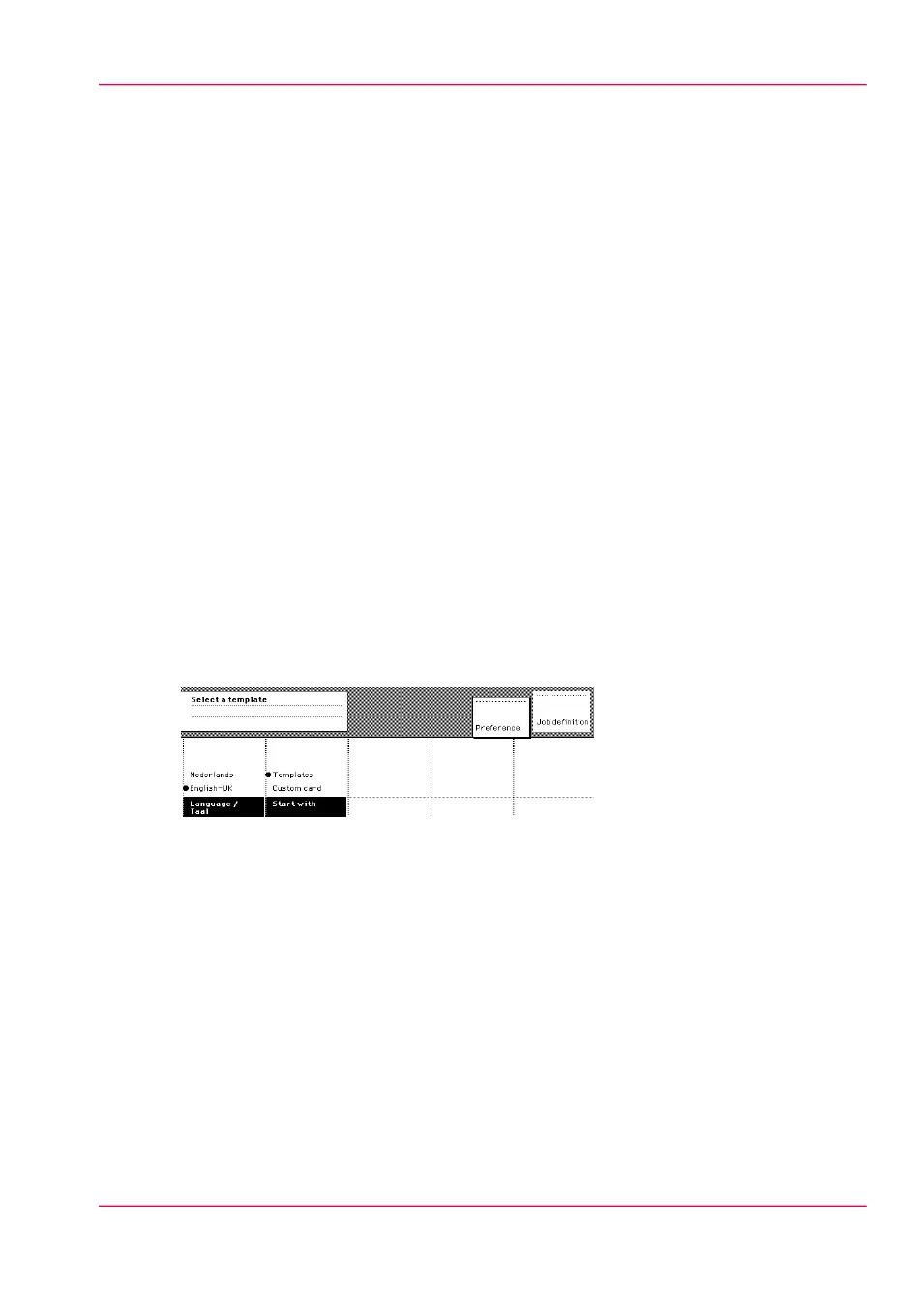
Preference section
When the job templates are enabled, the Preference’ section allows you to do the fol-
lowing.
•
Select the start screen of the scanner operator panel.
Use the start screen’ function key to select the Custom card’ section or the ‘Tem-
plates’ section.
Press the ‘Preference’ section key again to activate the selection.
•
Select the original feeding mechanism.
Use the 'Automatic feed' function key to make the selection:
- On: Automatic feeding is turned on.
- Off: Automatic feeding is turned off.
Press the Preference’ section key again to activate the selection.
•
Select the original delivery option.
Use the 'Rewind original' function key to make the selection:
- On: After the scan, the original is transported back to the original feed table.
- Off: The original is fed out to the top of the scanner.
Press the Preference’ section key again to activate the selection.
•
Select the default language for the operator panel.
Use the 'Language' function key to select the language.
Press the Preference’ section key again to activate the selection.
[110] The Preference section
Chapter 6 - Use the Océ TDS600 scanner to copy 173
Preference section



 To Next Page