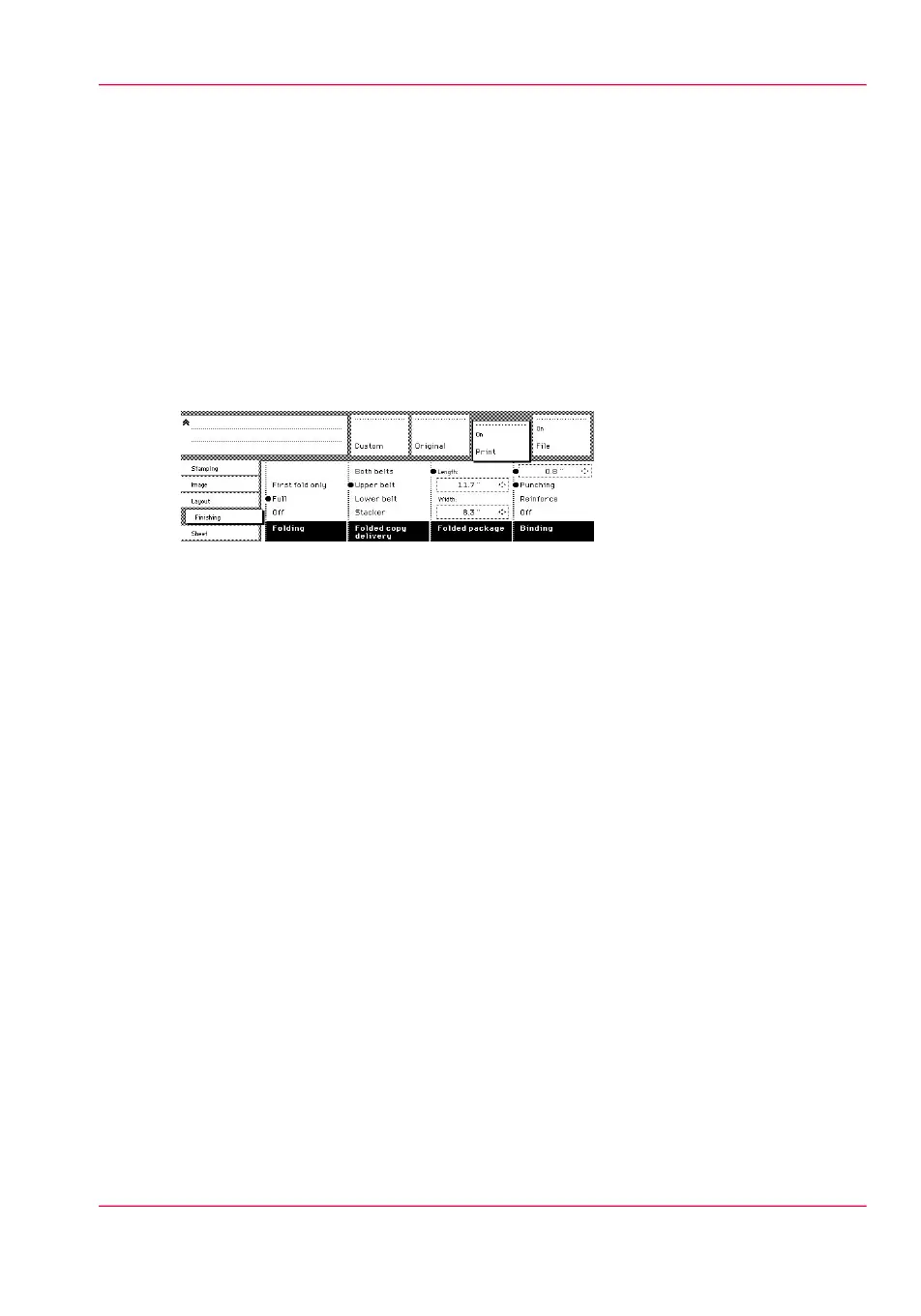
Define the delivery of folded copies
Introduction
Normally, your copies are delivered on the integrated receiving tray on top of the printer.
However, you can specify to deliver your folded copies on the stacker. Take the following
steps if you want to use your stacker.
Deliver copies on the output delivery tray
1.
Open the ‘Finishing’ card in the ‘Print’ section.
2.
Use the ‘Folded copy delivery’ function key to select the ‘Stacker’ option.
Chapter 6 - Use the Océ TDS600 scanner to copy 193
Define the delivery of folded copies



 To Next Page