Insert a new tape roll
Introduction
If the tape roll is empty while the printer is in stand-by, one of these messages will appear
on the display
•
If the tape roll is empty while the printer is in stand-by, one of these messages will
appear on the display:
•
“Reinforcement unit empty” (if the printer was running when the roll ran out of tape).
If a tape roll is empty while the printer is running, this message will be accompanied by
a picture of the printer with the side door of the reinforcement unit blinking.
Caution:
To prevent damage to the reinforcement unit, use only the original reinforcement strips
from Océ.
Remove an empty tape roll
1.
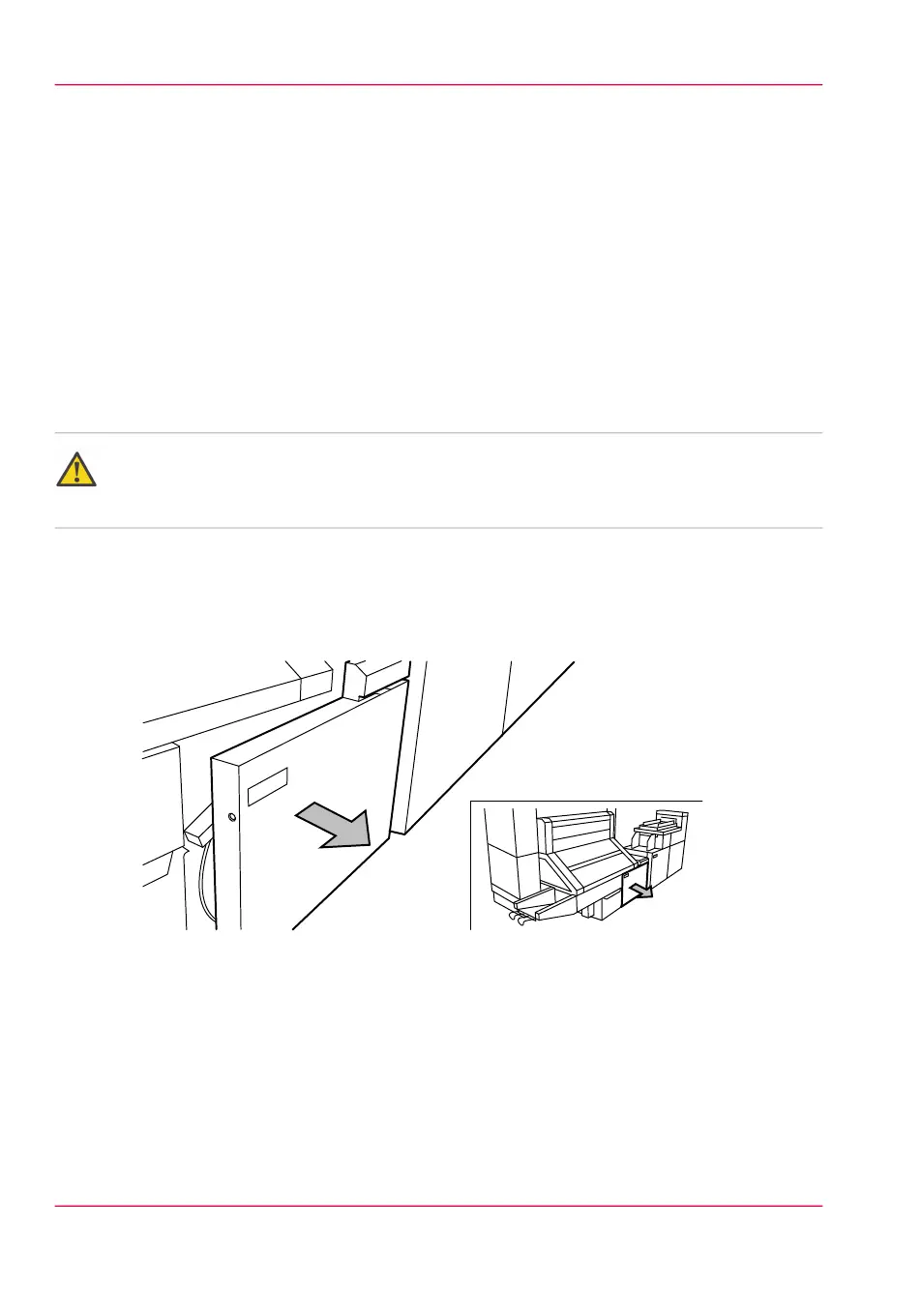
Open the side door of the reinforcement unit; see the illustration below.
[192] Opening the side door of the reinforcement unit
Chapter 11 - System maintenance278
Insert a new tape roll



 To Next Page