How to clear a media jam in the manual feed
Remove a media jam in the manual feed
1.
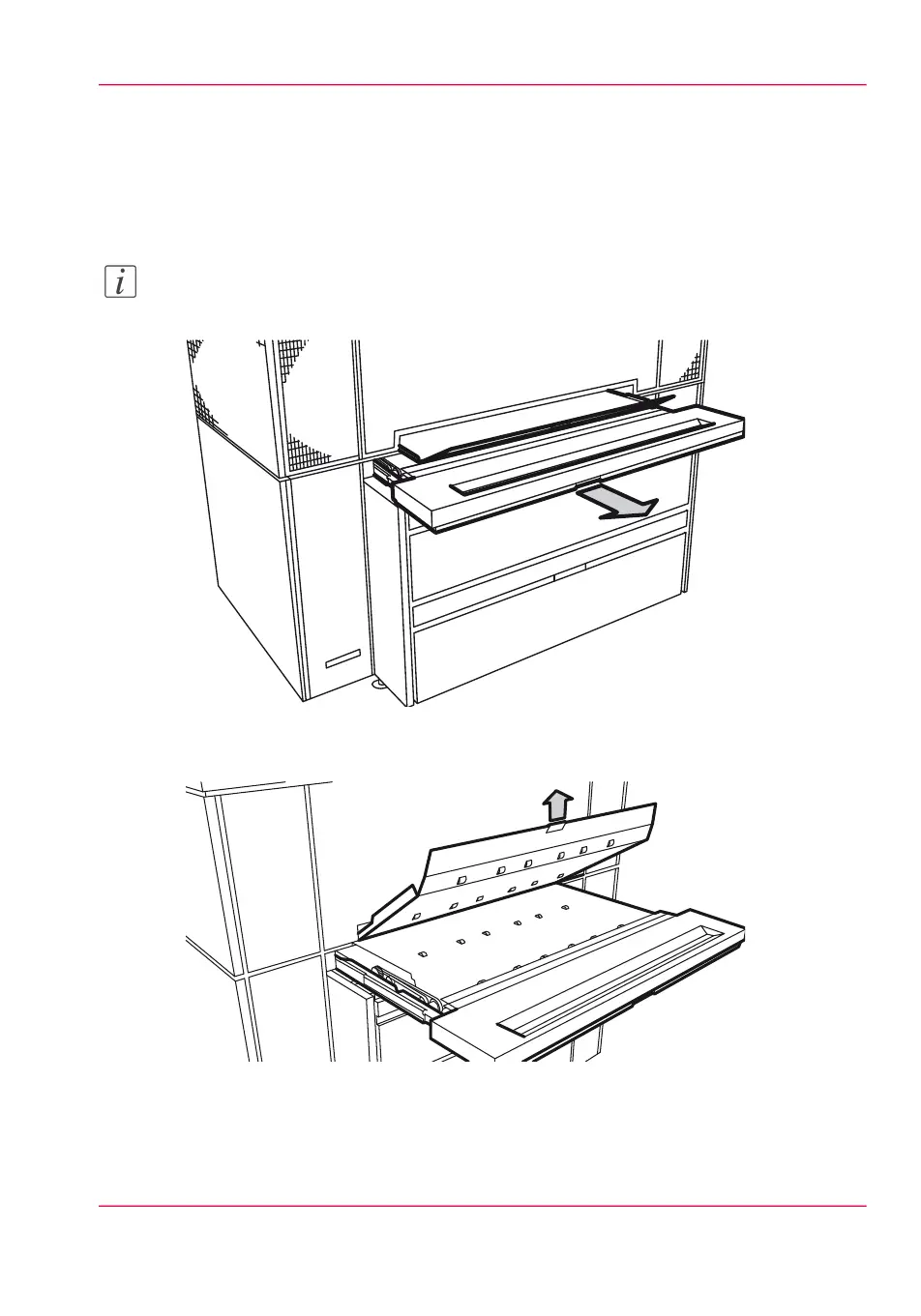
Pull the manual feed table toward you to open.
Note:
Make sure that you open the manual feed table complete.
[222] Pull out the manual feed table
2.
Lift the green lever to open the plate.
[223] Open the plate
3.
Remove the media.
4.
Lower the plate.
Chapter 12 - Solve problems 307
How to clear a media jam in the manual feed



 To Next Page