Replace/Load a roll of media
Introduction
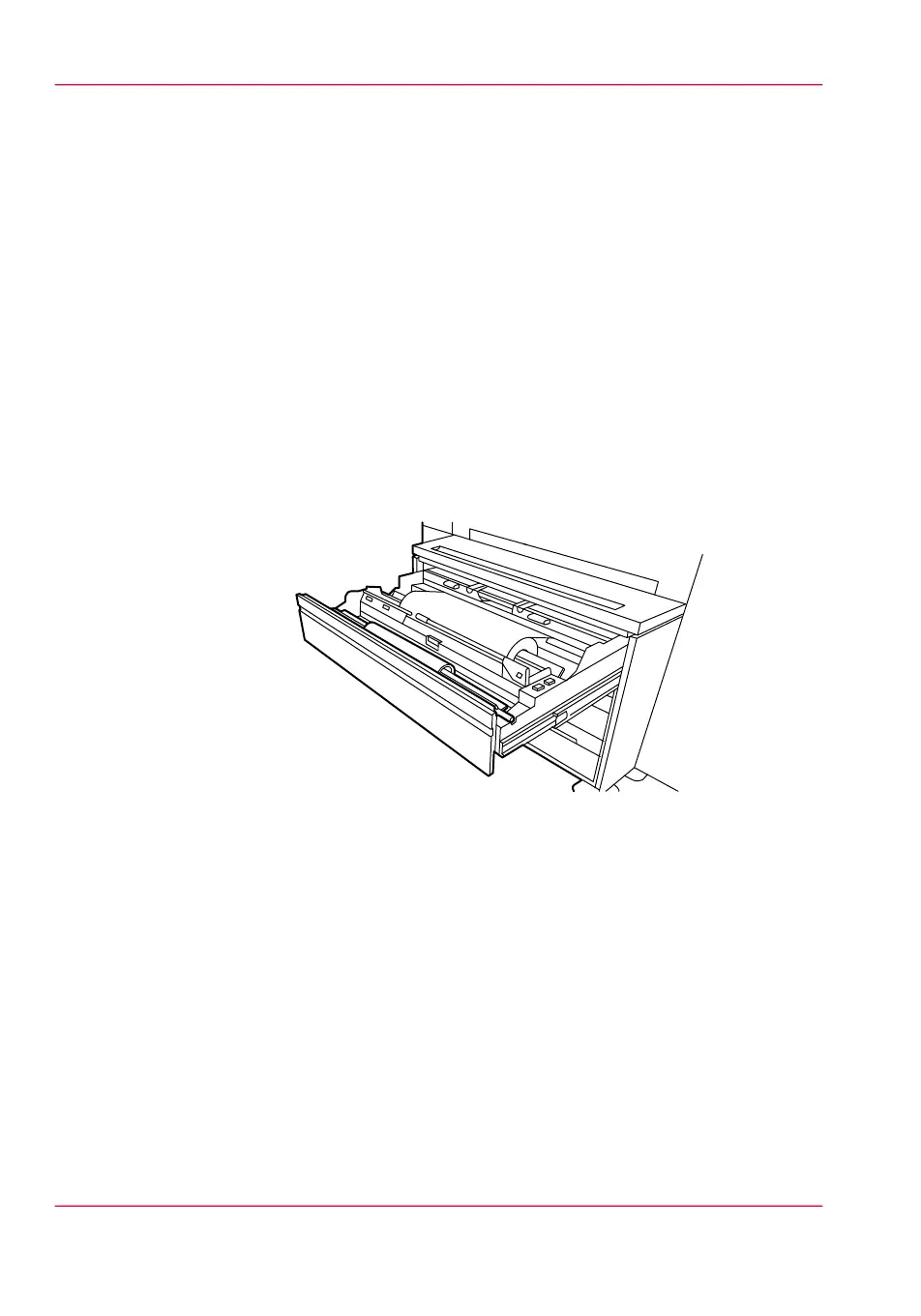
The Océ PlotWave 900 has three paper roll compartments with each two rolls. The rolls
one, three and five have a roll loader. Each of the rolls can be loaded with media of a
different size or type. The operator panel displays the width, type of media and remaining
length of each roll.
If you load new media, you must indicate which type of media you have loaded: paper,
transparent, vellum or polyester. The roll width is detected automatically.
The definition of the new media is important when ‘Automatic roll switch’ is on.
How to remove a roll of media
1.
Open the correct paper roll compartment
[176] Open the paper roll compartment
2.
Remove the roll holder from the paper roll compartment.
Chapter 11 - System maintenance264
Replace/Load a roll of media



 To Next Page