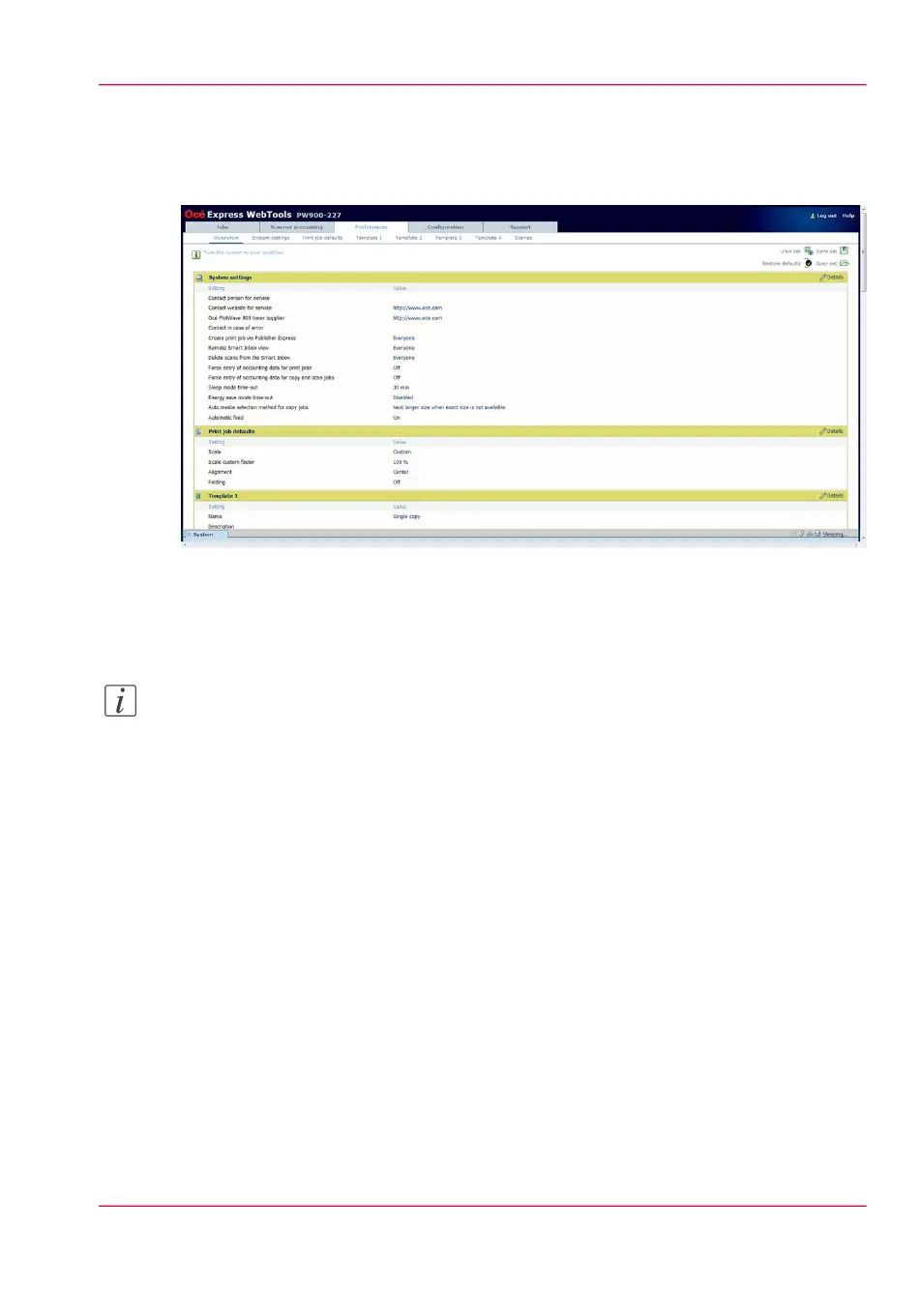
The 'Preferences' tab
Illustration
[37] The Preferences tab
The 'Preferences' tab
Note:
Before you can edit a setting or a settings group, you must be logged on as a key operator
or power user. (see ‘User roles and authorizations’ on page 72 )
Tasks:
•
'Overview'
Summary of the settings organised in different groups.
•
'System settings'
•
'Print job defaults'
•
'Template 1', 'Template 2', 'Template 3' and 'Template 4'
•
'Stamps'
(see also ‘What you need to know about default settings’ on page 93)
Chapter 3 - Define your workflow with Océ Express WebTools 59
The 'Preferences' tab



 To Next Page