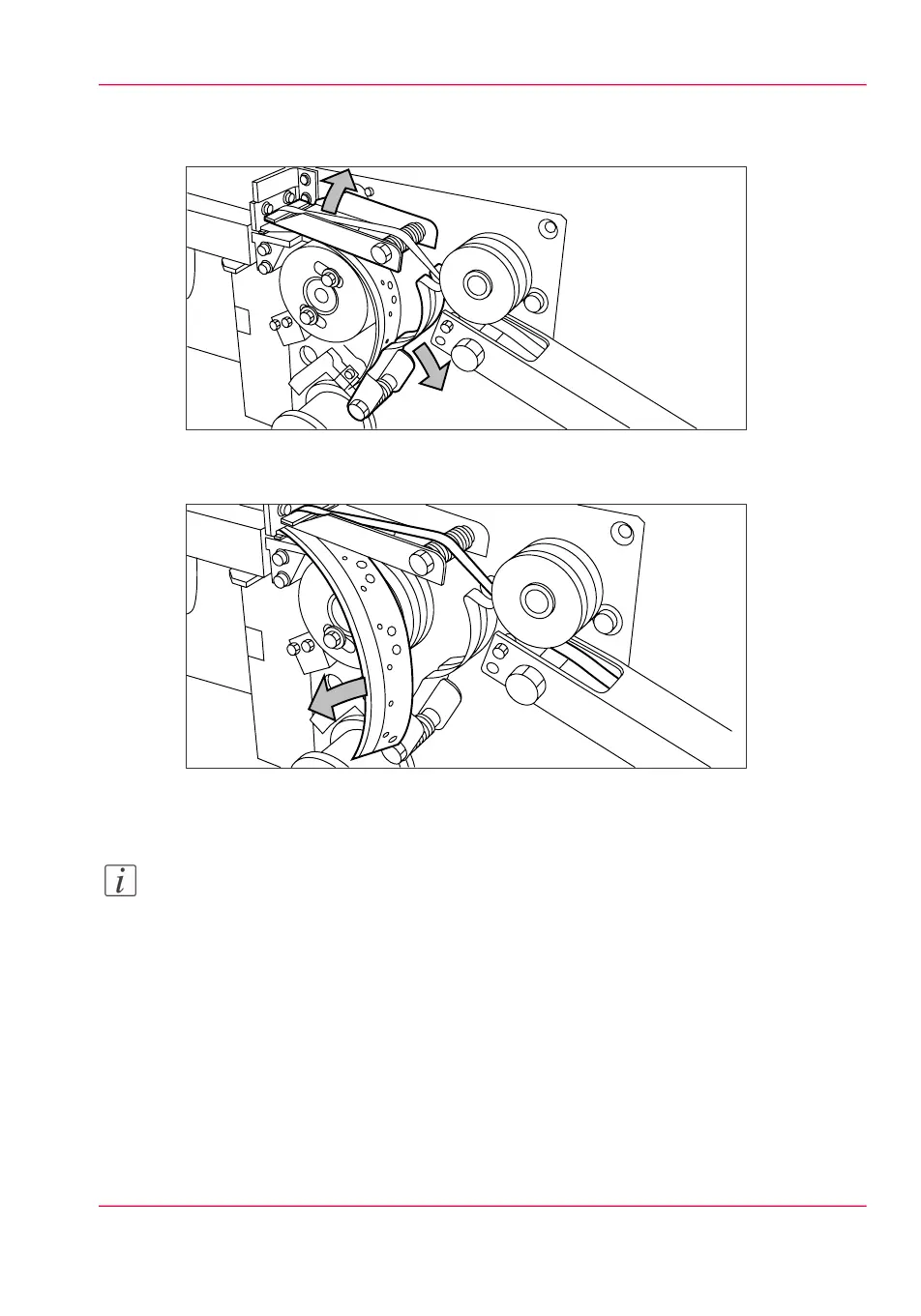
2.
Turn the two guide plates away from the pin roller and lock the two guide plates into
their open position.
[193] Opening the guide plates
3.
Remove the trailing strip of the old tape.
[194] Removing the trailing strip of the old tape
4.
Open the front side plate of the roll holder (remove the screw and the old kernel.)
Note:
Clean the reinforcement knives before you put in a new roll. See ‘Clean the reinforcement
knives’ on page 288.
Chapter 11 - System maintenance 279
Insert a new tape roll



 To Next Page