Illustration
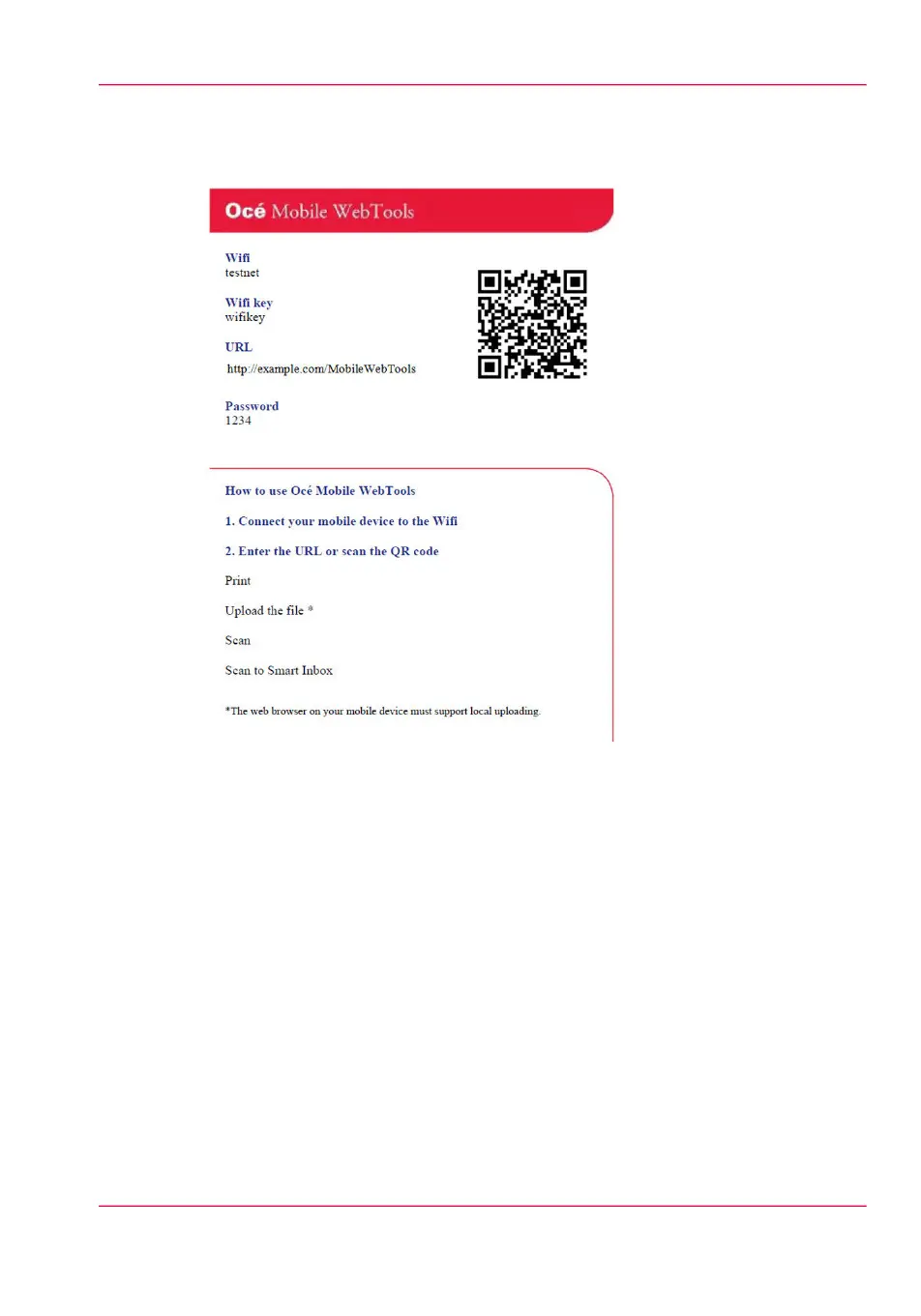
[134] Example of a QR Card
Generate the 'Quick Response Card'
1.
Open Océ Express WebTools on your computer and log in as system administrator.
2.
Open the 'Support' - 'About' tab.
3.
Navigate to the 'Downloads' section.
4.
Click on 'Quick Response Card'.
A new window will open. The 'Quick Response Card' is automatically generated and
displayed in the window. It contains all your settings and a uniquely-generated QR code.
The URL of your printer is also displayed so you can also access Océ Mobile WebTools
on your mobile device via the web browser.
5.
Print the 'Quick Response Card'.
Chapter 7 - Use Océ Mobile Printing and Scanning 203
Generate the 'Quick Response Card'



 To Next Page