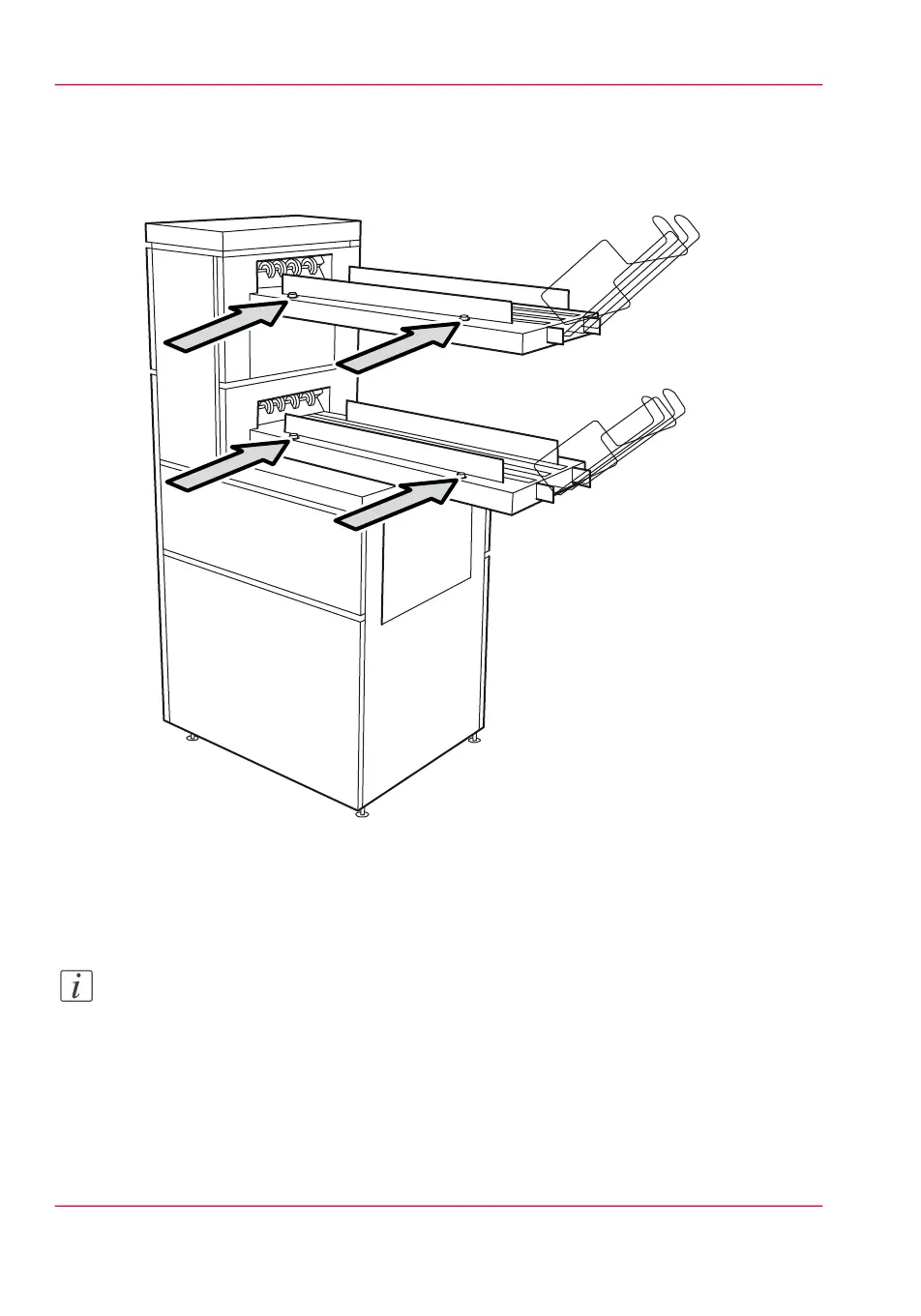
Adjusting the side guides of the belt
1.
Loosen the nuts.
[172] Adjust the side guides of the belt
2.
Adjust the plate based on the width of the fold package.
3.
Tighten the nuts.
Note:
If you change the folding width or the folding length, you have to adjust the punch unit.
Adjust the punch unit
1.
Open the front door of the high capacity output unit of the folder.
Chapter 9 - The Folder, Reinforcement unit and Belt unit252
The belt unit



 To Next Page