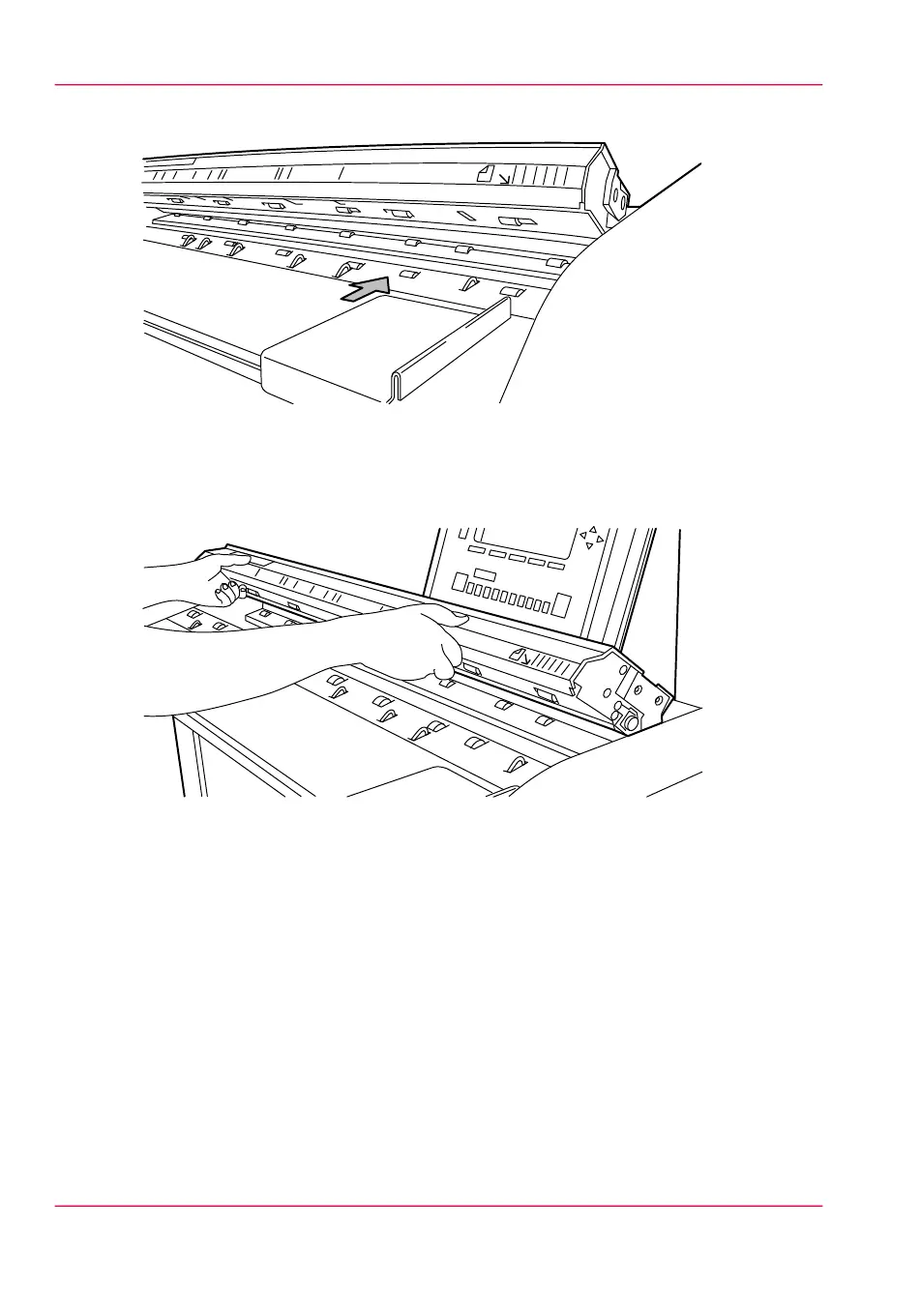
3.
Clean the glass plate with a soft cloth moistened with water.
[190] Clean the glass plate and reference roller
4.
Clean the white reference roller with a soft cloth moistened with a small quantity of
Cleaner A.
5.
Lift the top cover of the scanner to release the lock of the hinge and close the cover.
[191] Close the top cover of the scanner
6.
Turn on the scanner.
Chapter 11 - System maintenance276
Clean the Océ TDS600 scanner



 To Next Page