5.
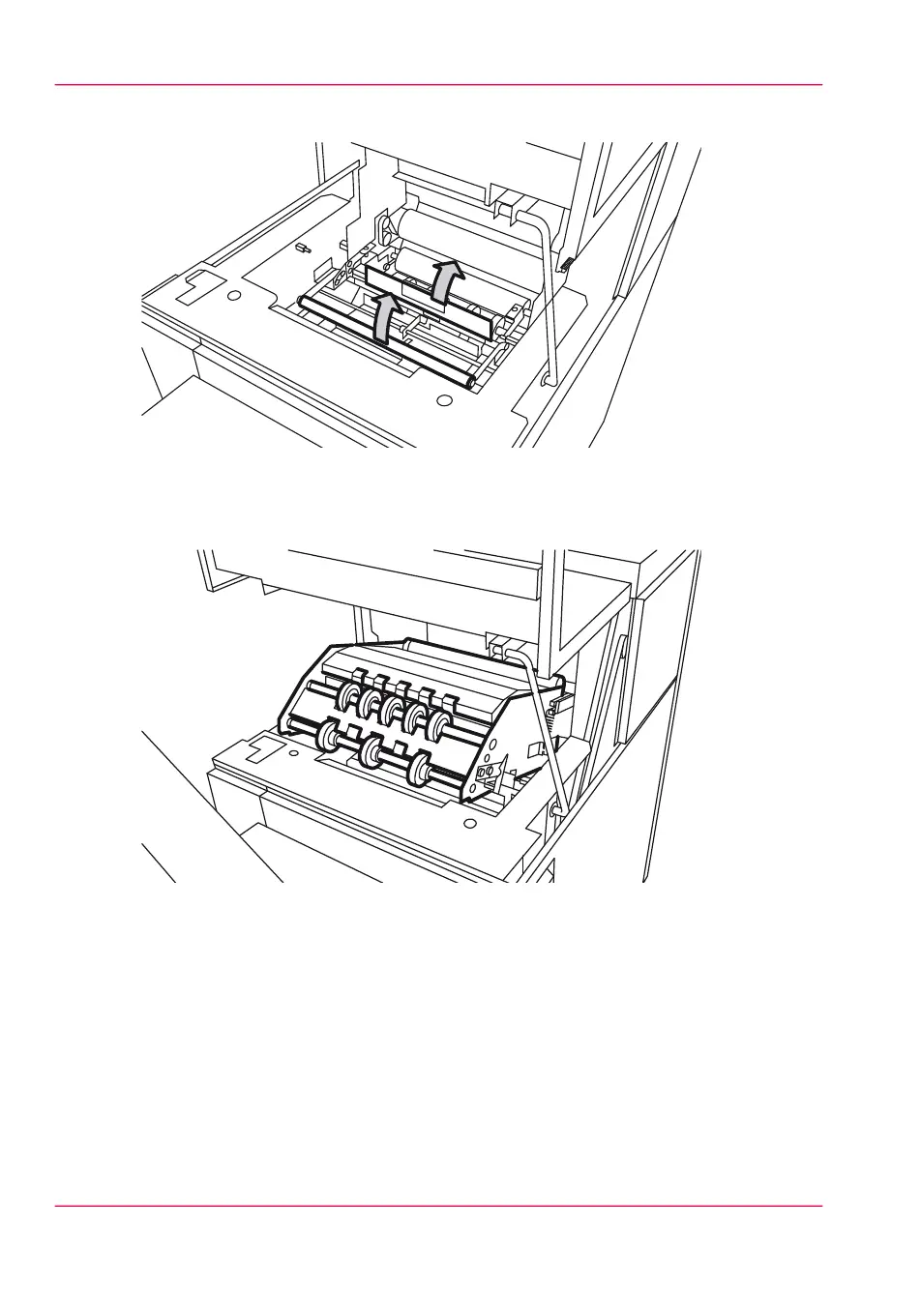
Open the guide plate with the green lever.
[238] The guide plate with the green lever
6.
Remove all the pieces of material.
7.
Open the vertical transport with the green lever.
[239] Vertical transport
8.
Remove all pieces of material.
9.
Close the vertical transport.
10.
Close the guide plate.
11.
Close the delivery unit.
Chapter 12 - Solve problems316
How to clear a media jam in the folder



 To Next Page