9.
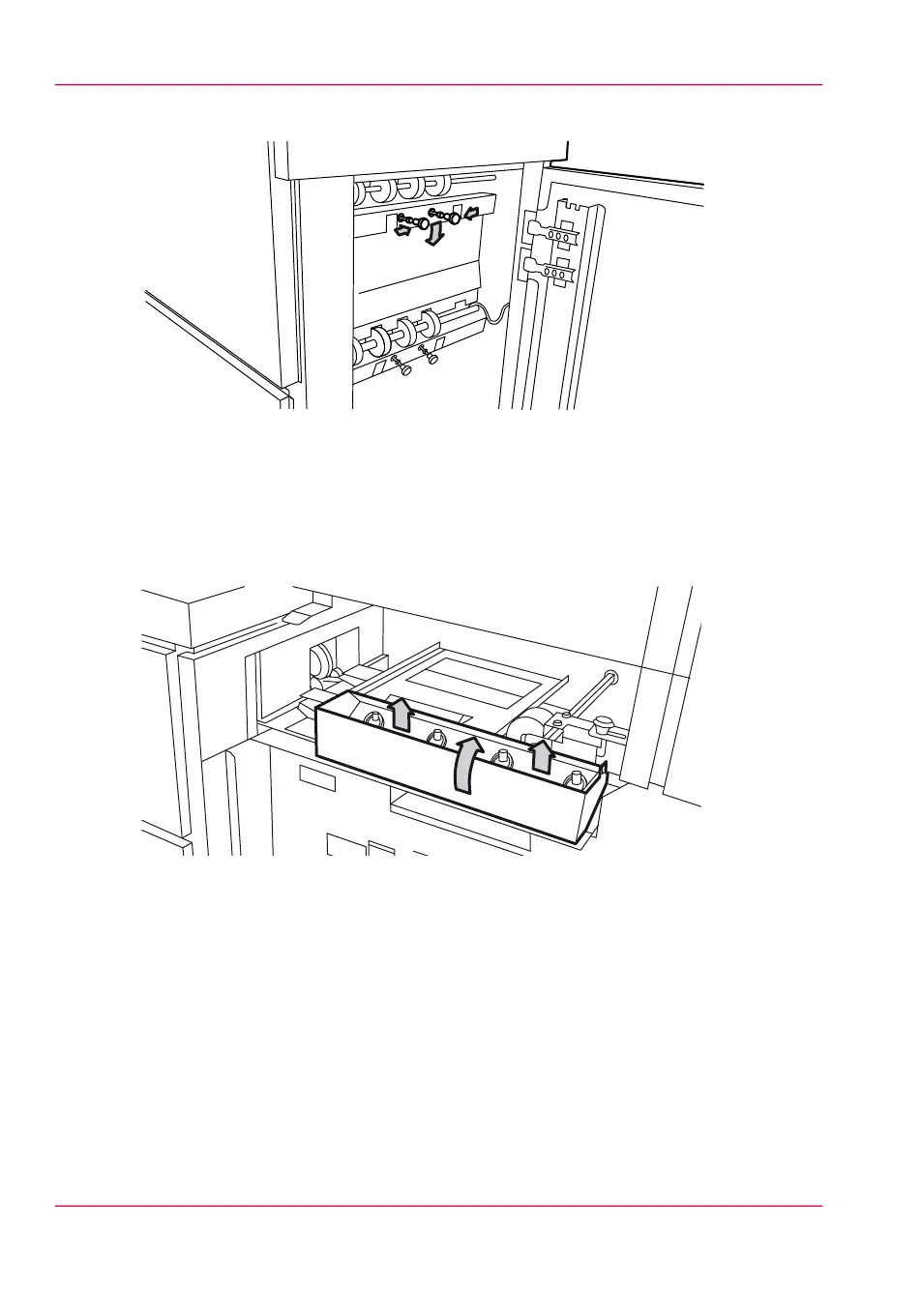
Loosen the nuts and remove the plate.
[242] Loosen the nuts and remove the plate.
10.
Remove all pieces of material.
11.
Replace the plate and tighten the nuts.
12.
Close the lower door.
13.
Open the front door.
14.
Lift the waste tray to remove the tray.
[243] Remove the waste tray
Chapter 12 - Solve problems318
How to clear a media jam in the high capacity output unit of the folder



 To Next Page