Chapter 8—Configuring and Using Media Lifecycle Management Using PreScan
August 2017 User Guide—Spectra T50e Library
246
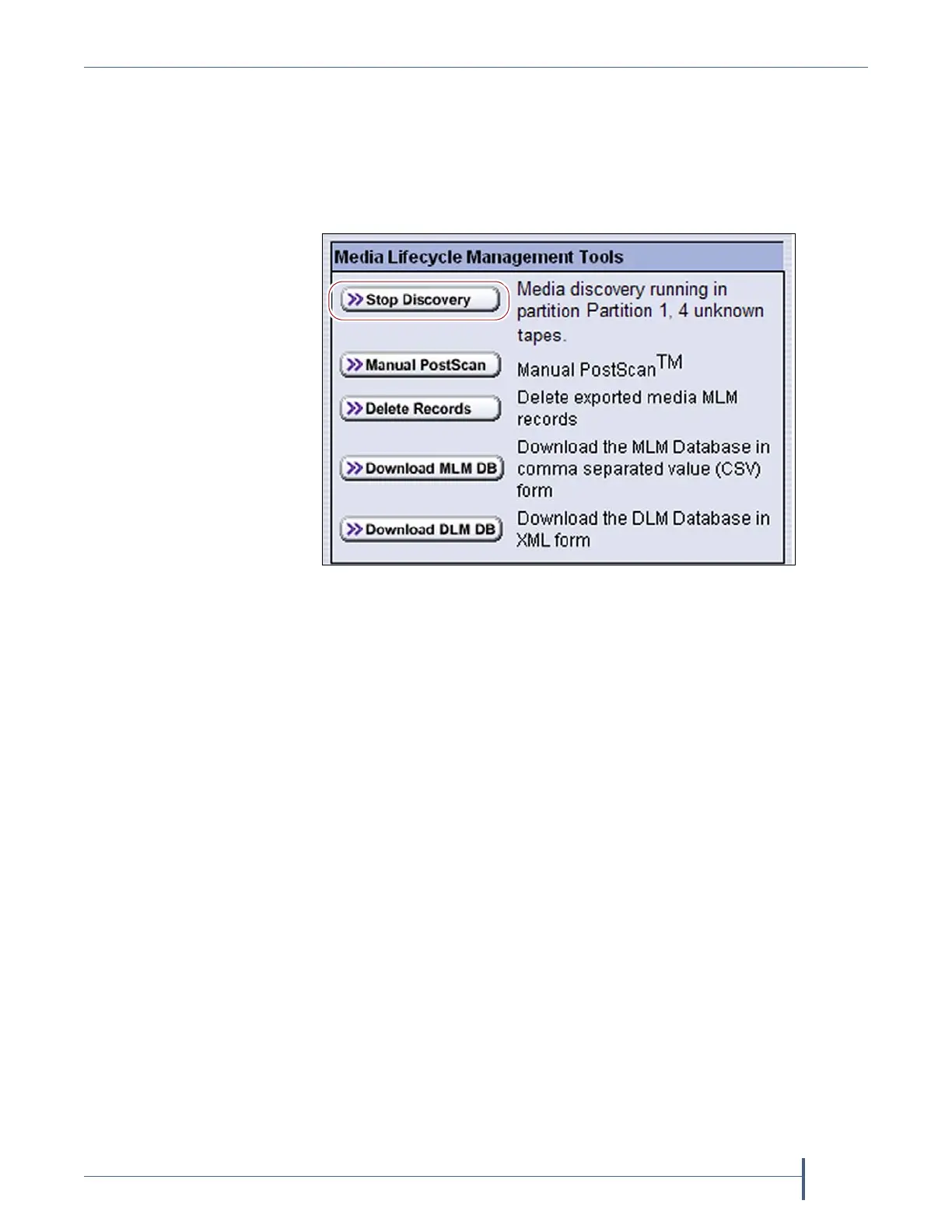
Stop the Discovery Process
Ifforsomereasonyouneedtointerruptthediscoveryprocessbeforeitis
complete,clickStop DiscoveryontheMediaLifecycleManagementTools
screen.ThelibrarycompletesanyMediaAutoDiscoveryorPreScan
operationsthatareinprogressandreturnsthecartridgestotheirslots.
Toresumethediscoveryprocess,repeatthestepsinInitiateMedia
DiscoveryManuallyonpage243orwaituntilyouimportadditional
cartridgesintothepartitiontotriggerthediscoveryprocessautomatically.
USING PRESCAN
Overview TheMLMPreScanfeatureisabackgroundprocessthatreplaces
thedefaultMediaAutoDiscoveryprocessinpartitionswhereitisenabled;
unlikeMediaAutoDiscovery,itdoesnotoperateglobally.PreScanis
enabledwhenyouconfigurethepartition(seeEnableandConfigureMLM
PreScanandPostScanonpage177).
PreScanprovidesverificationofdatacartridgesbyperformingabasic
functionalitytestandhealthcheckoneachimportedcartridgeusing
available
LTO‐4
orlatergeneration
drives
inthepartition.Asapartofthe
PreScanprocess,anycartridgesthatarenotalreadyintheMLMdatabase
areaddedtotheMLMdatabase.
Figure 154 Click Stop Discovery to stop the discovery
process.



 To Next Page