Chapter 3—Introducing the BlueScale User Interface Overview of the BlueScale User Interface
August 2017 User Guide—Spectra T50e Library
84
Theremotesupporticonisalsousedtoactivatesecureremoteaccess
capabilitiesusingCiscoWebExtechnology.Thisremoteaccesshelps
SpectraLogicTechnicalSupportprovidefasterresolutionofsupportcalls.
Thiscapabilityisonlyenabledonanas‐neededbasisduringasupportcall.
Notes: Theremotesupporticonisonlyvisiblewhenyouare
accessingthelibrarythroughtheBlueScalewebinterface.
WhenSpectraLogicTechnicalSupportneedstolauncha
WebExsessiontoaccessyourlibrary,alinkviaemailissent.
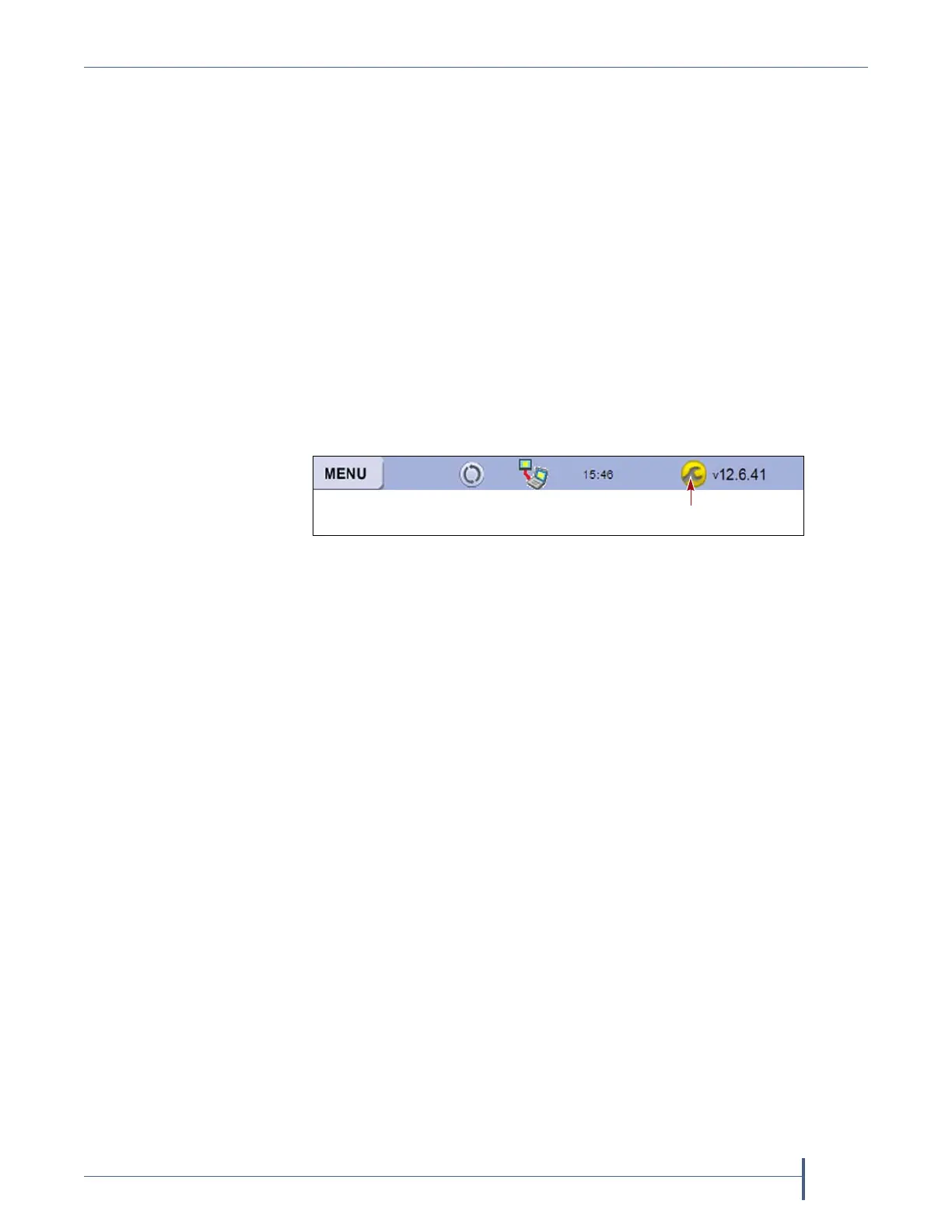
Auto Download Icon Ifoneormorepackageserversareconfiguredto
autodownloadfirmwarepackages(SeeConfigureaPackageServeron
page127)andanewpackagewasdownloaded,theAutoDownloadicon
(awrenchinayellowcircle)displaystoindicatethatanupdatepackageis
readyforinstallation.ClicktheicontonavigatetothePackageUpdate
screen.SeeUpdatingtheBlueScaleSoftwareandLibraryFirmwareon
page414forinformationoninstallingtheupdate.
Last Refresh Time and Date Showsthelasttimethatthescreenwas
refreshed.Thescreencanbesettorefreshatdesignatedintervals(see
RefreshRateonpage108).Thedisplayedinformationcanalwaysbe
refreshedmanuallybyselectingtherefreshdisplaybutton.
BlueScale Software Version ShowstheversionoftheBlueScalesoftware
currentlybeingusedbythelibrary.
IP Address or Library Name Dependingon howyouareaccessingthe
library,thestatusbarshows:
Thelibrary’scurrentIPaddresswhenyouaccessthelibraryusingthe
touchscreen.
Thelibrary’sname,ifset,whenyouareaccessingthelibraryusingthe
BlueScalewebinterfacethroughawebbrowserconnection.
Note: IfyouareusingtheBlueScalewebinterfaceandyouhavenotset
thelibraryname,theright‐handsideofthestatusbarisblank.
Ifyouneedtovieworsetthelibrary’sIPaddressorname,seeConfigure
NetworkSettingsonpage100andLibraryNameonpage108,respectively.
Progress Bar
Whenthelibraryisbusyprocessingacommand,ahorizontalprogressbar
displaysabovethestatusbar.Donotusethetouchscreen(ortheBlueScale
webinterface)untiltheprogressbardisappears.
Figure 46 The Auto Download icon in the BlueScale status bar.



 To Next Page