Chapter 13—Drive Troubleshooting Using DLM to Test an LTO Drive
August 2017 User Guide—Spectra T50e Library
409
5. ClickTestnexttothedriveyouwanttotesttostarttheDLMDrive
HealthVerificationwizard.
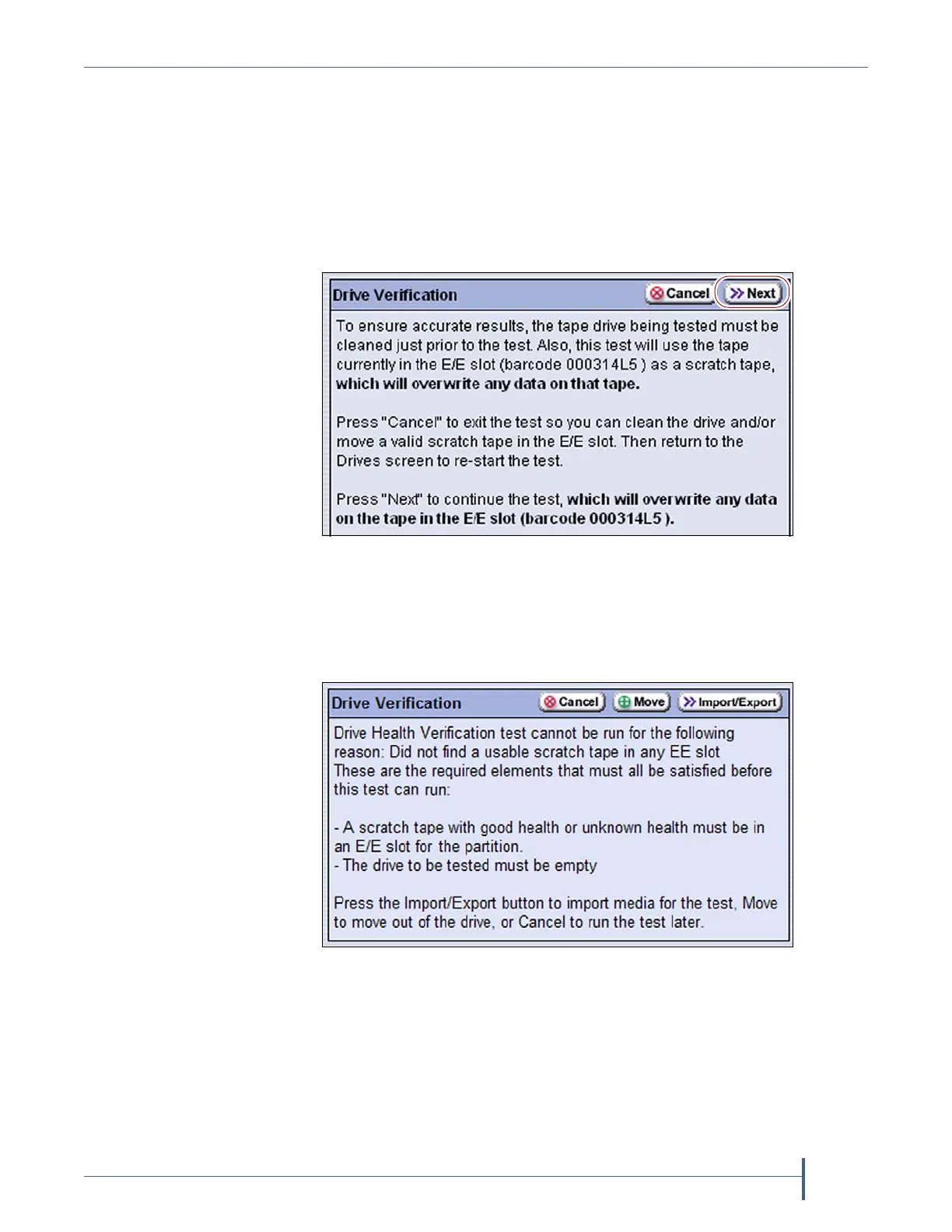
Thewizarddetermineswhetheralloftherequirementsforthetestare
met.
All Requirements Met Ifalloftherequirementsforperformingthetest
aremet,theDriveHealthVerificationscreendisplaysawarningabout
theupcomingtestprocess.ProceedtoStep6onpage410.
Requirements Not Met Ifoneormorerequirementarenotmet,the
DriveHealthVerificationscreendisplaysinformationaboutwhat
needstobedone.
Note: IfyouareaccessingthelibraryremotelyusingtheBlueScale web
interfaceandeitherthescratchcartridgeorthecleaning cartridge
isnotavailable,thenCancelistheonlyoptionav ailable.
Figure 278 Click Next on the Drive Health Verification screen
to begin the verification process.
Figure 279 Address all of the requirements on the Drive
Health Verification screen.



 To Next Page