CDM-570/570L Satellite Modem with Optional IP Module Revision 12
Ethernet-based Remote Product Management MN/CDM570L.IOM
6–2
Module Traffic port should be used for IP traffic, base modem and IP Module
FW upgrades, and Ethernet Management.
The Traffic port supports Ethernet Management of all IP Module functions
as well as all base modem functions via Web, Telnet and SNMP.
6.3 HTTP (Web Server) Interface
This embedded application provides an easy to use interface to configure and monitor all aspects
of the Base Modem. These web pages have been designed for optimal performance when using
Microsoft’s Internet Explorer 5.5 or higher.
Currently, Comtech EF Data offers two independent HTTP Interfaces with the CDM-570/570L
modem:
• Base Modem HTTP Interface – For details, see Chapter 7. BASE MODEM HTTP
INTERFACE.
• IP Module HTTP Interface – Available when the optional IP Module Interface is
installed. For details on this optional feature, see Chapter 13. IP MODULE HTTP
INTERFACE.
The optional IP Module does NOT need to be installed for base modem
operations.
6.3.1 HTTP Interface – Typical Operational Features
6.3.1.1 Interface Access
All HTTP Interfaces are accessible using a web browser by typing (depending on the interface)
“http://www.xxx.yyy.zzz” or “https://www.xxx.yyy.zzz” in the browser’s Address box, where
“www.xxx.yyy.zzz” is the IP address of the modem (as configured from the CDM-570/570L front
panel menu:
SELECT: CONFIG Æ REM Æ ETHERNET Æ ADDRESS. See Chapter 5. FRONT
PANEL OPERATION for further details).
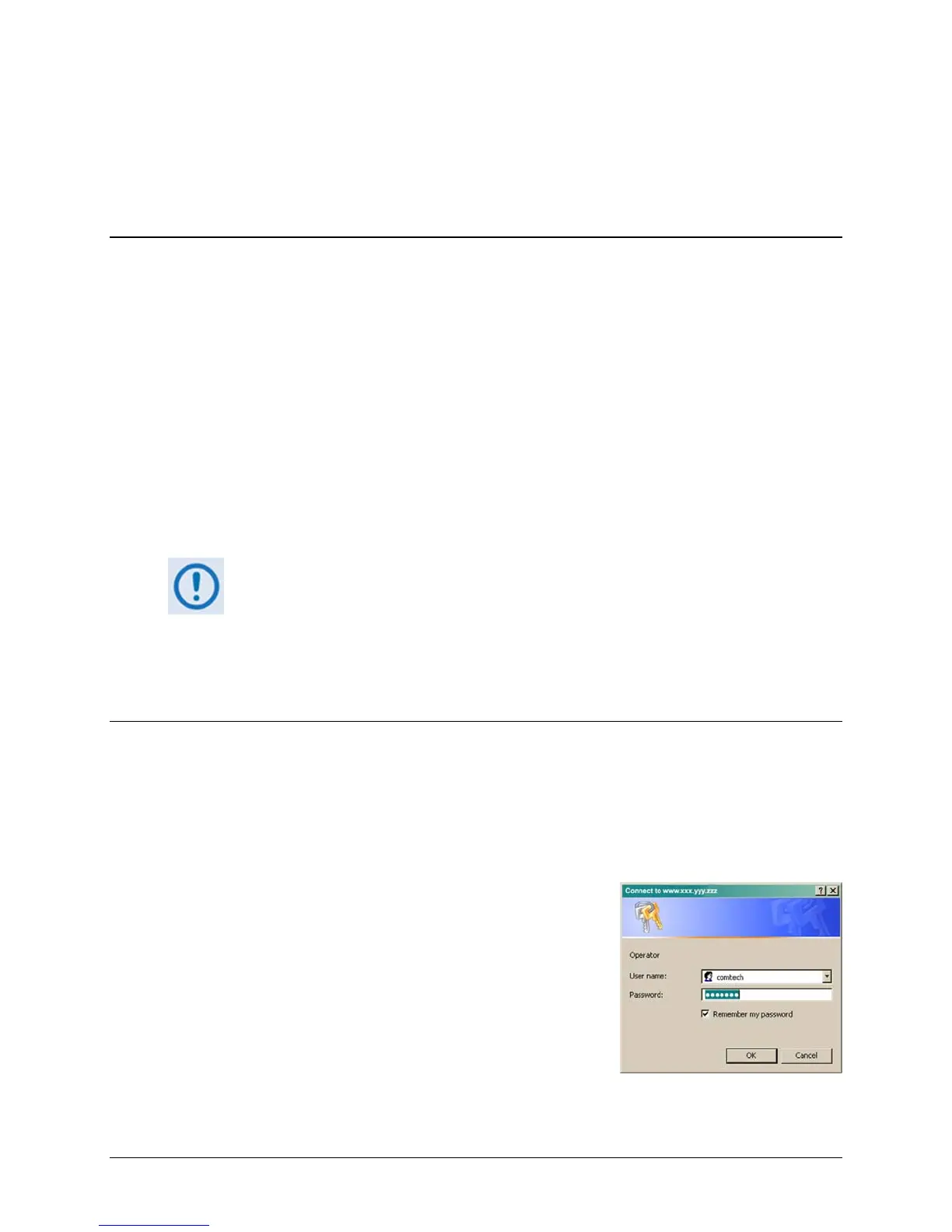
The Login window appears, similar to the example shown here,
and prompts you to type a User name and Password.
The HTTP Interface default user names and passwords are as
follows:
• Admin comtech/comtech
• Read/Write opcenter/1234
• Read Only monitor/1234



 To Next Page