CDM-570/570L Satellite Modem with Optional IP Module Revision 12
Ethernet IP Module Interface MN/CDM570L.IOM
13–64
13.6.2.6.4 Maint | Reboot
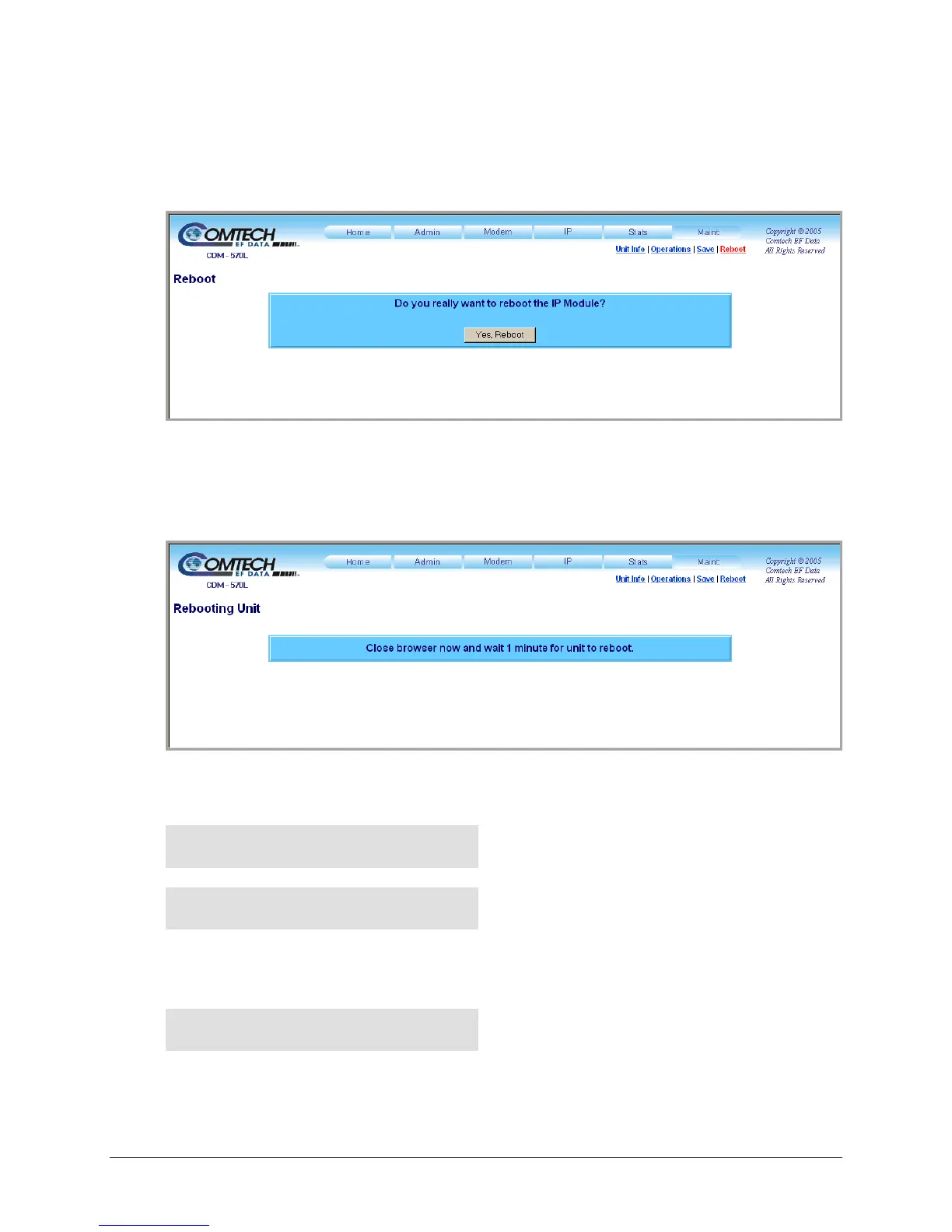
Use this page to initiate the unit reboot process.
Figure 13-37. Maint | Reboot page
After clicking the Reboot hyperlink, the page with the message window as shown opens. To
continue the process, click [Yes, Reboot]. The page then updates as follows:
From here, while the reboot process is underway the page is no longer accessible. During the
reboot process, the CDM-570/570L front panel displays the following messages in succession:
IP OPTION CARD BOOTING.
...PLEASE WAIT
PROCESSOR BOOTING.
...PLEASE WAIT
The reboot process has been completed once the opening screen displays on the modem front
panel:
Comtech CDM-570L Modem
Firmware Version:#.#.#
A new HTTP Interface session may now be initiated as per the procedure outlined in Sect. 13.6.2.



 To Next Page