CDM-570/570L Satellite Modem with Optional IP Module Revision 12
Ethernet IP Module Interface MN/CDM570L.IOM
13–26
Managed Switch
Managed Switch Mode functions as a learning bridge with VLAN support. Optional supported
features include QoS, Header Comp, Payload Comp, and 3xDES. No routes are required in this
mode.
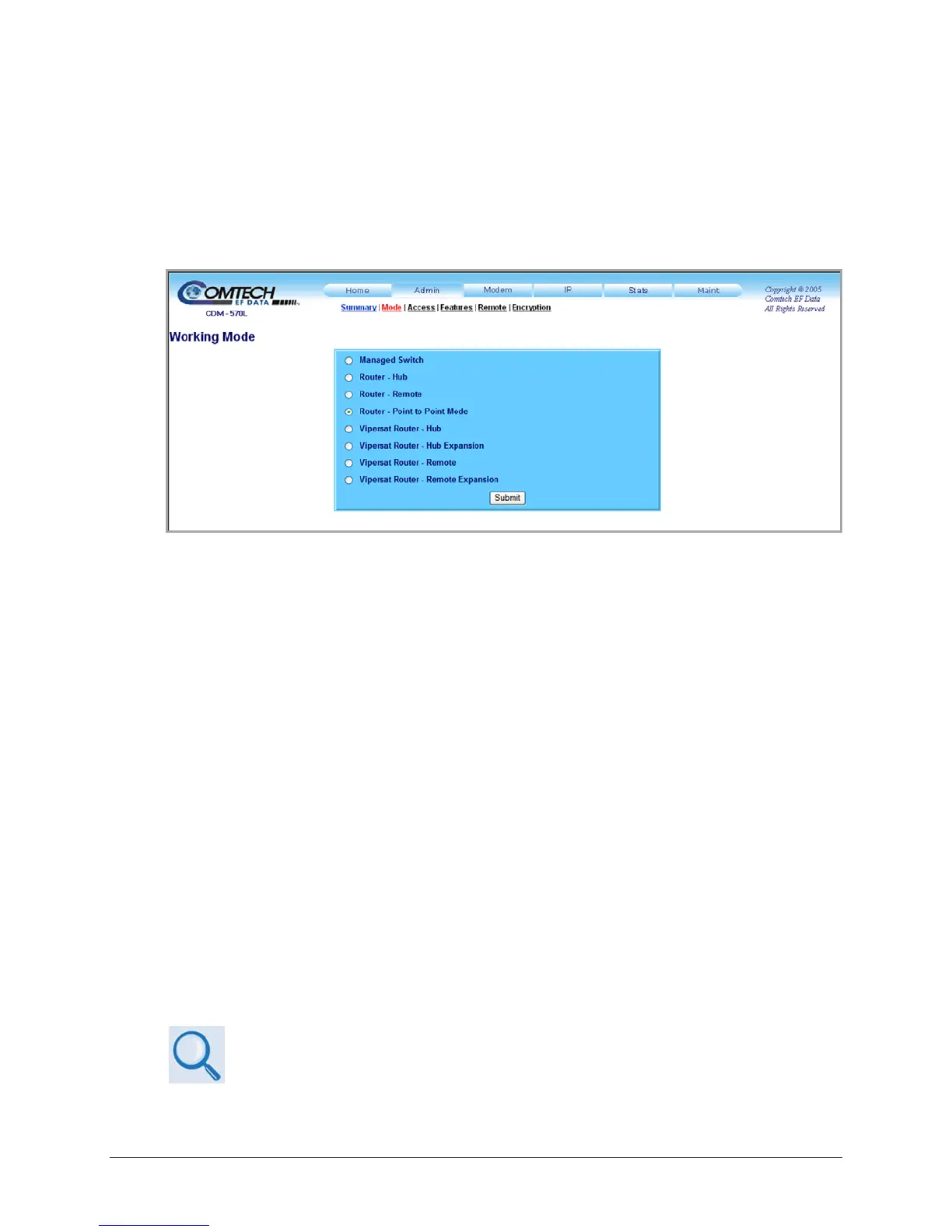
Figure 13-8 s
hows the page as it appears under FW Ver. 1.6.# and later.
Figure 13-8. Admin | Mode page (Firmware Ver. 1.6.# and later)
Managed Switch
Managed Switch mode functions as a managed switch with support for VLAN as well as
advanced features such as QoS, Header Compression and Payload Compression. It is primarily
intended for operation in a point-to-point topology.
Router – Hub
Router-Hub mode functions as the Hub side router in a Point-to-Multipoint network. It allows
Sat-to-Sat packets to pass. It no longer requires configuration of per-route HDLC addresses.
Router – Remote
Router-Remote mode functions as a Remote Router in a Point-to-Multipoint network. Packets
from the WAN are not allowed to be sent to the WAN. It no longer requires configuration of
HDLC receive addresses.
Router – Point-to-Point Mode
Select for use in a Point-to-Point SCPC link where there are different IP subnets on either side of
the link.
Vipersat Router Mode selections
See adjunct Comtech EF Data publication MN/22125 – Vipersat CDM-570/570L
Satellite Network Modem Router User Guide for details on use of the following
Vipersat Router Mode selections:



 To Next Page