CDM-570/570L Satellite Modem with Optional IP Module Revision 12
Ethernet IP Module - CLI and Telnet Operation MN/CDM570L.IOM
14–25
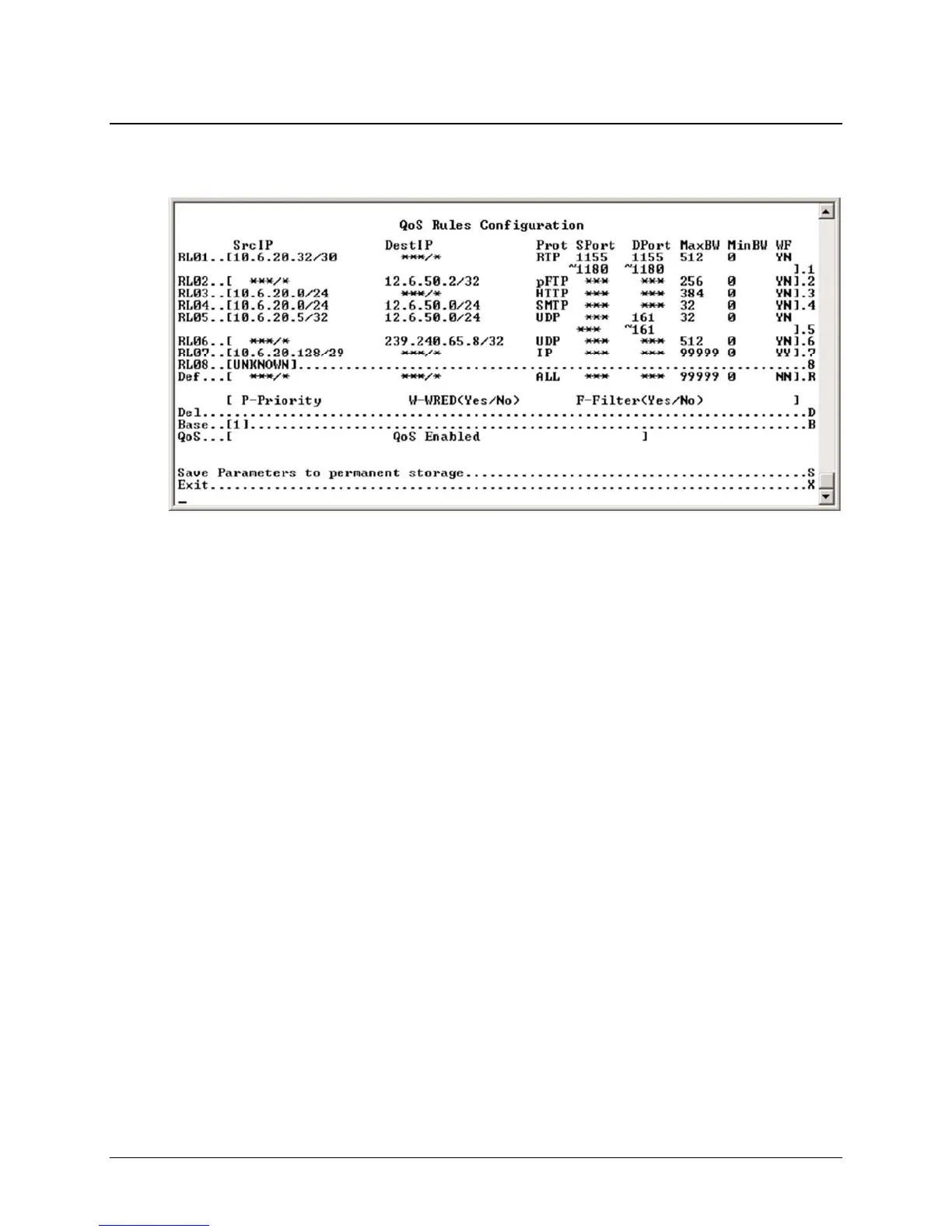
14.2.4.2 QoS Rules Configuration Page – Min/Max Mode
Activate the QoS Rules Configuration page from the QoS Configuration page.
Figure 14-16. QoS Rules Configuration page (Min/Max mode)
In Minimum/Maximum Mode, the QoS Rules Configuration page contains the same
options/fields as in Max/Pri Mode with the following exceptions:
• Priority is not assigned.
• A Minimum Bandwidth can be assigned, or select enter to assign no Min Bandwidth
(displayed as ‘0’).
See section 14.2.4 Quality of Service for a
more detailed description of this QoS option.



 To Next Page