CDM-570 Satellite Modem with Optional IP Module Revision 12
Base Modem Web Server Interface MN/CDM570L.IOM
7–2
7.2.1 Interface Access
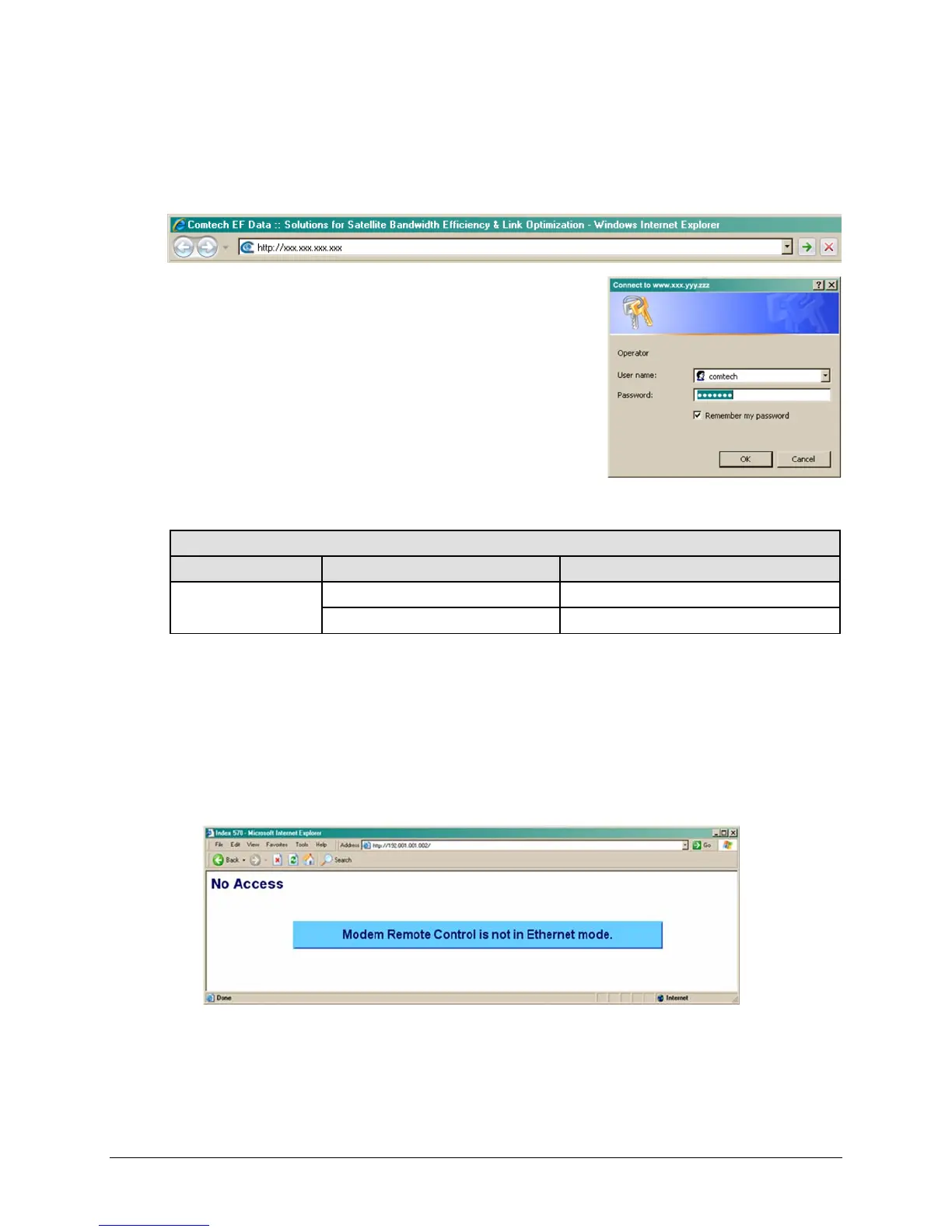
Type the CDM-570/570L’s IP Address (shown here as http://xxx.xxx.xxx.xxx) into the Address
area of the user-supplied web browser:
The Login window appears, similar to the example shown
here, and prompts you to type a User name and Password.
The HTTP Interface default user names and passwords are as
follows:
• Admin comtech/comtech
• Read/Write opcenter/1234
• Read Only monitor/1234
HTTP Login User Access Levels are further defined as follows:
HTTP Login User Access Level
Admin User Read/Write User Read Only User
Full Access to all web
pages
No Access to Admin pages No Access to Admin pages
Full Access for all other web pages View Only Access for all other web Pages
Once the valid IP address has been entered, the CDM-570/570L Base Modem HTTP Interface
“splash” page is displayed. Depending on the unit in use and the equipment configured for use
with that unit, from this top level menu there is access to five or six navigation tabs. See Figure
7-1 and Figure 7-2.
To properly
access the HTTP Interface, configure remote control access for the unit to Ethernet
mode. If login is attempted and remote control is set to either Local or Remote mode, access is
prohibited and the following error message displays in the browser window:
From the CDM-570/570L front panel, use the ◄ ► and
▲▼ arrow keys to first navigate to the
remote control configuration menu, and then select Ethernet mode (press ENTER when done):
SELECT: CONFIG Æ Rem Æ Ethernet



 To Next Page