CDM-570 Satellite Modem with Optional IP Module Revision 12
Base Modem Web Server Interface MN/CDM570L.IOM
7–12
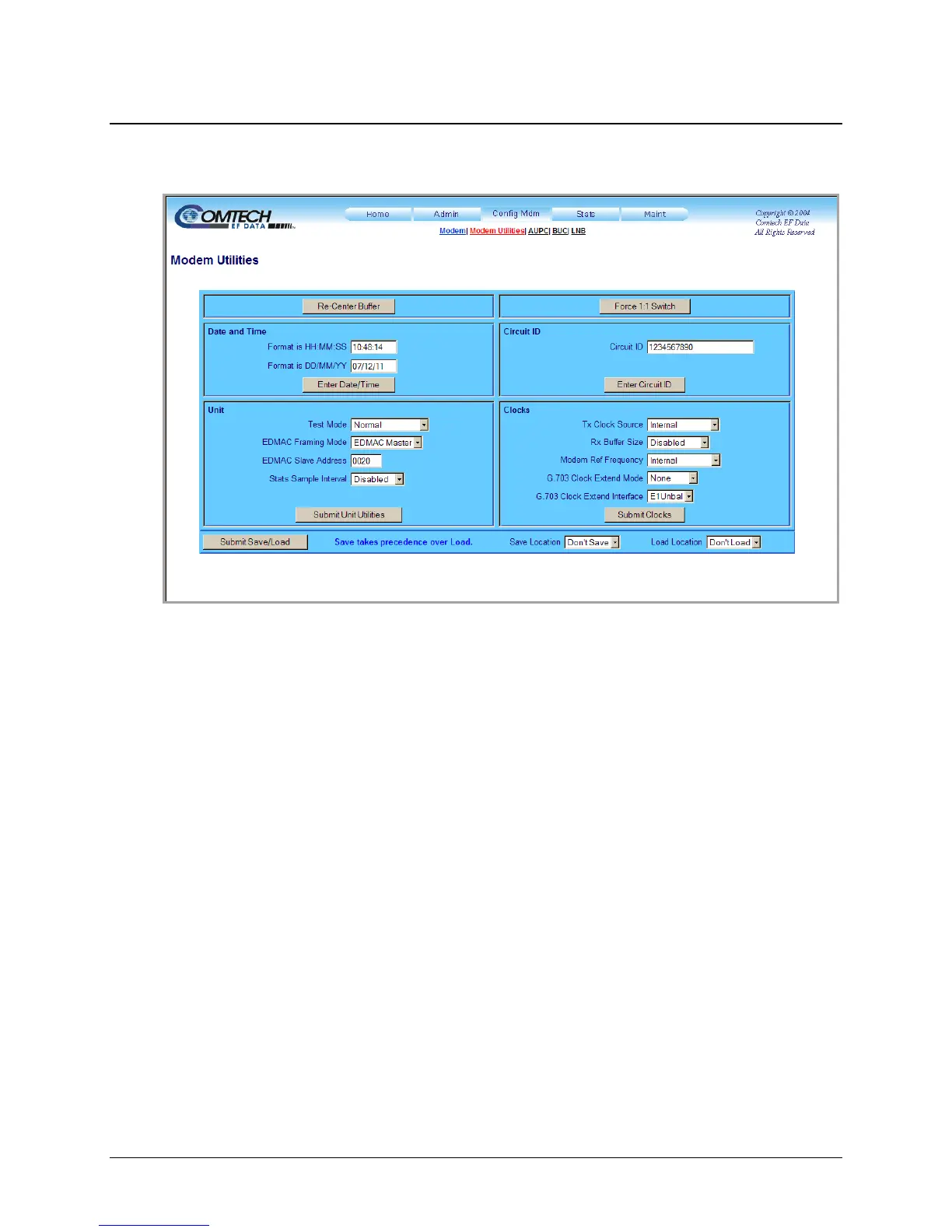
7.3.3.2 Config Mdm | Modem Utilities
Use this page to configure CDM-570/570L utility functions.
Figure 7-9. Config Mdm | Modem Utilities page
Re-Center Buffer
• Click [Re-Center Buffer] to force recentering of the Plesiochronous/Doppler buffer.
Force 1:1 Switch
• Click [Force 1:1 Switch] to toggle the Unit Fail relay to the “fail” state for approx 500ms. If
the unit is one in a 1:1 redundant pair and it is currently the online unit, this forces a
switchover so the unit is then placed in standby mode. The command is always executed by
the unit, regardless of whether it is standalone, in a 1:1 pair, or part of a 1:N system.
Date and Time
• Use the European continental format DD/MM/YY to enter the date (where DD = day [01 to
31], MM = month [01 to 12], and YY = year [00 to 99]).
• Use the international format HH:MM:SS to enter the time (where HH = hour [00 to 23],
MM = minutes [00 to 59], and SS = seconds [00 to 59]).
Click [Enter Date/Time] to save changes made to this section.



 To Next Page