CDM-570/570L Satellite Modem with Optional IP Module Revision 12
Ethernet IP Module - CLI and Telnet Operation MN/CDM570L.IOM
14–55
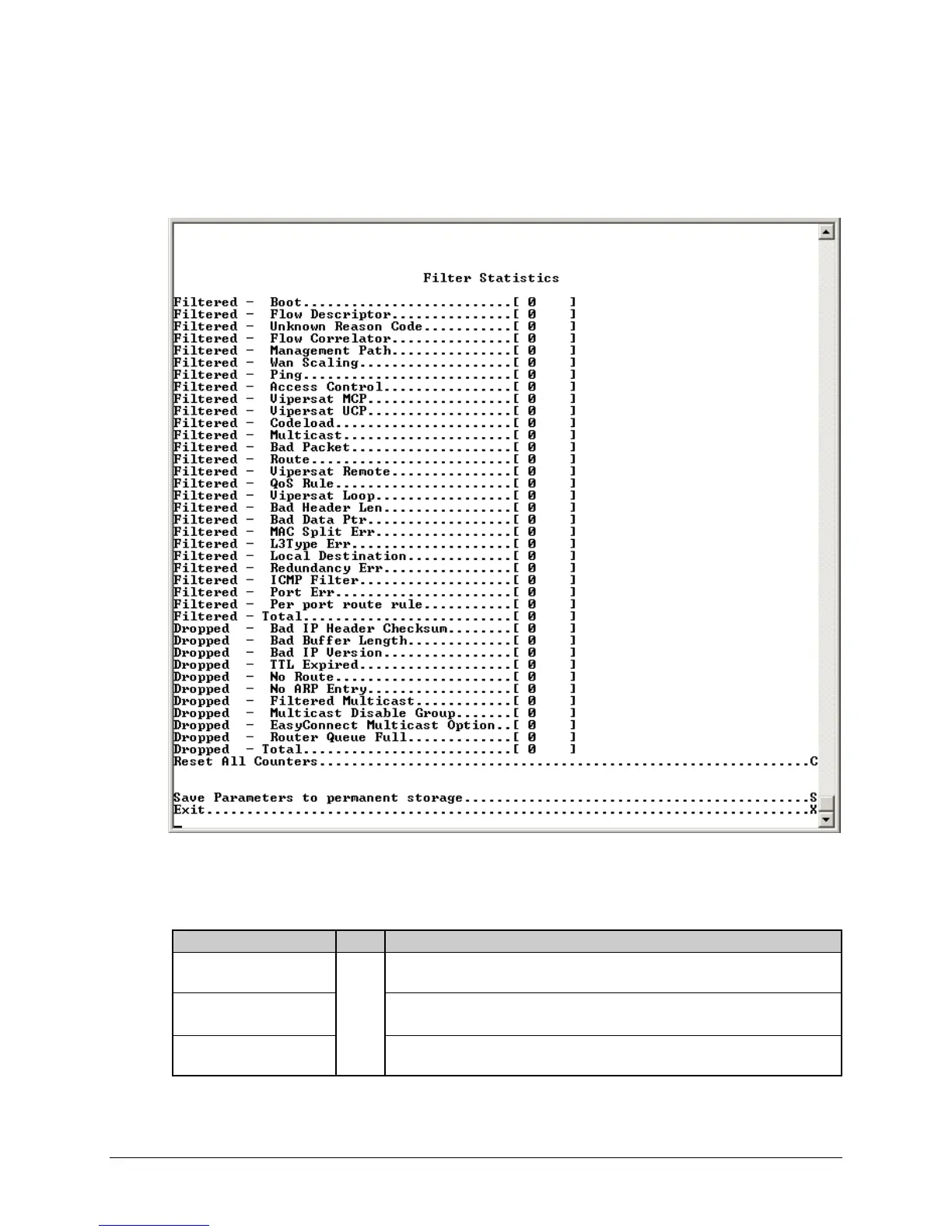
14.2.11.2.1.1 Filter/Drop Statistics Page
Activate the Filter/Drop Statistics page from the Statistics for IP Routing/EasyConnect page.
This page displays counts of the number of packets filtered or dropped in the IP Module.
Figure 14-39. Filter/Drop Statistics page
The Filter/Drop Statistics page contains the following options/fields:
Selection Entry Description
Filtered – Boot
[RO]
Packets are filtered while booting.
Filtered – Flow Descriptor
1. Packet are Filtered due to a Multicast packet classified as UNICAST packet.
2. Packets are filtered due to offline modem receiving packet from WAN port.
Filtered – Unknown
Reason Code
Packets dropping due to reasons not listed here.



 To Next Page