CDM-570/570L Satellite Modem with Optional IP Module Revision 12
Ethernet IP Module Interface MN/CDM570L.IOM
13–19
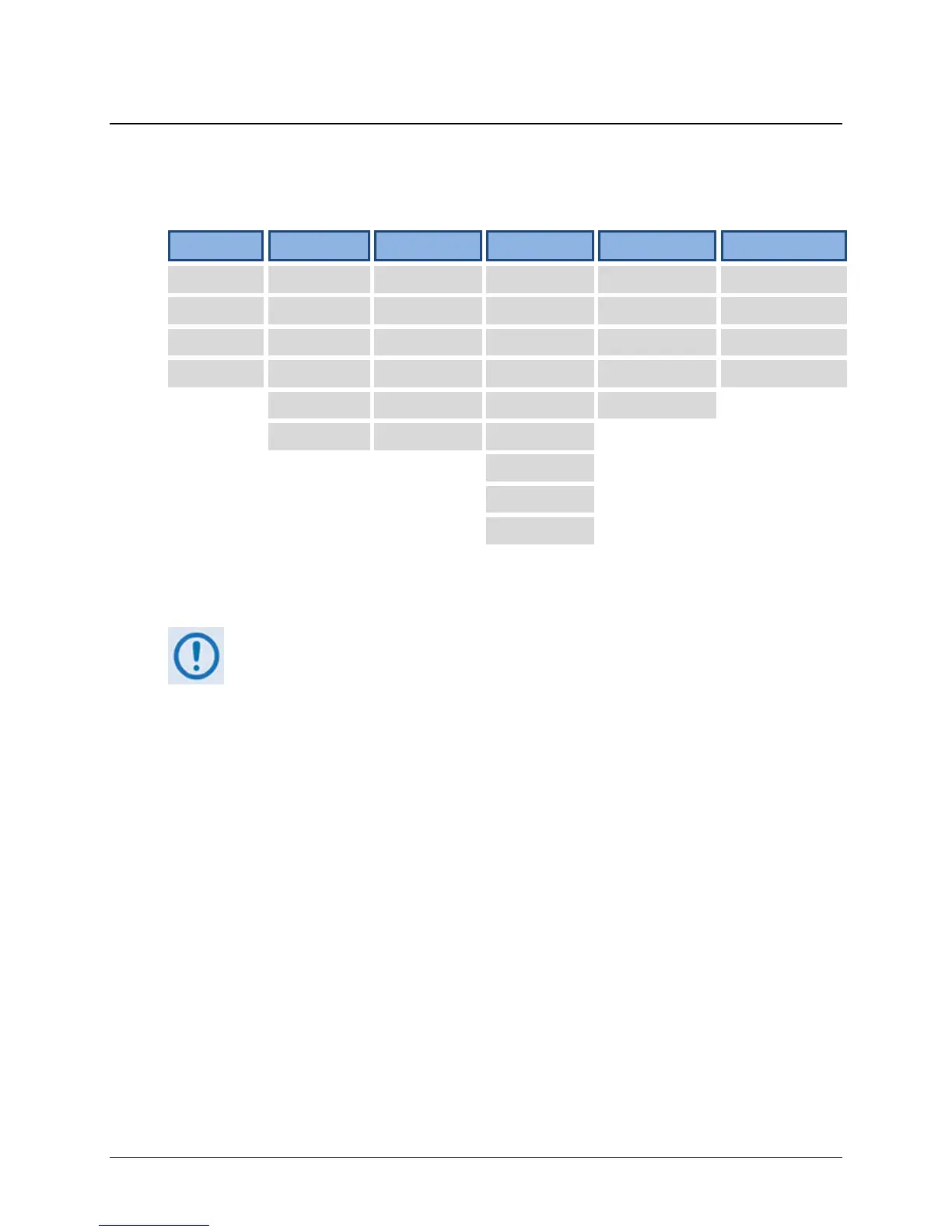
13.6.1.2 IP Module HTTP Interface Menu Tree
The options available through the CDM-570/570L IP Module HTTP Interface are illustrated via
the following menu tree:
Home Admin Modem IP Stats Maint
Home Summary Modem Interface Ethernet Unit Info
Contact Mode Utilities Routes Routes Operations
Support Access Status Multicast
QoS*
1
Save
Logoff Features Logs QoS Mode*
1
WAN Reboot
Remote BUC
2
QoS*
1
Compression*
1
Encryption*
1
LNB
2
ARP
VLAN
IGMP
Redundancy
Beyond the top-level row of navigation tabs (shown in blue), the diagram shows the available
nested hyperlinks (shown in grey) that afford more specific functionality
1. * indicates a FAST Feature that is accessible from the interface only after
that option has been purchased and activated via the CDM-570/570L front
panel.
See Appendix C. FAST ACTIVATION PROCEDURE for more information.
2. The ‘BUC’ and ‘LNB’ hyperlinks are available only on the CDM-570L Base
Modem and IP Module HTTP Interfaces. They provide the means to monitor
and control a Block Upconverter or Low-Noise Block Down Converter
connected to the CDM-570L.
See Appendix L. CDM-570L ODU (BUC, LNB) OPERATION for complete
details on ODU operations via the CDM-570L Base Modem and IP Module
HTTP Interfaces.
Click any tab or hyperlink to continue.



 To Next Page