CDM-570/570L Satellite Modem with Optional IP Module Revision 12
Ethernet IP Module Interface MN/CDM570L.IOM
13–36
13.6.2.3.4 Modem | Logs
For detailed information about the configuration parameters available on this
page, see Chapter 5. FRONT PANEL OPERATION.
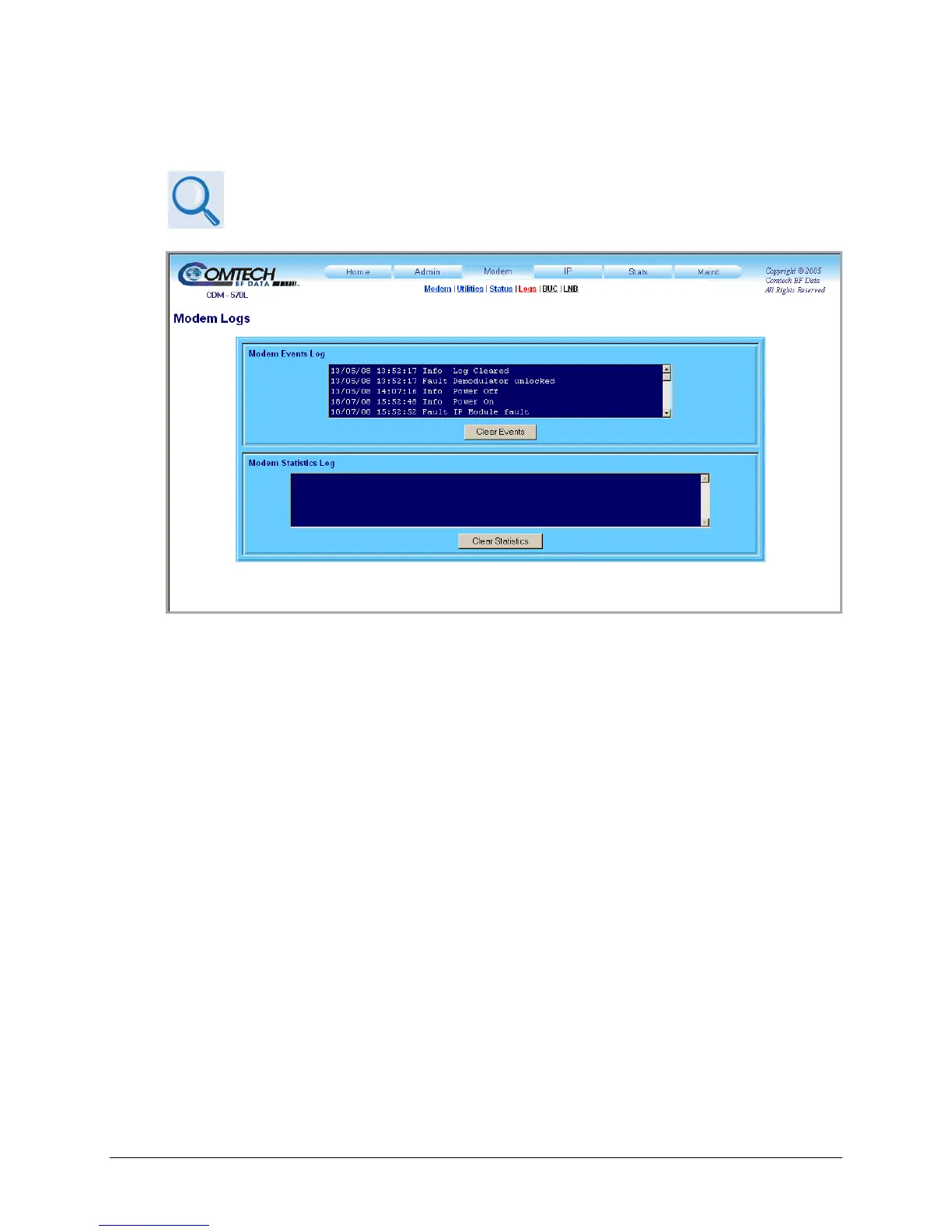
Figure 13-16. Modem | Logs page
Use this read-only page to view Faults and Alarms (i.e., Modem Events) as logged by the unit,
and to view modem operating statistics.
Click [Clear Events] to delete all existing log entries from the Modem Events Log. The log is
then reset to one (1) entry: “Info: Log Cleared”.
Click [Clear Statistics] to delete all existing entries from the Modem Statistics Log.



 To Next Page