CDM-570/570L Satellite Modem with Optional IP Module Revision 12
Ethernet IP Module - CLI and Telnet Operation MN/CDM570L.IOM
14–43
14.2.9.3 Framing Mode Configuration
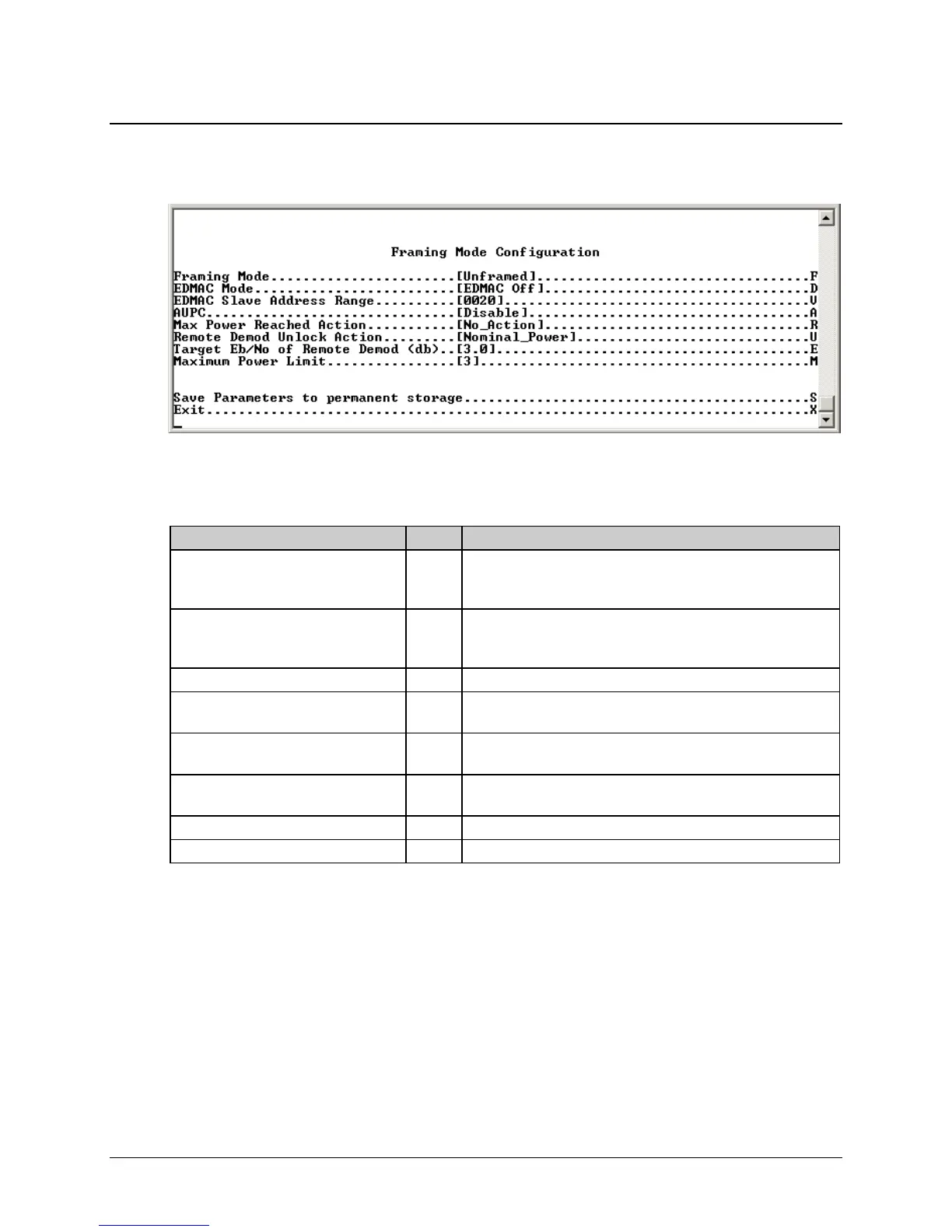
Activate the Framing Mode Configuration page from the Configuration page.
Figure 14-28. Framing Mode Configuration Page
The Framing Mode Configuration page contains the following options/fields:
Selection Entry Description
Framing Mode F 1 – Unframed
2 – EDMAC Framing
3 – EDMAC-2 Framing
EDMAC Mode D 1 – Unframed
2 – EDMAC Framing
3 – EDMAC-2 Framing
EDMAC Slave Address Range V Enter a value from 10 to 9990 in multiples of ten.
AUPC A 1 – Enable
2 – Disable
Max Power Reached Action R 1 – No_Action
2 – Generate_TX_Alarm
Remote Demod Unlock Action U 1 – Nominal_Power
2 – Maximum_Power
Target E
b
/N
0
of Remote Demod (db)
E Enter a value from 0.0 to 9.9
Maximum Power Limit M Enter a value from 0 to 9



 To Next Page