CDM-570/570L Satellite Modem with Optional IP Module Revision 12
Ethernet IP Module Interface MN/CDM570L.IOM
13–55
IGMP Table
This read-only table lists the IGMP Groups that are active on the modem. This includes the Time
to Live for the entry; the State (Idle, Active, or Closing); and the Multicast IP Address.
Click [Submit] to save the changes made on this page.
13.6.2.4.9 IP | Redundancy
See Appendix H. IP REDUNDANCY for detailed information on the use of the
CDM-570/570L Satellite Modem in redundant operations.
The CDM-570/570L Satellite Modem, when connected to a Comtech EF Data redundancy
switch, provides fully-automatic protection of IP packet traffic in the case of equipment failure.
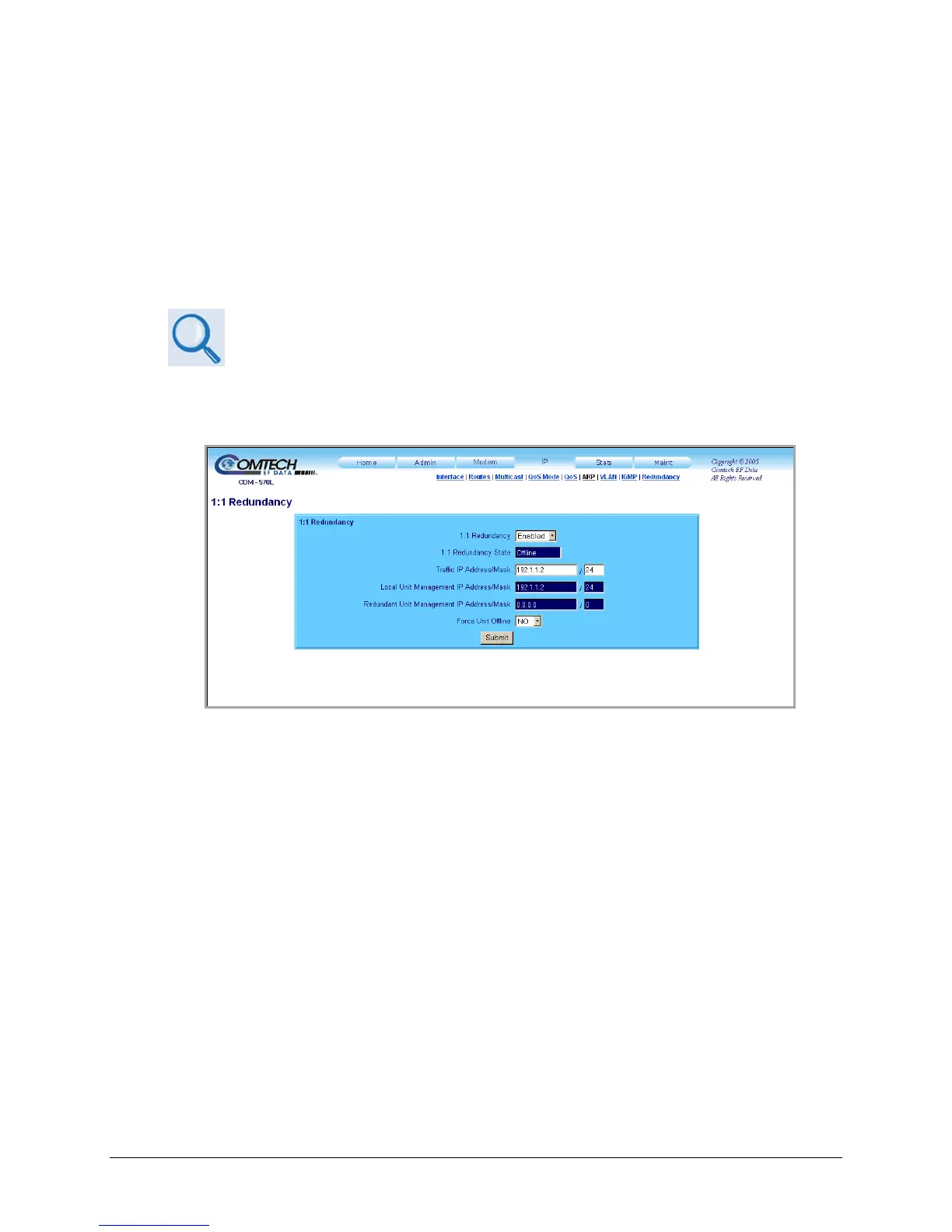
Use this page to configure redundant monitor and control capabilities.
Figure 13-28. IP | Redundancy page
Adjust redundancy operating parameters as follows:
• 1:1 Redundancy – Use the drop-down menu to select Enabled or Disabled.
• Traffic IP Address/Mask – Enter in format: xxx.xxx.xxx.xxx / xx
• Force Unit Offline – Use the drop-down menu to select Yes or No.
Additionally, read-only information is provided on the redundant configuration as follows:
• 1:1 Redundancy State – Displays the status as Online or Offline.
• Local Unit Management IP Address/Mask
• Redundant Unit Management IP Address/Mask
Click [Submit] to save the changes made on this page.



 To Next Page