CDM-570/570L Satellite Modem with Optional IP Module Revision 12
Ethernet IP Module - CLI and Telnet Operation MN/CDM570L.IOM
14–2
For connection via Telnet: The user PC must have network connectivity to the Traffic Ethernet
Port of the IP Module. This connectivity can be via a local LAN, a remote LAN, or via a satellite
link from another IP modem. The Ethernet Speed Mode is a configurable parameter of the IP
Module and, as such, its exact setting can vary between specific installations.
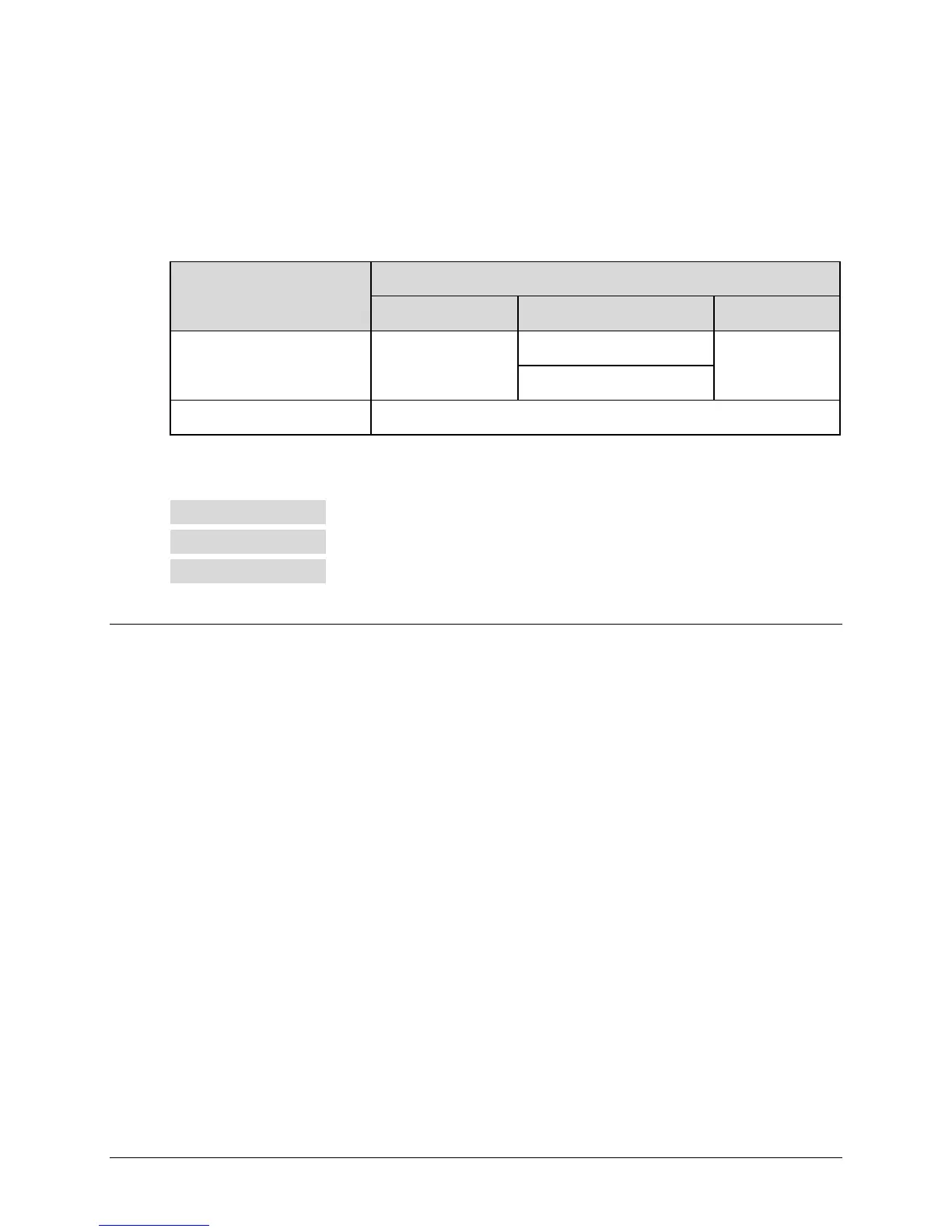
The CLI and Telnet User Access Levels are defined as follows:
User Interface
User Login Access Level
Admin User Read/Write User Read Only User
Telnet
Full Access – all
menus
No Access to Admin Menu
No Access
Full Access all other menus
CLI (direct to Console port) Full Access – no Login
The factory defaults for user names/passwords are as follows:
Admin comtech/comtech
Read/Write opcenter/1234
Read Only monitor/1234
14.2 CLI Menu Pages
Interface Appearance: The remaining sections in this chapter show the CLI pages as they
appear with a user-supplied HyperTerminal terminal emulator. The appearance of this interface
may vary across individual user configurations. Therefore, a complete interface window is
depicted in Figure 14-1 on
ly.
Each chapter section shows the designated menu page and a brief description of its functionality.
A table provides detailed information:
• Selection: The name of the function or command as it appears on the menu page.
• Entry: The letter or number assigned as the keystroke/mnemonic for execution of that
function or command. Where the Entry column for a tabulated menu feature is
designated as [RO], this means that the pertinent menu option or field is a read-only
feature.
• Description: The detailed explanation of the function or command. Where applicable,
command modifiers used to execute a specific action are also specified.
Common Interface Options/Fields: The following menu functions are typical for all primary
and nested screens:



 To Next Page