CDM-570/570L Satellite Modem with Optional IP Module Revision 12
Ethernet IP Module Interface MN/CDM570L.IOM
13–51
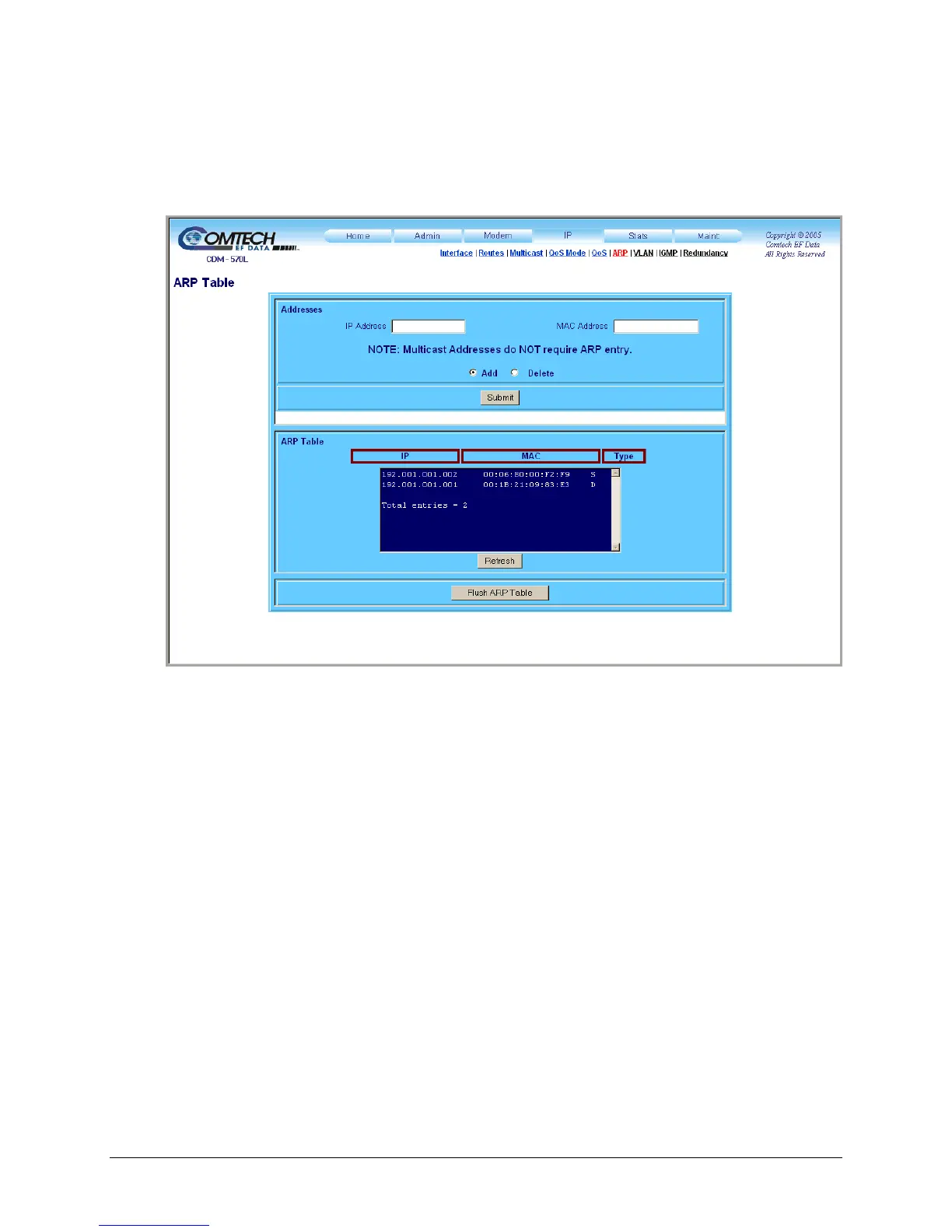
13.6.2.4.6 IP | ARP
Use this page to view all current ARP entries (both Static and Dynamic), or to directly edit any of
the current static ARP entries.
Figure 13-25. IP | ARP page
Addresses
• IP Address – Enter the IP Address (format XXX.XXX.XXX.XXX).
• MAC Address – Enter the MAC Address (format YY:YY:YY:YY:YY:YY).
• Add – Click to directly add a Static ARP entry. Click [Submit] to add the entry will be to the
ARP Table for processing.
• Delete – Click to flag a Static ARP entry for removal from the ARP Table. Click [Submit] to
delete the ARP entry will be deleted from the ARP Table.
Click [Submit] to save the ARP values entered on this page.
ARP Table
This read-only table list the ARP entries by IP address, MAC address, and entry Type (‘S’ =
Static; ‘D’ = Dynamic).



 To Next Page