CDM-570/570L Satellite Modem with Optional IP Module Revision 12
Ethernet IP Module - CLI and Telnet Operation MN/CDM570L.IOM
14–7
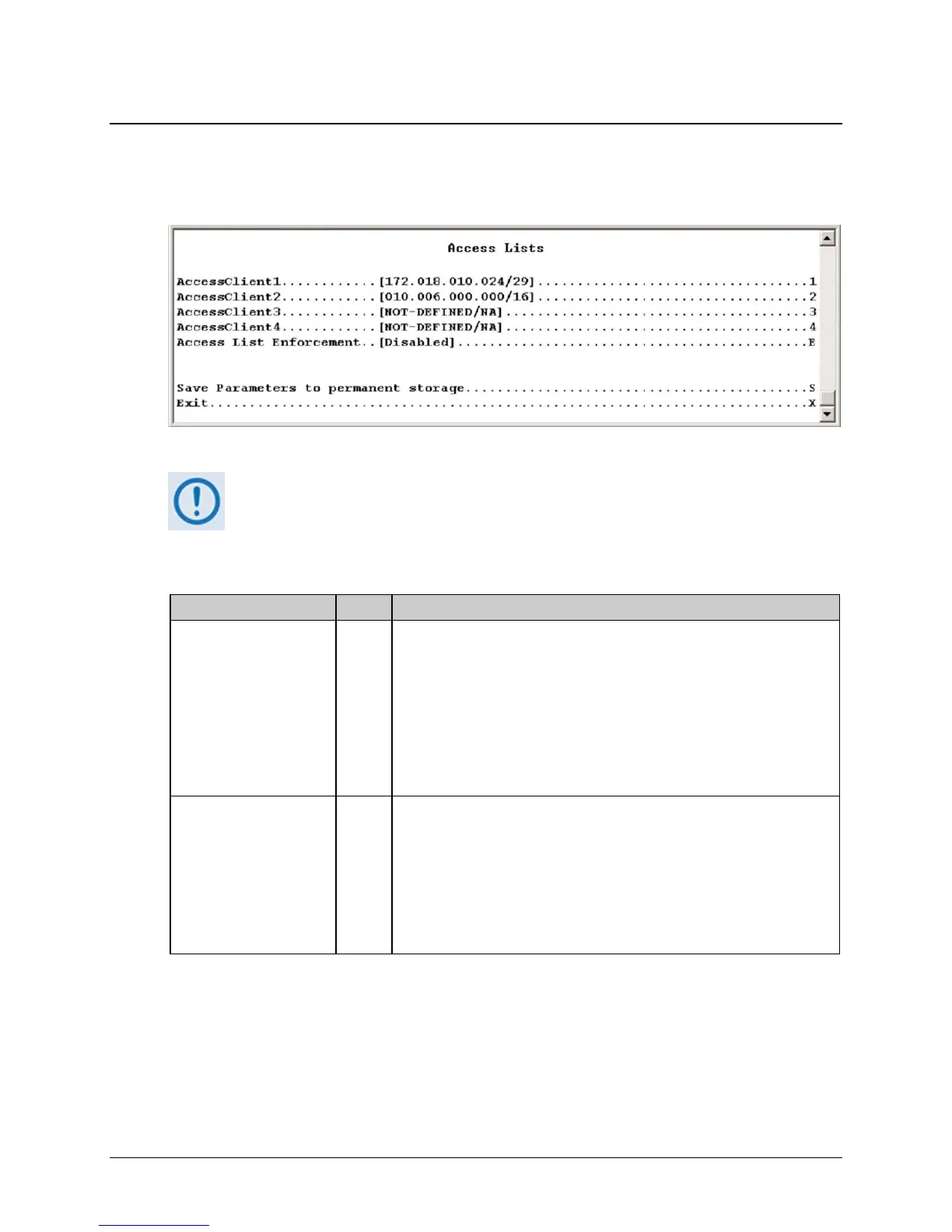
14.2.2.2 Access Lists Page
Activate the Access Lists page from the Administration page. Use this page to limit monitor and
control access to the unit from a specified list of authorized clients.
Figure 14-4. Access Lists page
If connecting to the IP modem remotely, be sure to include the IP address of
the machine used to manage the IP modem in the Access List.
The Access Lists page contains the following options/fields:
Selection Entry Description
AccessClient1 – 4 1 – 4 Defines which remote clients can connect when the Access List
Enforcement is enabled. Use each entry to specify an IP Address or a
subnet mask to define a unique class of machines that are allowed access.
For example, if access is to be granted to a PC with an IP Address of
10.10.10.1 and any PC on a subnet of 192.168.10.xxx, then the Access List
would be defined as:
AccessClient1 …[10.10.10.1/32]
AccessClient2…. [192.168.10.0/24]
Access List Enforcement E Grants access via ping, Telnet, HTTP, FTP, and SNMP to a well-defined list
of client machines.
Toggle [Enabled] or [Disabled].
If Enabled then only those machines specified in the Access Client List are
allowed to connect via ping, Telnet, HTTP, and SNMP.
If Disabled then any client machine is able to connect via ping, Telnet,
HTTP, FTP, and SNMP.



 To Next Page