CDM-570/570L Satellite Modem with Optional IP Module Revision 12
Front Panel Operation MN/CDM570L.IOM
5–4
5.1.3 Vacuum Fluorescent Display (VFD)
The CDM-570/570L features a Vacuum Fluorescent
Display (VFD). The VFD is an active display showing
two lines of 24 characters each. It produces a blue
light, the brightness of which can be user-controlled.
Compared to a Liquid Crystal Display (LCD), it has greatly superior viewing characteristics and
does not suffer problems of viewing angle or contrast.
On most menu screens, a flashing solid block cursor blinks at a once-per-second rate. This
indicates the currently selected item, digit, or field. Where it might obscure the item being edited
(e.g., a numeric field), the solid block cursor automatically changes to an underline cursor.
If the operating unit is left displaying the same screen for weeks at a time, the VFD could become
‘burnt’ with this image. To prevent such ‘burn-in’ a ‘screen saver’ feature activates after 1 hour.
The screen saver message moves from right to left across the screen, then wraps around. The
user-configurable Circuit ID displays on the VFD top line, while the bottom line displays the
demod lock state (i.e., ‘Demod not locked.’ or the circuit E
b
/N
0
value if the demod is
locked) followed by ‘Press any key...’. Press any key to return to the previous screen.
5.2 CDM-570/570L Front Panel Menus
5.2.1 Opening Screen
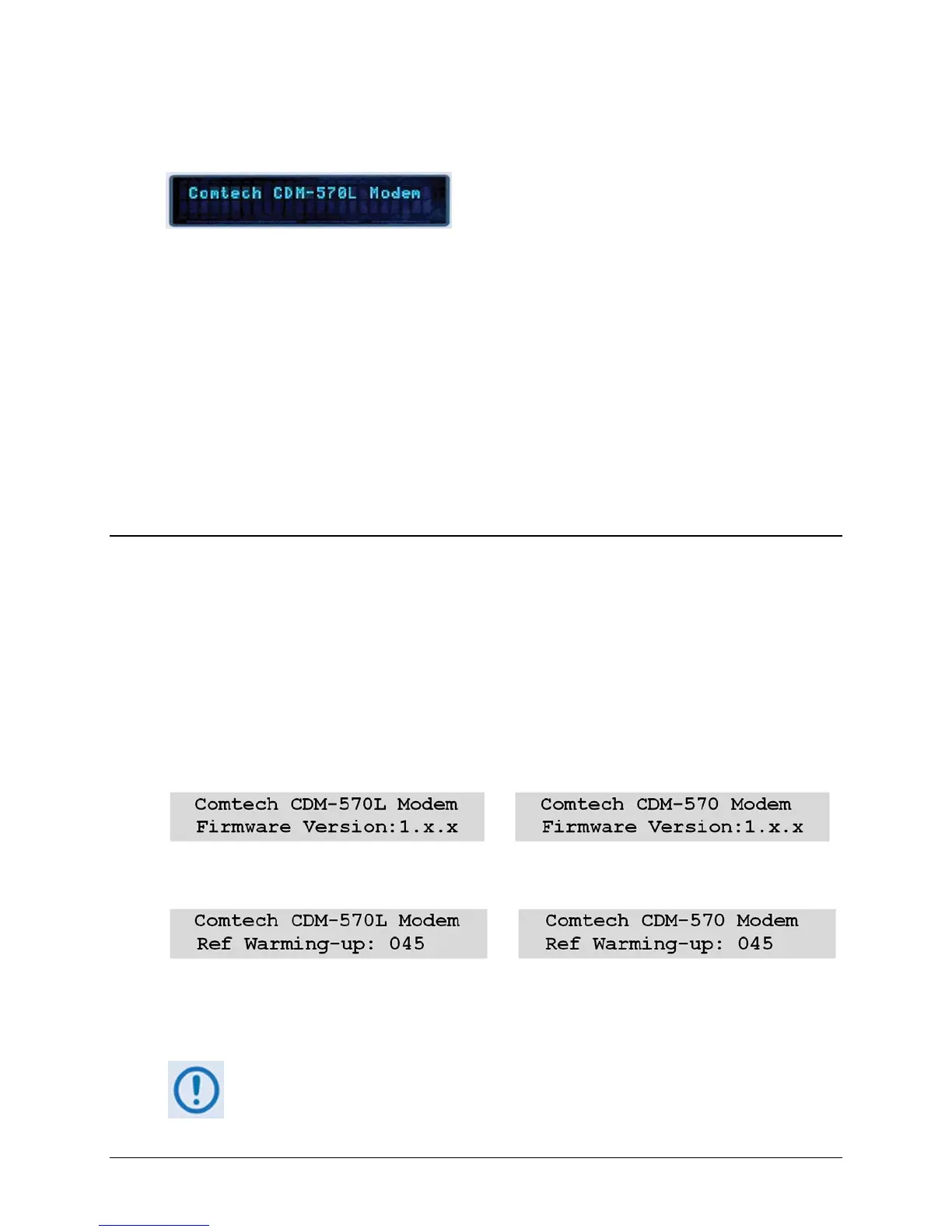
The opening screen displays whenever power is first applied to the modem; from any other nested
menu, it is accessible by repeatedly pressing CLEAR. Otherwise, press any other key to advance
to the Select: (Main) menu screen.
If the Internal Reference warm-up delay feature is disabled (refer to SELECT:UTILÆ
REFERENCEÆ Warm-up Delay later in this chapter), depending on the modem type, one of the
following screens displays:
If, however, the Internal Reference warm-up delay feature is enabled, one of the following
screens displays:
The bottom line counts down, in seconds, the time remaining for the warm-up period. During this
period, the Tx Carrier is deliberately muted. At the end of the warm-up period, the bottom line
reverts to the ‘normal’ opening screen display (i.e., it displays the modem Firmware version), and
the modem enters into its normal operational state.
Bypass (override) the warm-up period at any time by pressing the CLEAR key.



 To Next Page