CDM-570/570L Satellite Modem with Optional IP Module Revision 12
Appendix K MN/CDM570L.IOM
K–23
K.4.1.2 ODU (Outdoor Unit) pages
ODU Comms must be enabled in order to fully access the ‘ODU | Config’,
‘ODU | Status’, and ‘ODU | Utilities’ pages.
Monitor and control of the CSAT-5060 or KST-2000A/B ODU that is connected via FSK to the
CDM-570 is possible using the hyperlinked pages nested under the ‘ODU’ tab. These pages are
accessible only when an ODU is configured for operation with the CDM-570.
All ODU pages can be viewed by all three levels of user login. However, only a user with
Administrative or Read/Write privileges can submit changes to the ‘ODU | Config’ and ‘ODU |
Utilities’ pages.
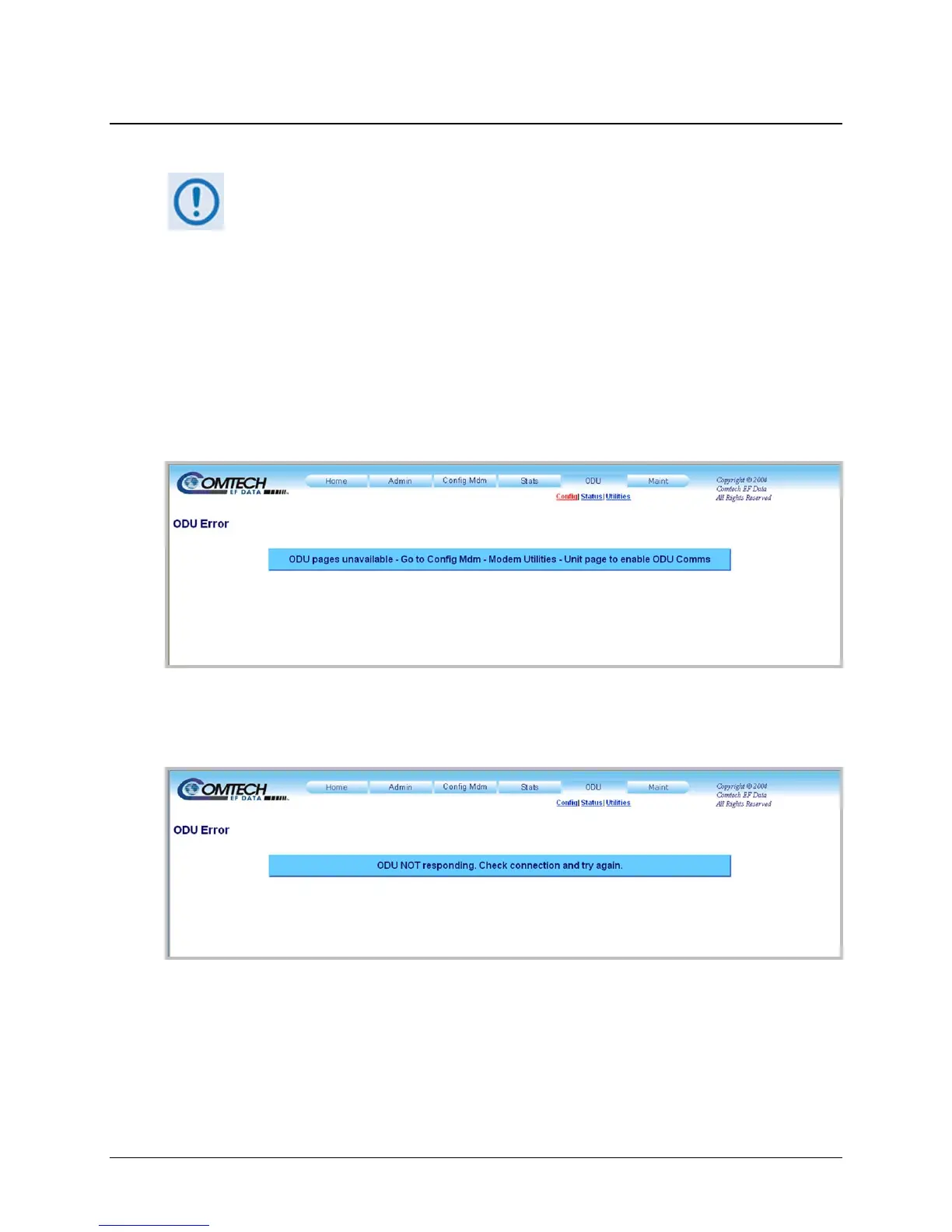
If access to the ODU pages is attempted and communications parameters have not been properly
established on the CDM-570 end, the following error page is displayed:
As indicated, ODU Comms must first be enabled via the ‘Config Mdm | Modem Utilities page
(see Sect.
7.3.3.2). For situations where other communications issues arise, e.g., a problem exists
with communication between the installed ODU and the CDM-570, the following error message
is displayed:
Refer to the pertinent ODU Installation and Operation Manual to troubleshoot the issue, or
contact Comtech EF Data Sales and Customer Support during normal business hours via the
means outlined on the ‘Home | Support’ page (see Sect 7.3.1.3).
Click the ‘ODU’ tab, and then click the Config, Status, or Utilities hyperlink to continue.



 To Next Page