DEQX User Manual
Speaker configuration mode
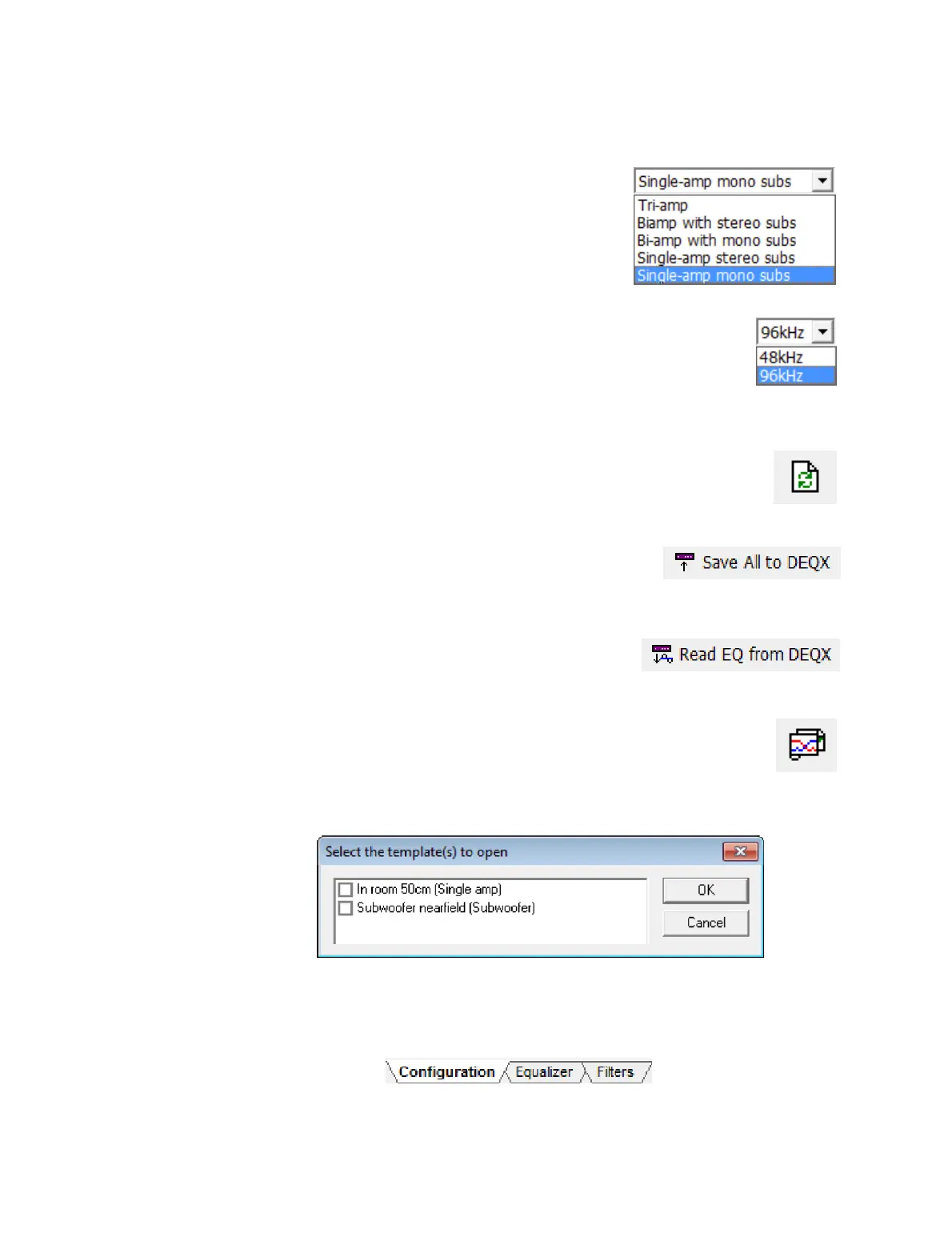
This drop-down selector sets the speaker
configuration mode for all profiles in this
configuration. It is initially set to the value chosen in
the configuration wizard. While it can be changed
later, some configuration data may be lost.
Sample rate
This drop-down selector sets the sample rate at which this
configuration operates. The 48 kHz option is to support
legacy DEQX products only. For current generation DEQX
products, always leave this set to 96 kHz.
Refresh Filters
This button updates the correction filters. Use it if any of the
filters have been changed in the calibration template, or
whenever viewing the Filters tab.
Save All to DEQX
This button uploads all profiles in the configuration to
the connected DEQX. See page 79.
Read EQ from DEQX
This button reads room EQ settings for all profiles
from the DEQX into the configuration. See page 102.
Open Template
This button opens the calibration template that created the correction
filters loaded into the selected profile. If no filters have been loaded,
this button is greyed out; if the filters have been loaded from a single
calibration template, it will be opened; if the filters have been loaded from more
than one calibration template, a dialog will allow you to select which to open:
The three tabs at the bottom of the window select the content to be displayed in the
main area. In most of this chapter, the Configuration tab is assumed to be selected. The
Equalizer tab is described on page 102 and the Filters tab on pages 76 and 78.



 To Next Page