ESAB Cutting Systems
CROSSBOW Page 100
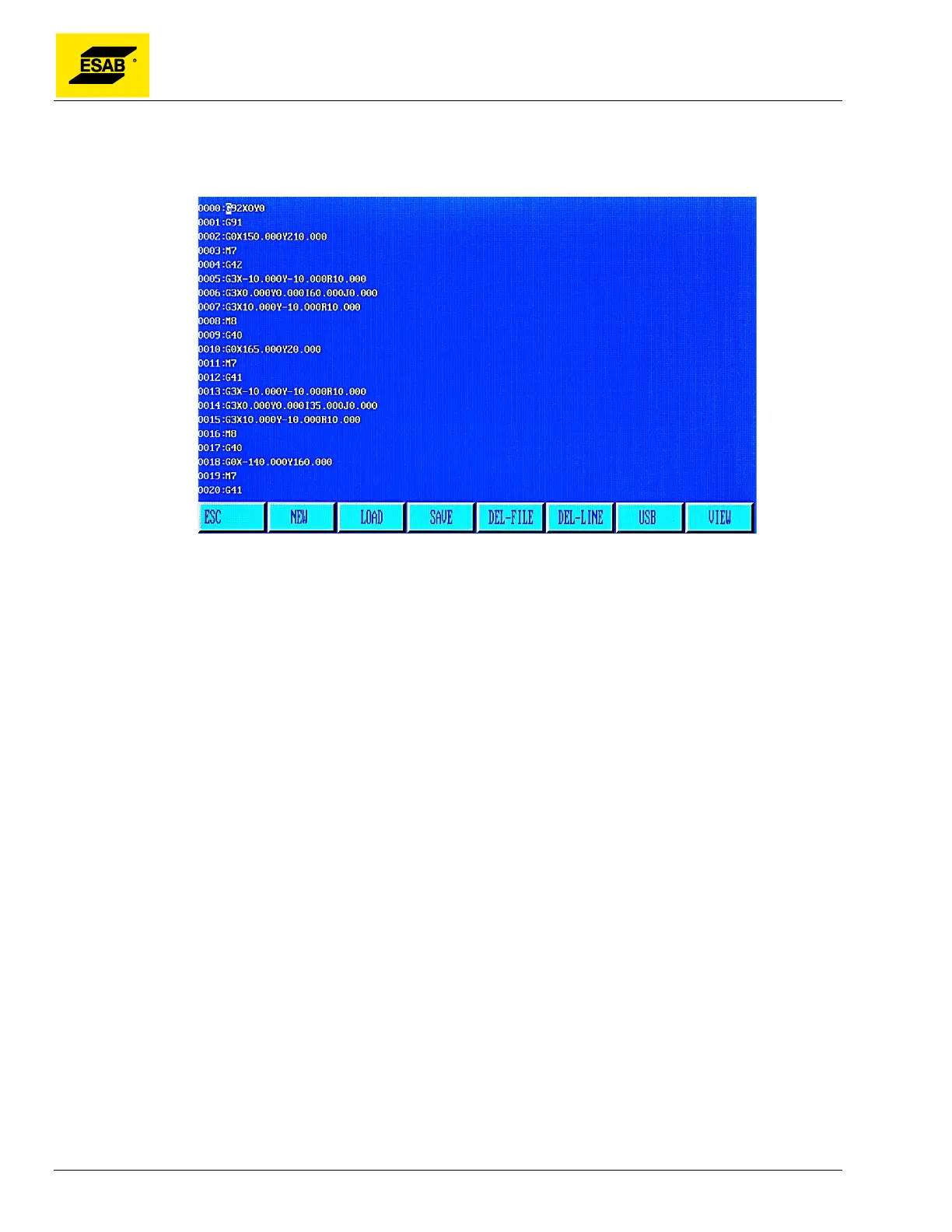
4.22 Edit Mode
From the Main Menu, press【F3】to select MANUAL:
Figure 78: Edit Mode Screen
The Edit Mode is used for creating part programs, selecting a program to run in the Auto Mode, saving
a program into the CNC’s program memory, deleting programs, loading programs from a USB disk, and
saving programs to a USB disk.
4.23 Edit Mode Menu Functions
4.23.1 【F1】NEW
Use this function to open the program editor with an empty, new file for editing. The program code can
be manually entered using the key panel. See section 4.27 for information about writing part programs.
4.23.2 【F2】LOAD
This function is used to load a program into the active program memory. When a program is loaded, it is
both displayed in the program editor and available for execution in the Auto Mode.
When【F2】is pressed, the system will display the listing of available programs in memory, and
highlight the current program name, as shown below:



 To Next Page