ESAB Cutting Systems
CROSSBOW Page 117
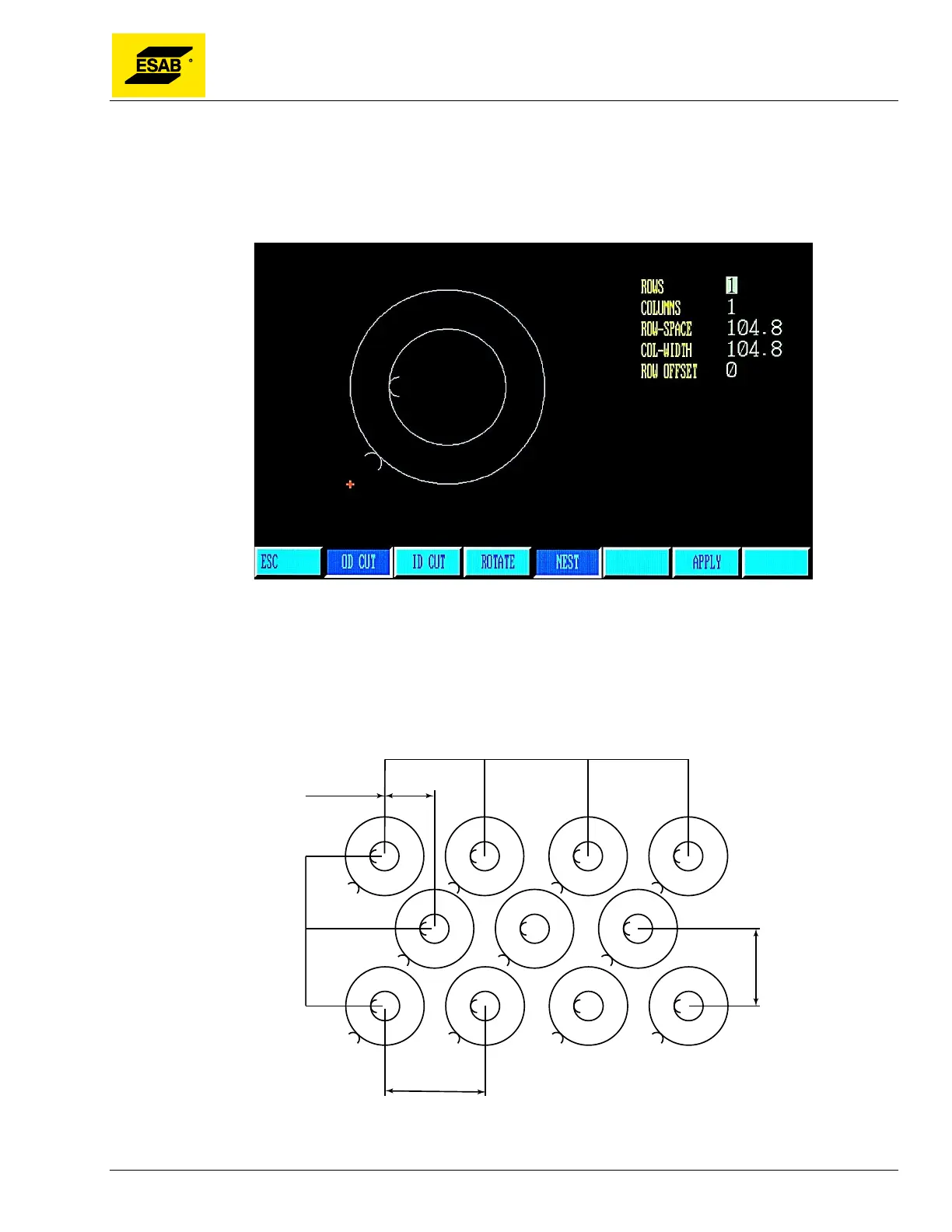
4.26.5 【F4】NEST
The Nest function is used to create a single part program that contains an array of the same parts
nested together. After the part dimensions have been entered and checked, press the 【F4】 key to
access the Nest function.
Figure 95: Shape Library NEST Function
Enter the desired parameters for number of rows and columns. The Row Height and Column Width will
be calculated automatically based on the size of the part, but may be changed manually for a better fit if
desired. . Optionally, the Row-Offset may be used for circular or other parts that fit better when every
other row is offset to the right.
Figure 96: Nesting Rows & Columns



 To Next Page