ESAB Cutting Systems
CROSSBOW Page 98
4.21 Manual Mode MORE Window (2
nd
Level) Functions
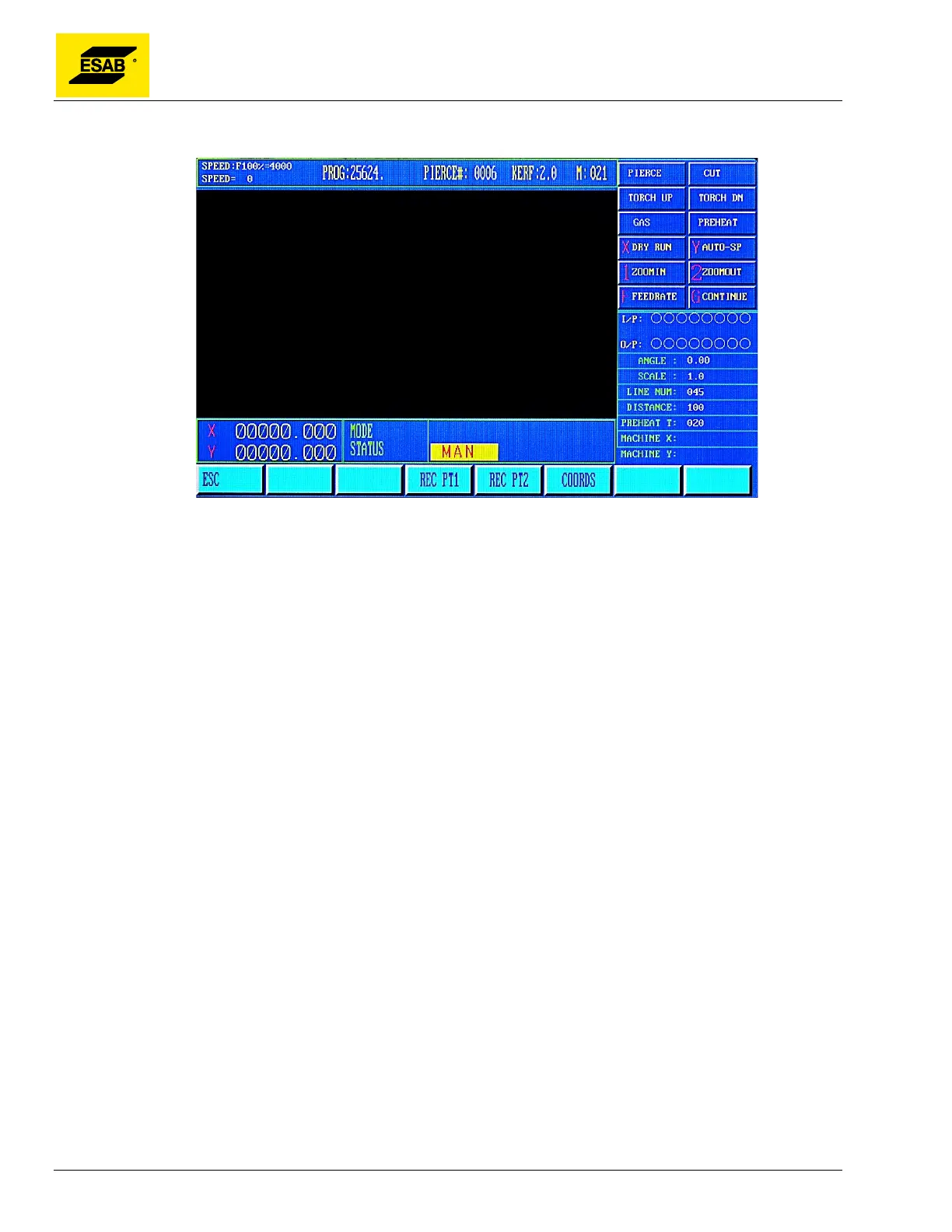
Figure 74: Manual Mode, MORE window
The 2
nd
level functions are accessed by selecting MORE, 【F3】 from the Manual Mode Menu. To
return to the Manual Mode Menu, press the 【ESC】 key.
4.21.1 【F3】REC PT1 and【F4】REC PT2 (Plate Alignment)
These functions are used to perform a Plate Alignment measurement. This allows the machine to be
used to measure the rotation angle of a plate that is not positioned perfectly parallel to the machine’s
rail. The torch is jogged to two points along the front edge of the plate, and the angle is automatically
calculated and recorded in the CNC.
To use the Plate Alignment function, jog the torch to a point on the edge of the plate, then Record Point
1 by pressing the【F3】key. Next, jog the torch to a second point along the edge of the plate, then
Record Point 2 by pressing the【F4】key. The larger the distance between the two recorded points,
the more accurate the measurement.
After Point 2 is recorded, the system will calculate the rotation angle and automatically activate
Program Rotation, as indicated by ROTATE in the Mode/Status Indicator area on screen. The angle is
also displayed in the Operating Parameters area on screen.



 To Next Page