ESAB Cutting Systems
CROSSBOW Page 78
4.12 Auto Mode MORE Window (2
nd
Level) Functions
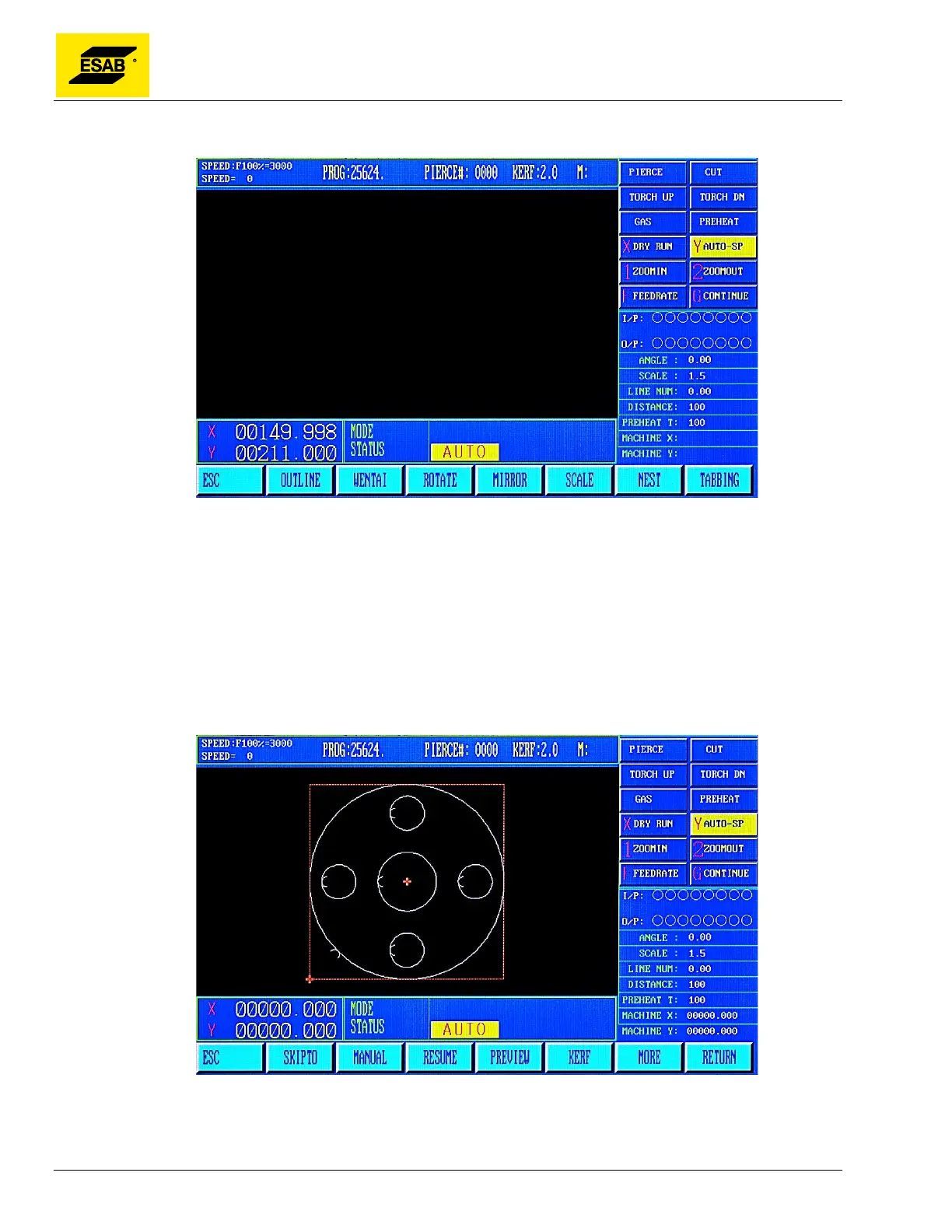
Figure 47: Auto Mode, MORE window
The 2
nd
level functions are accessed by selecting MORE, 【F6】 from the Auto Mode Menu. To return
to the Auto Mode Menu, press the 【ESC】 key.
4.12.1 【F1】OUTLINE Function
The OUTLINE function is used to check if a program or nest will fit on a plate. In this mode, the
machine will execute a high-speed rectangle that encompasses the entire part or nest size, and the
torch motion can be watched to see if it stays within the bounds of the plate.
Figure 48: OUTLINE Function



 To Next Page